Graphic Design
Posters
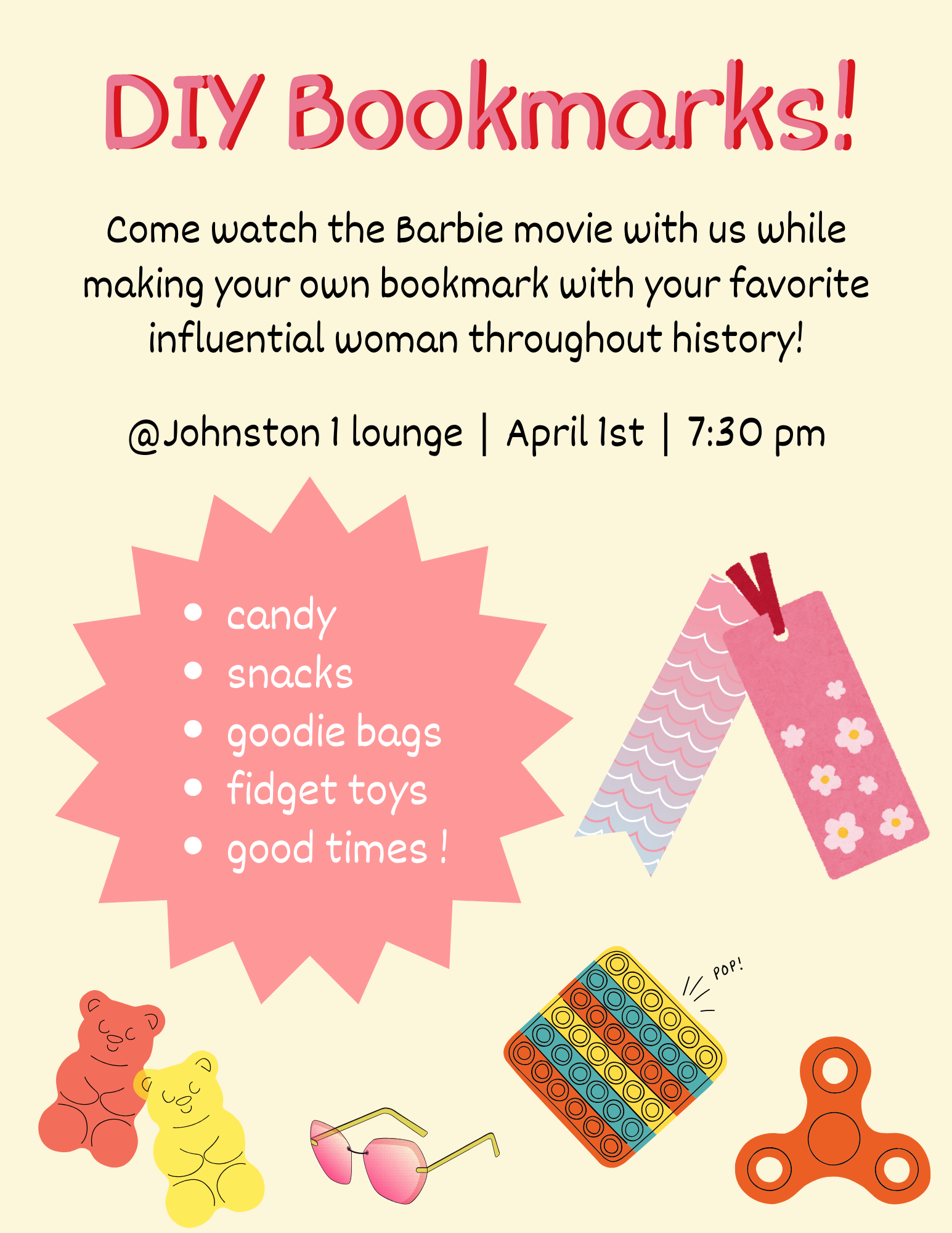
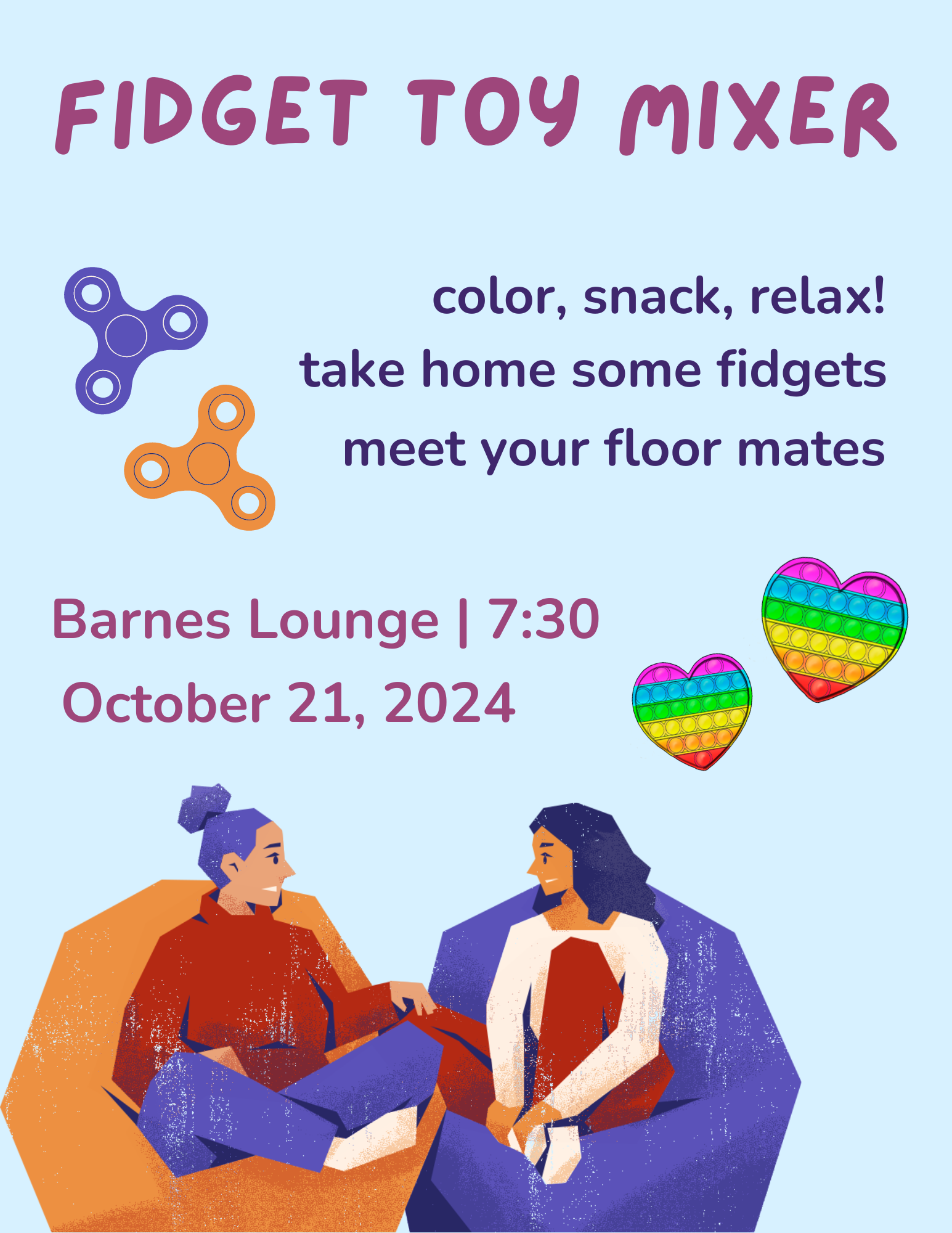
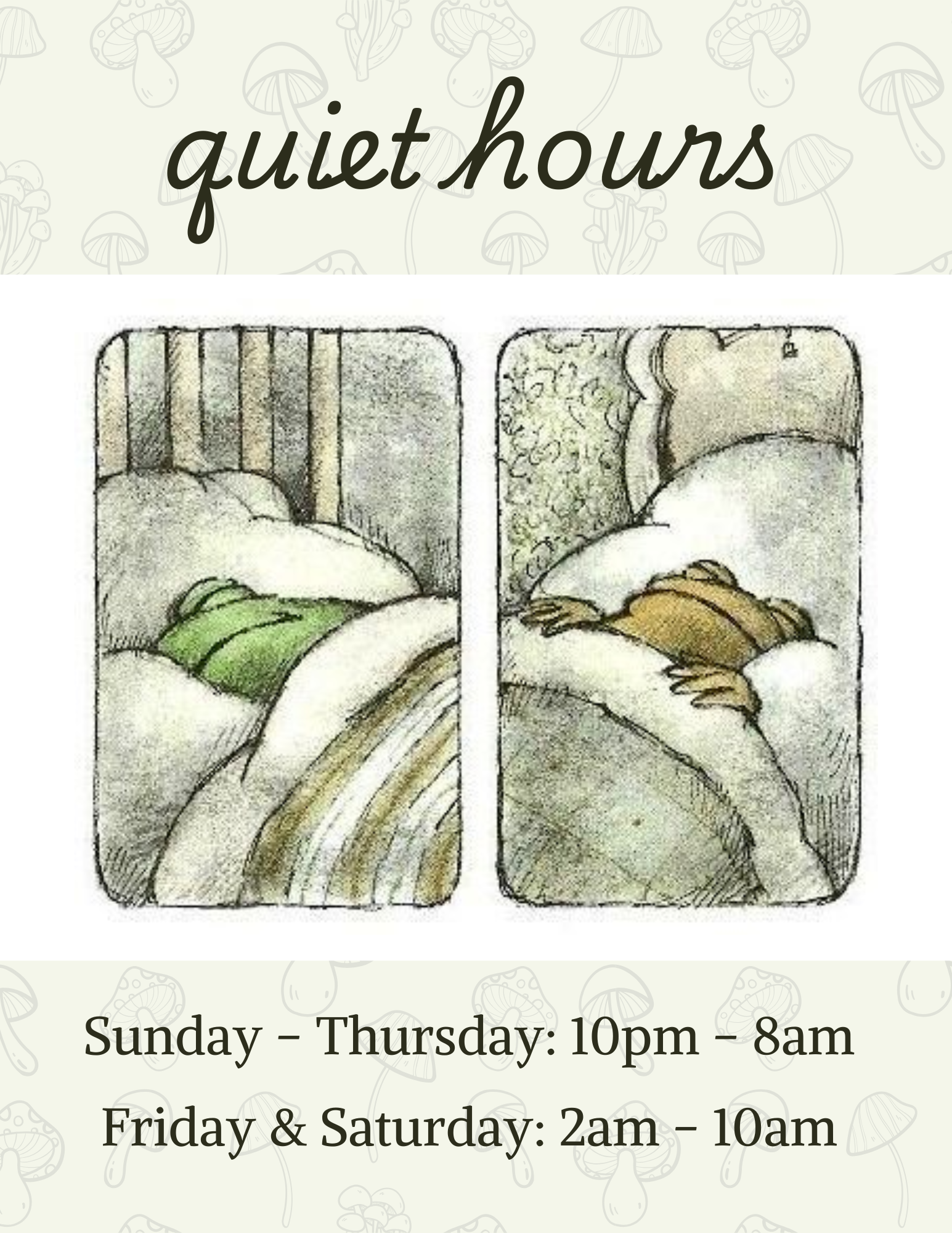
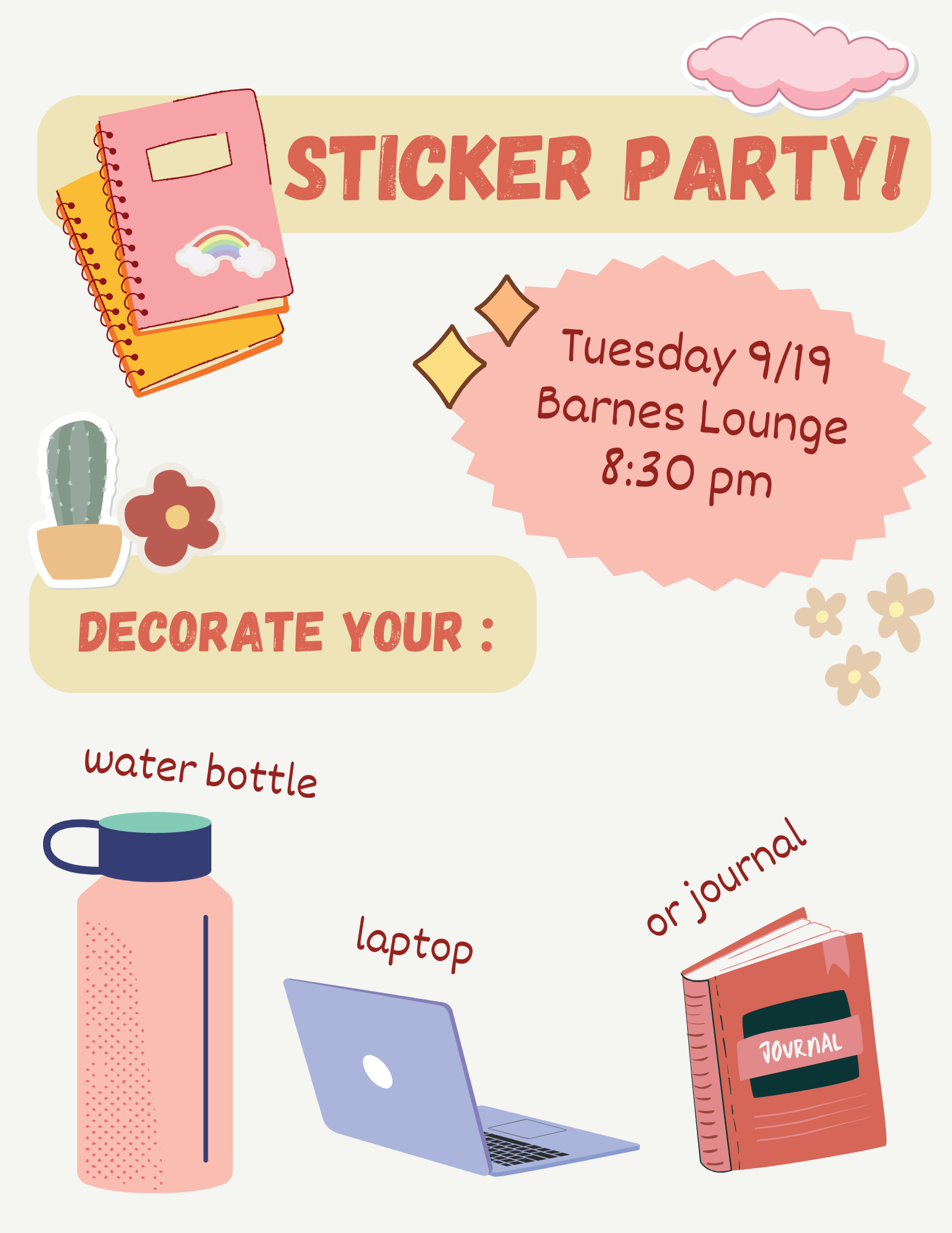
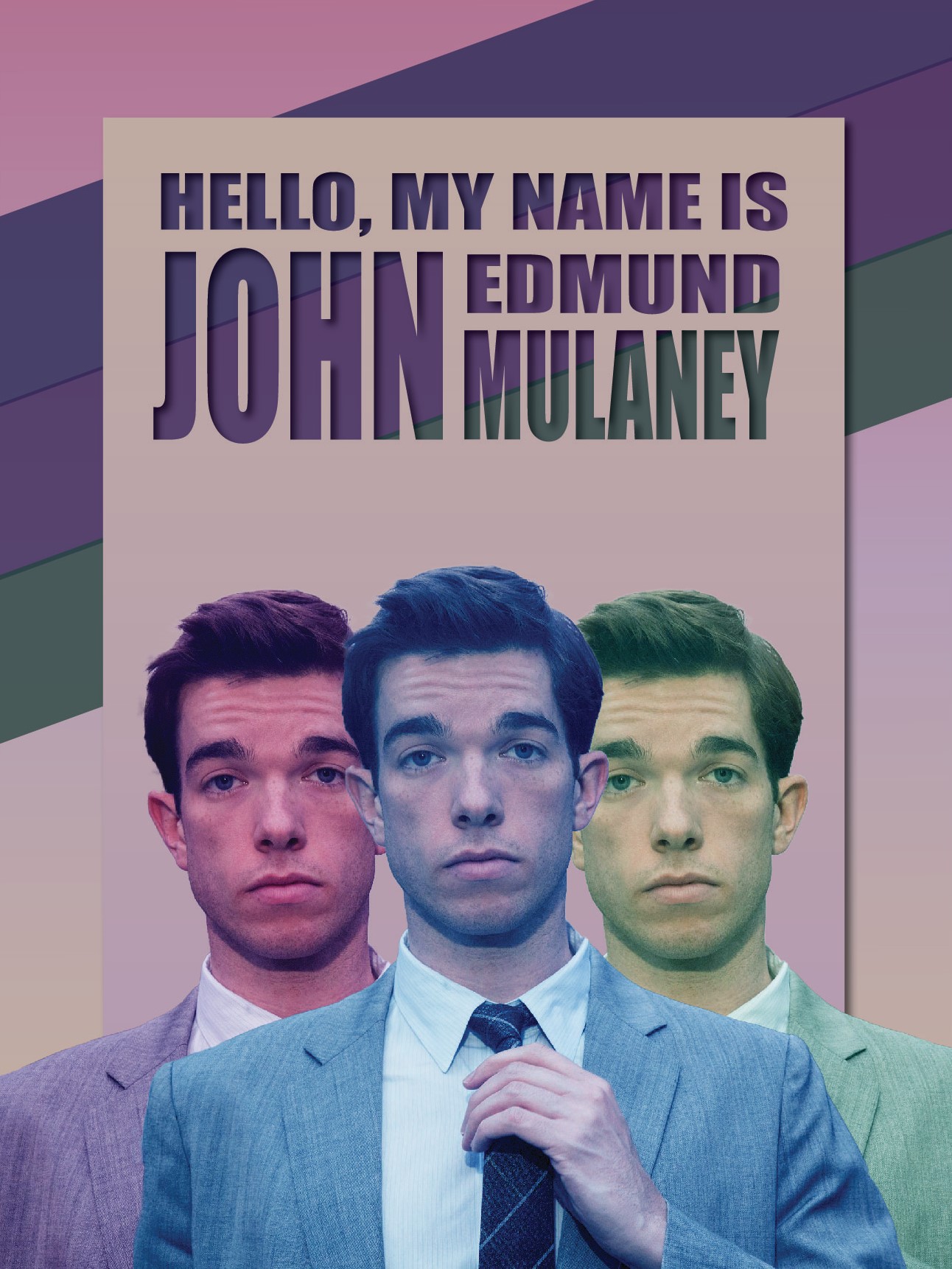
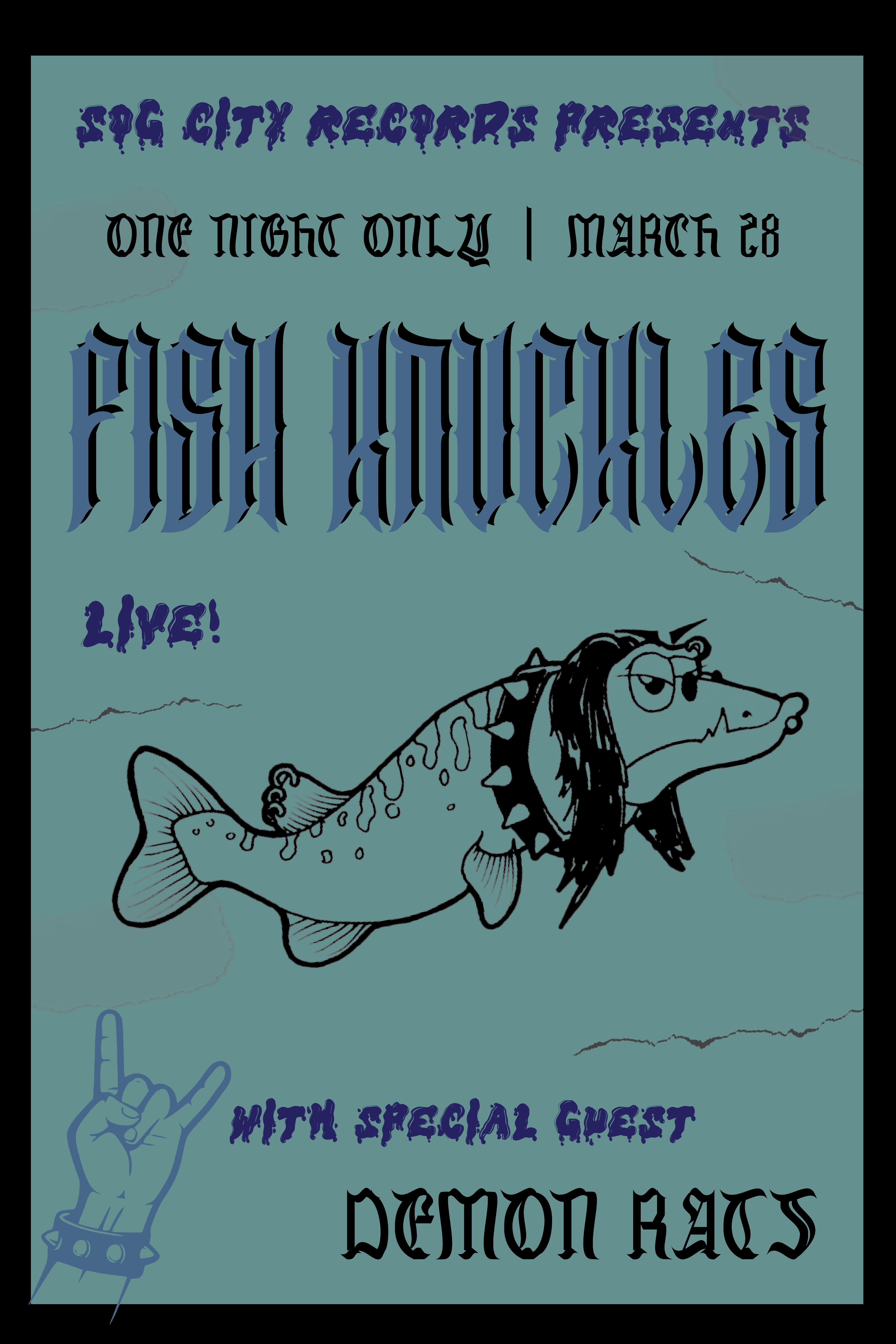
Here you will find a collection of the posters I have made throughout my time in college as a Resident Assistant. These were all made in Canva using their graphics.
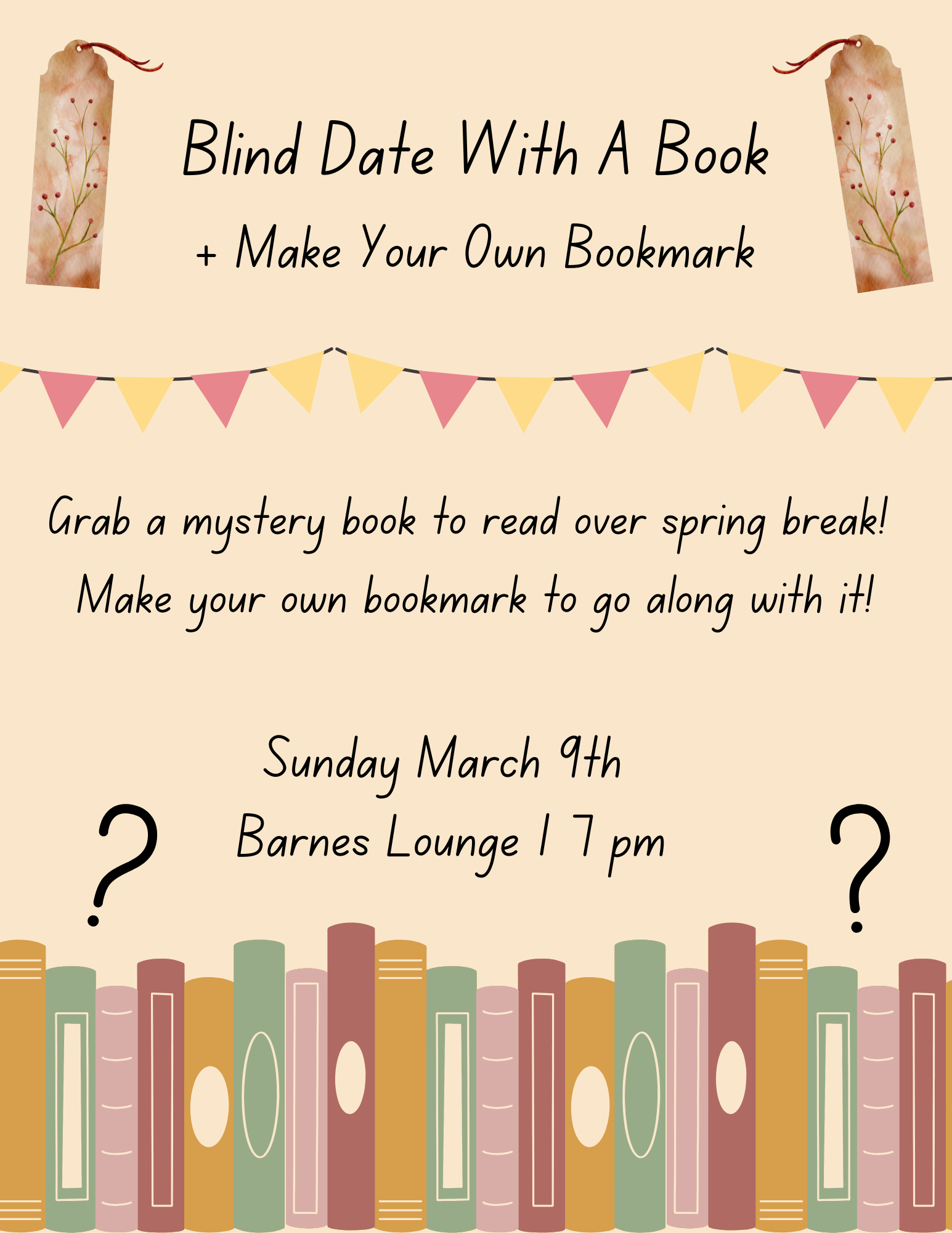
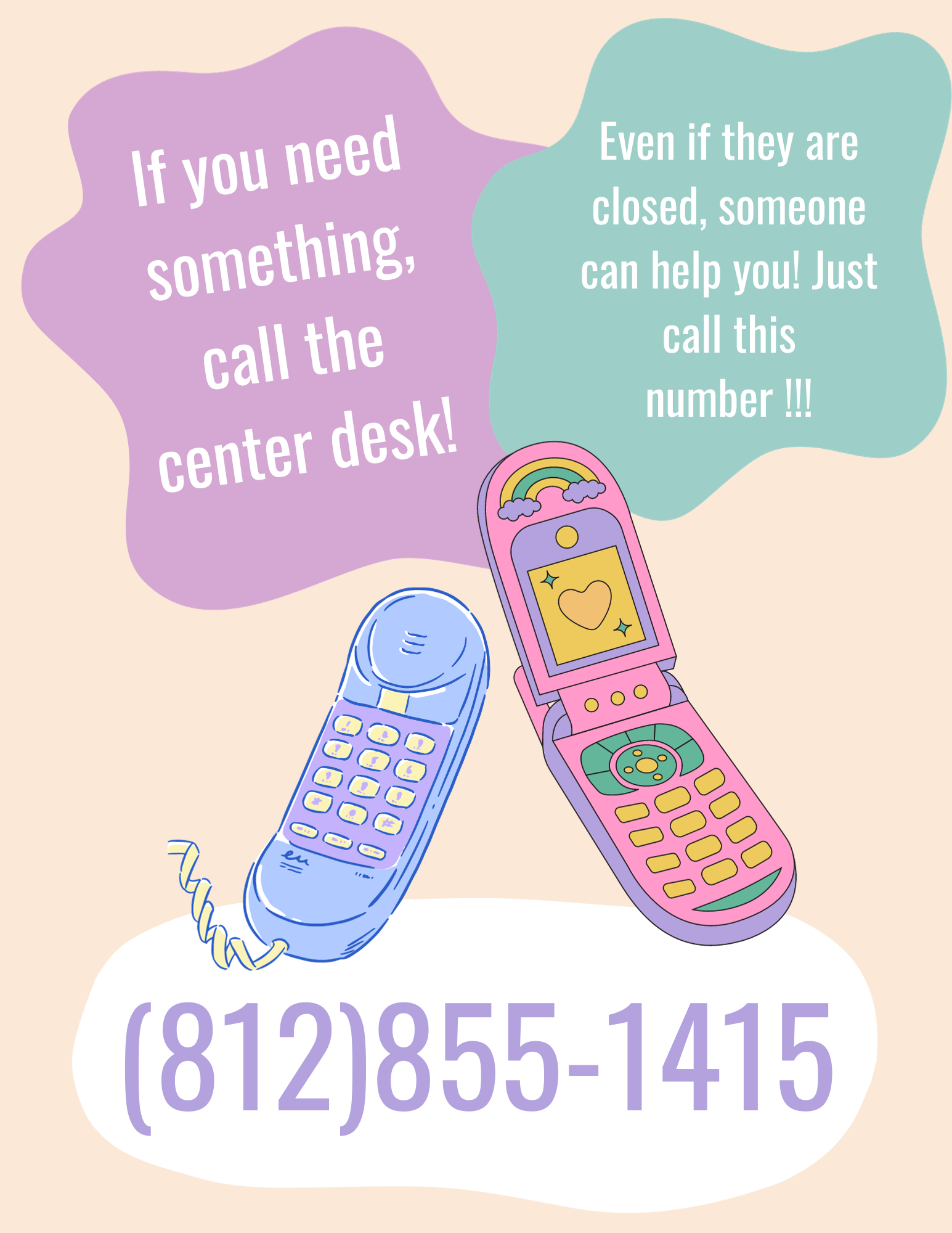
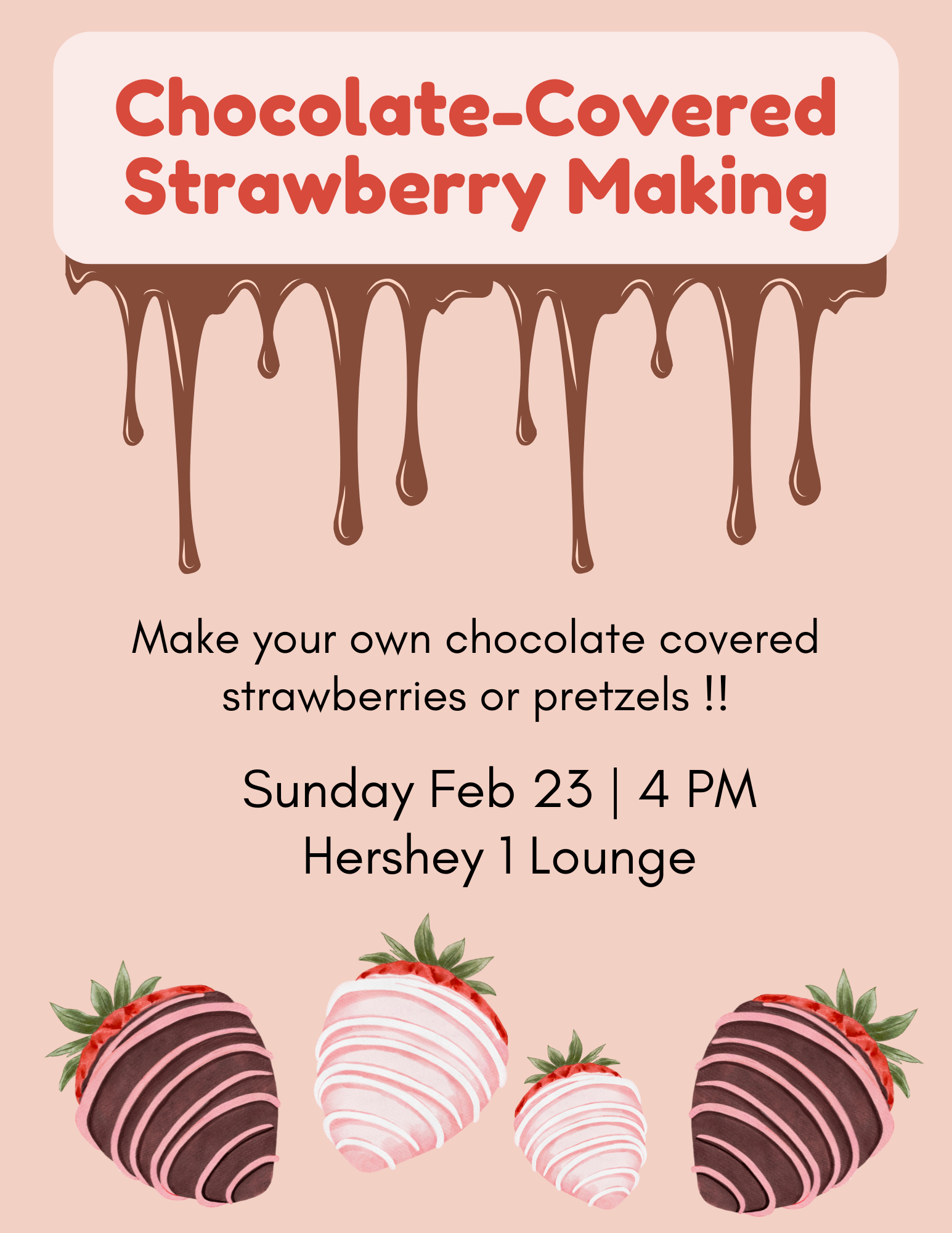
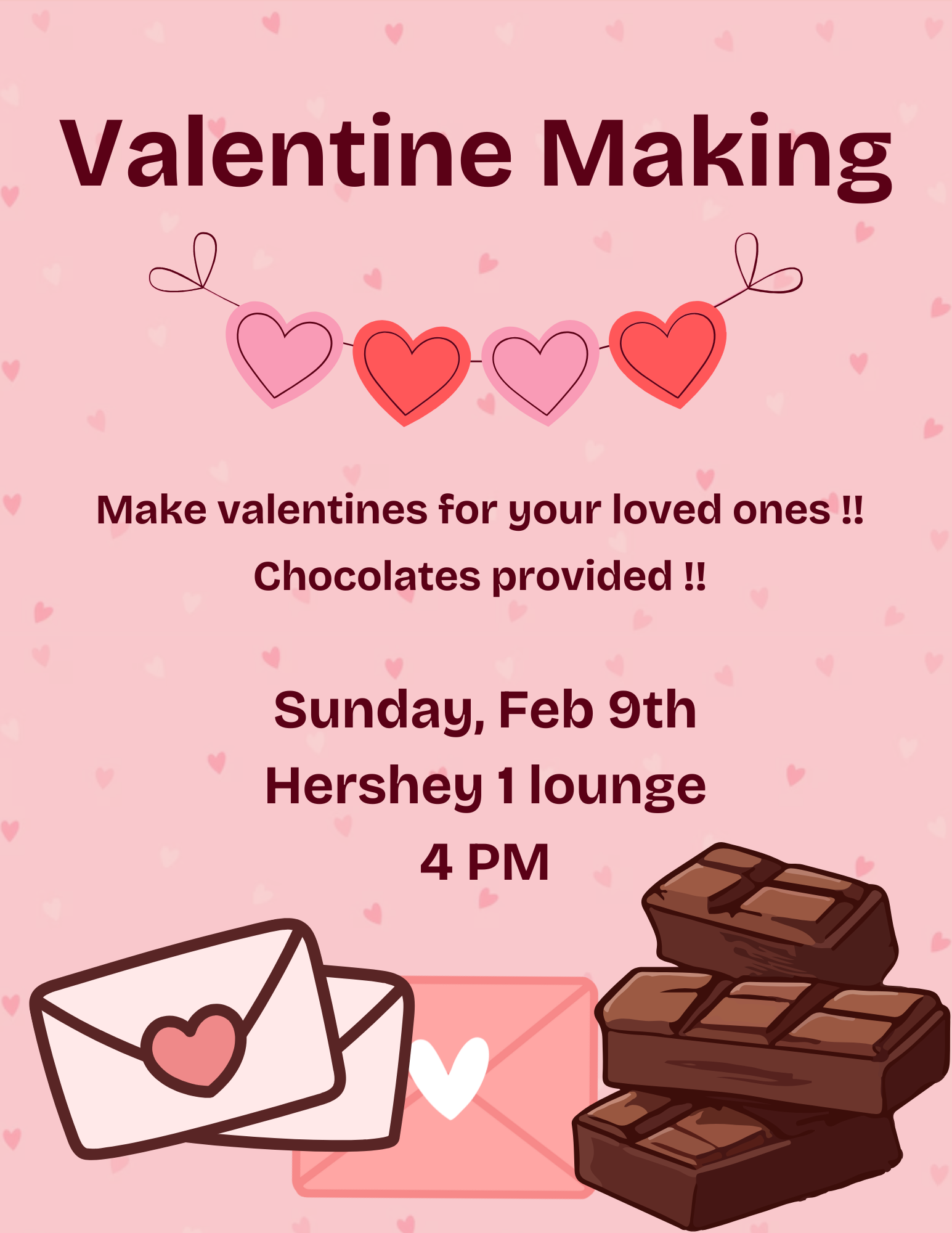
These two posters were made for a friend. The John Mulaney poster was made with an image I found online and Adobe Photoshop. The other poster was made with a graphic I found online and Adobe Illustrator.
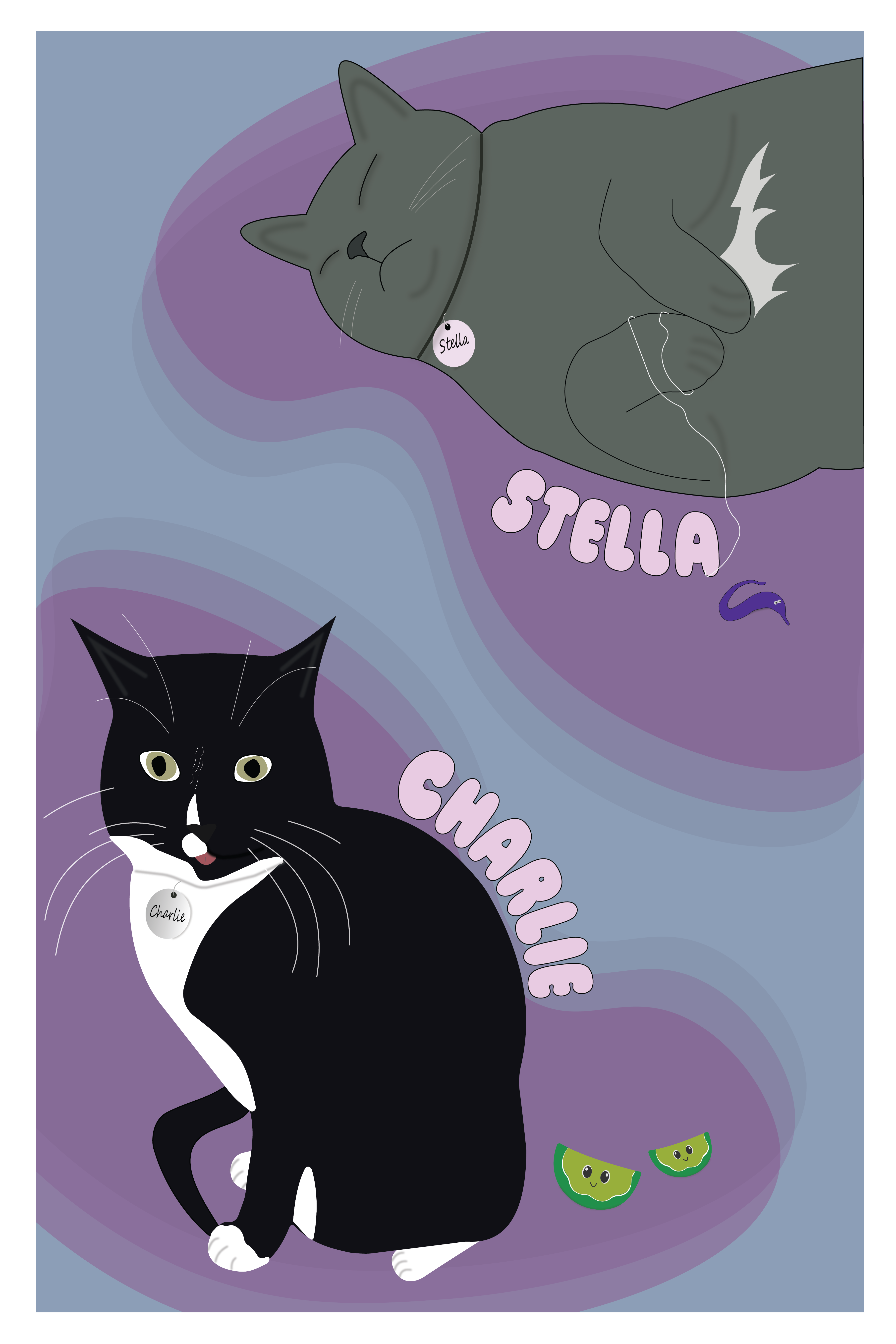
This is the first poster I made that I completely illustrated myself. Everything was made in Adobe Illustrator and every graphic in this poster was drawn by me.
Booklets
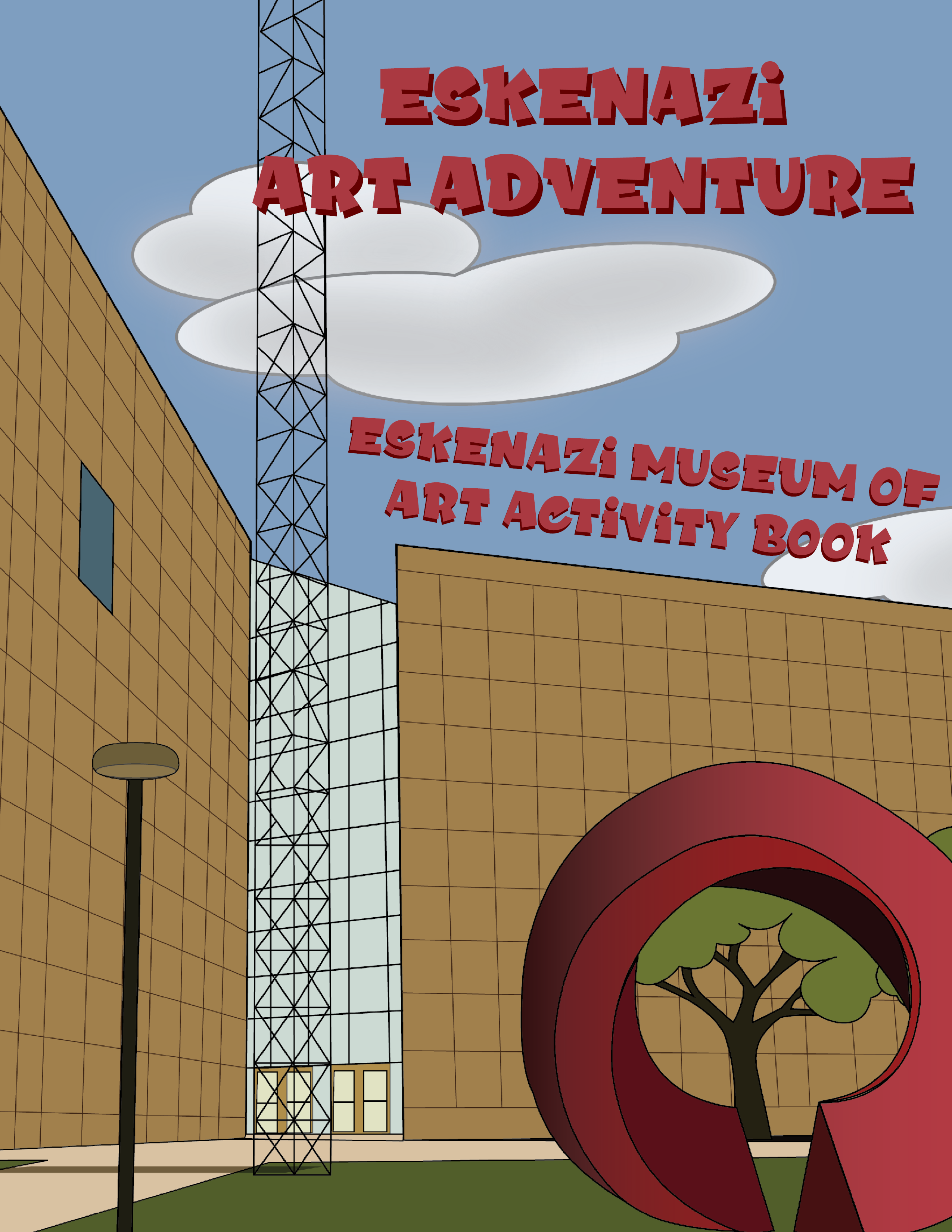
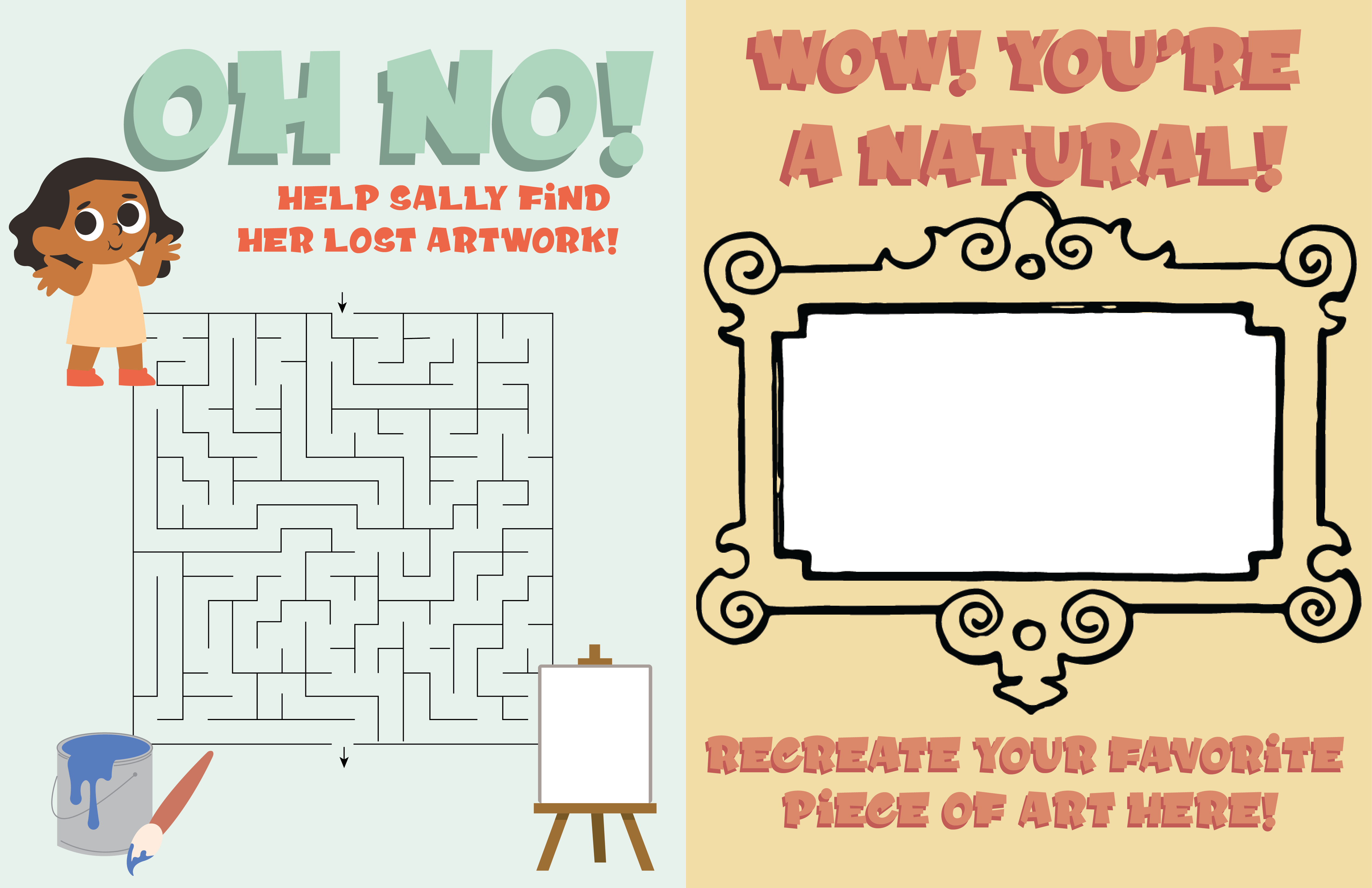
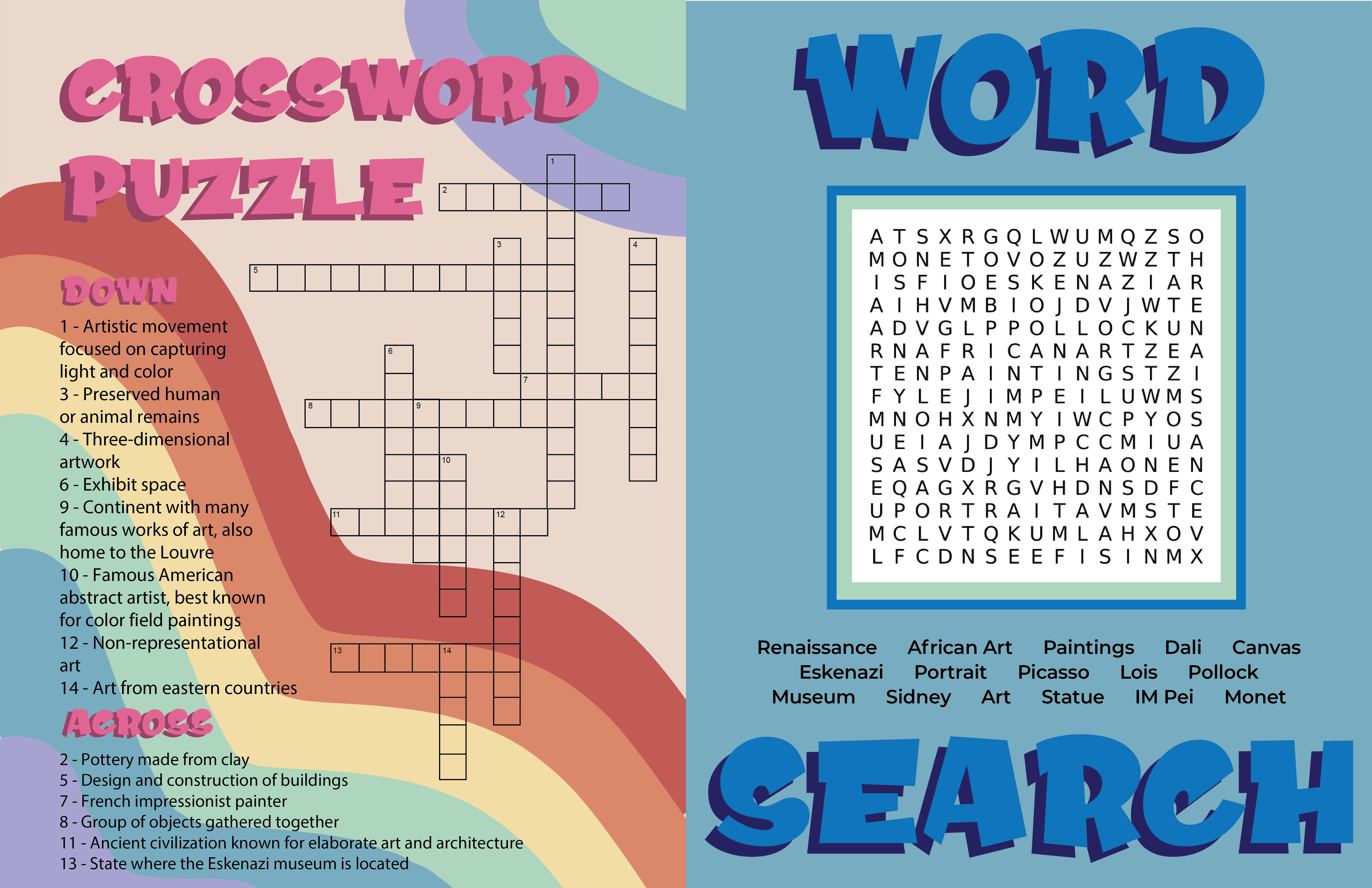
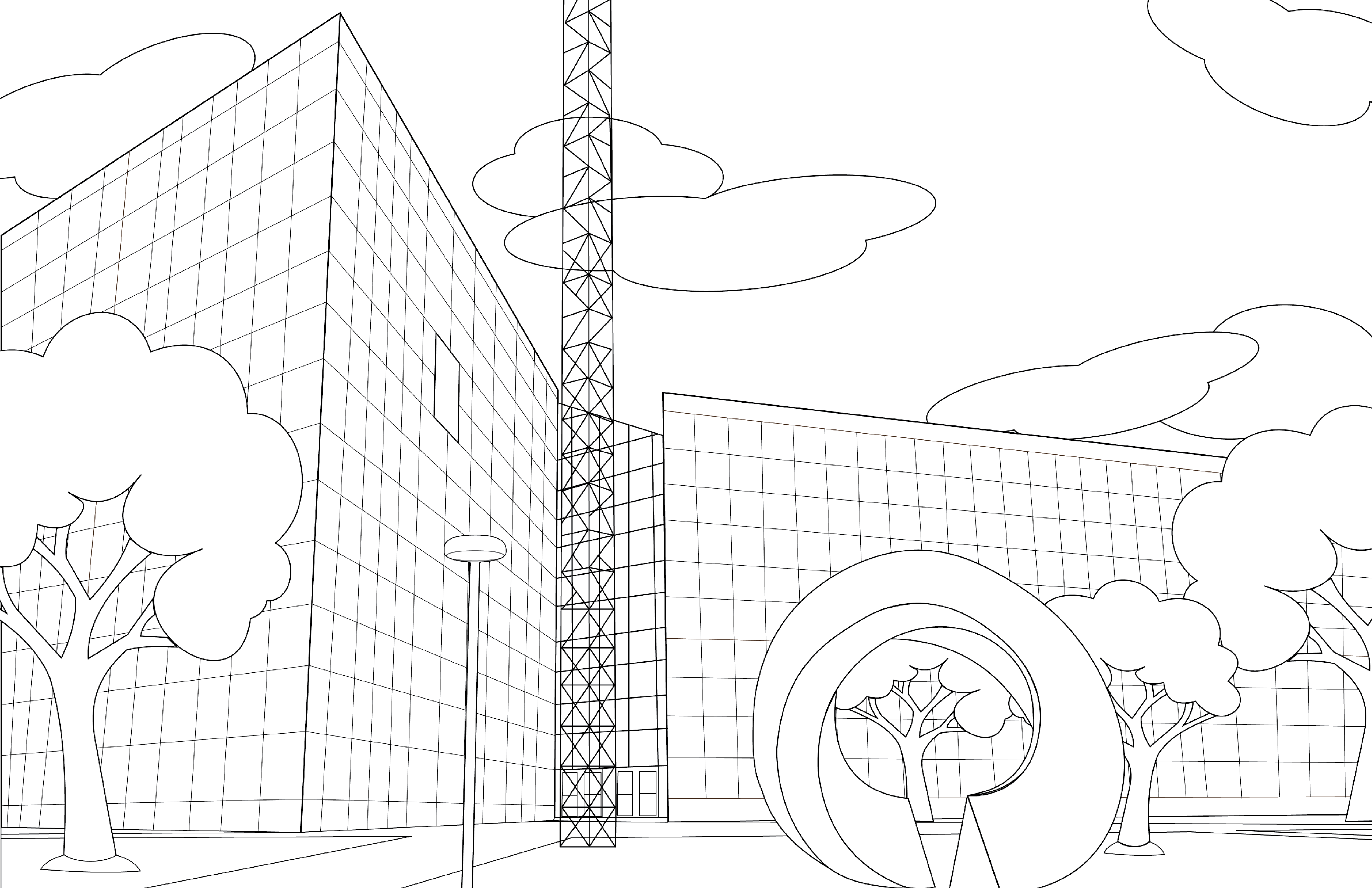
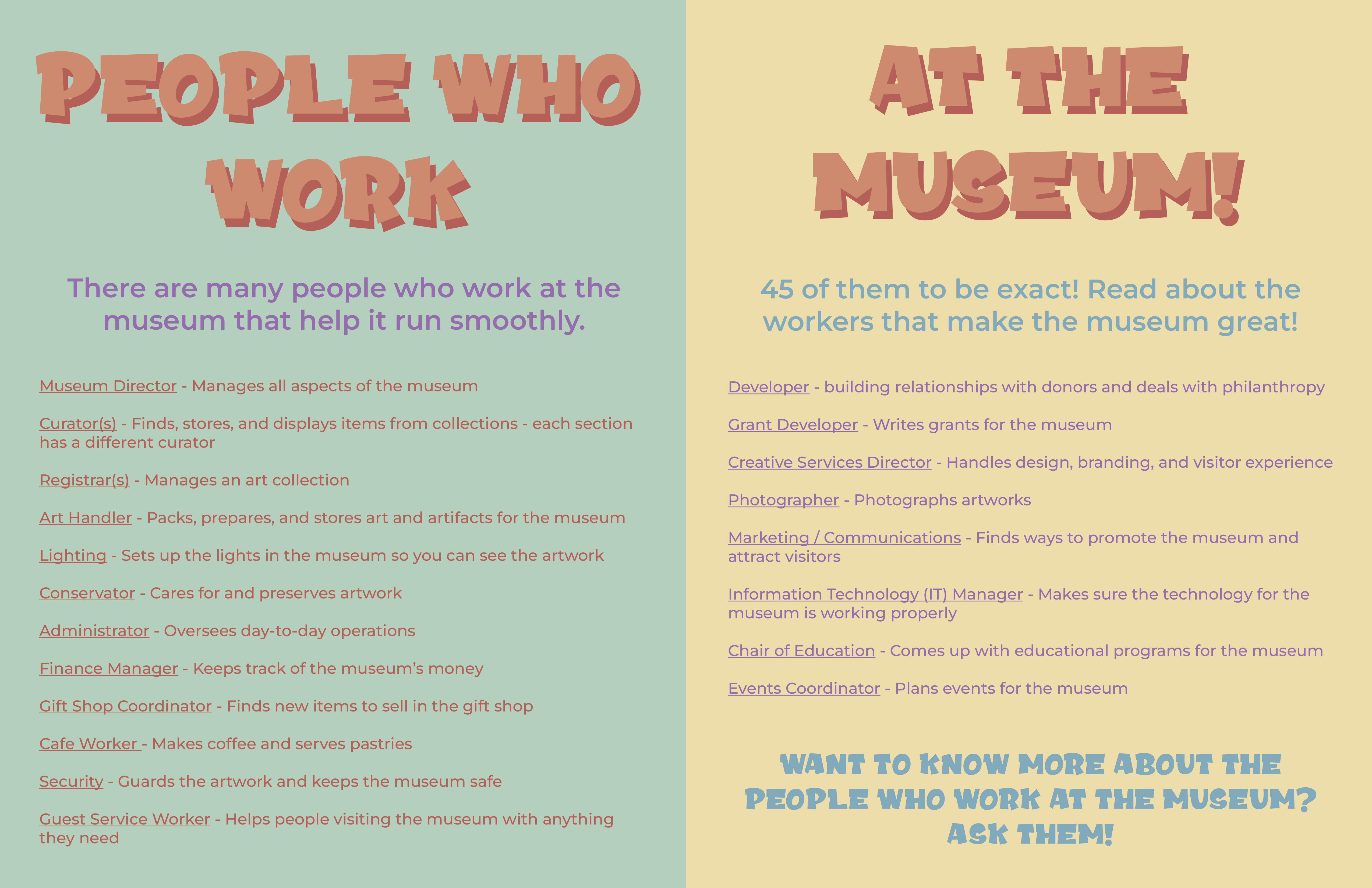
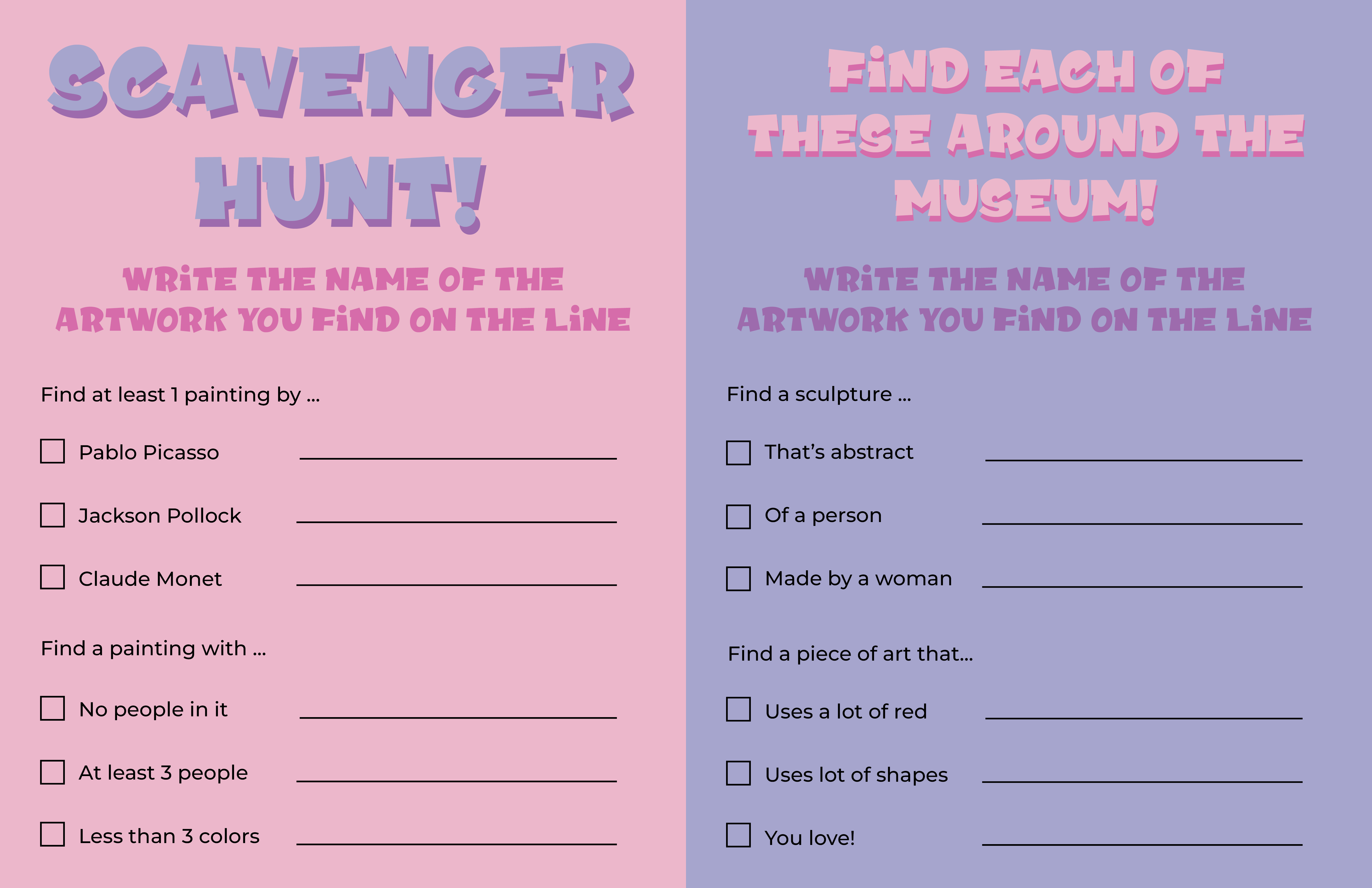
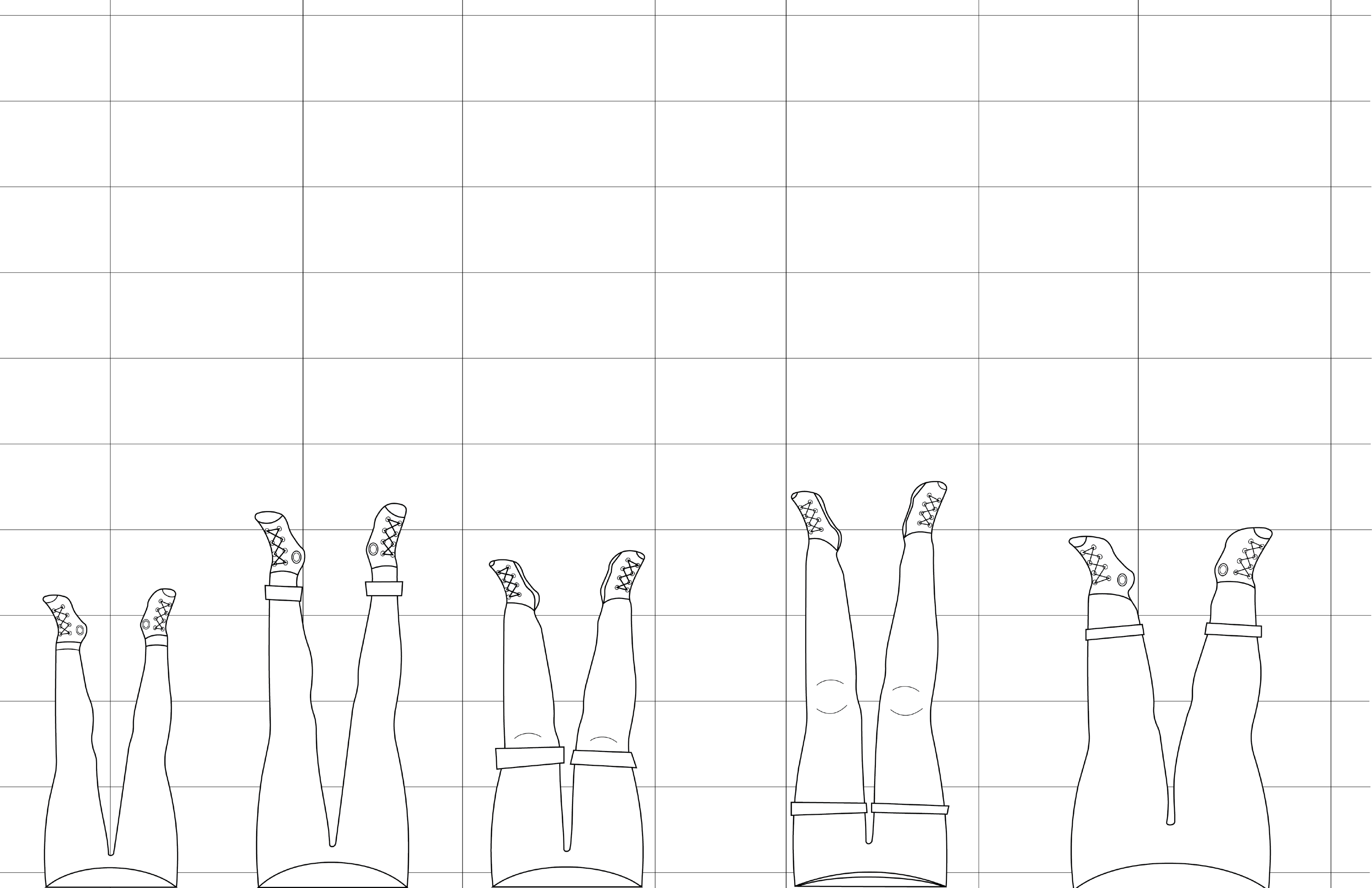
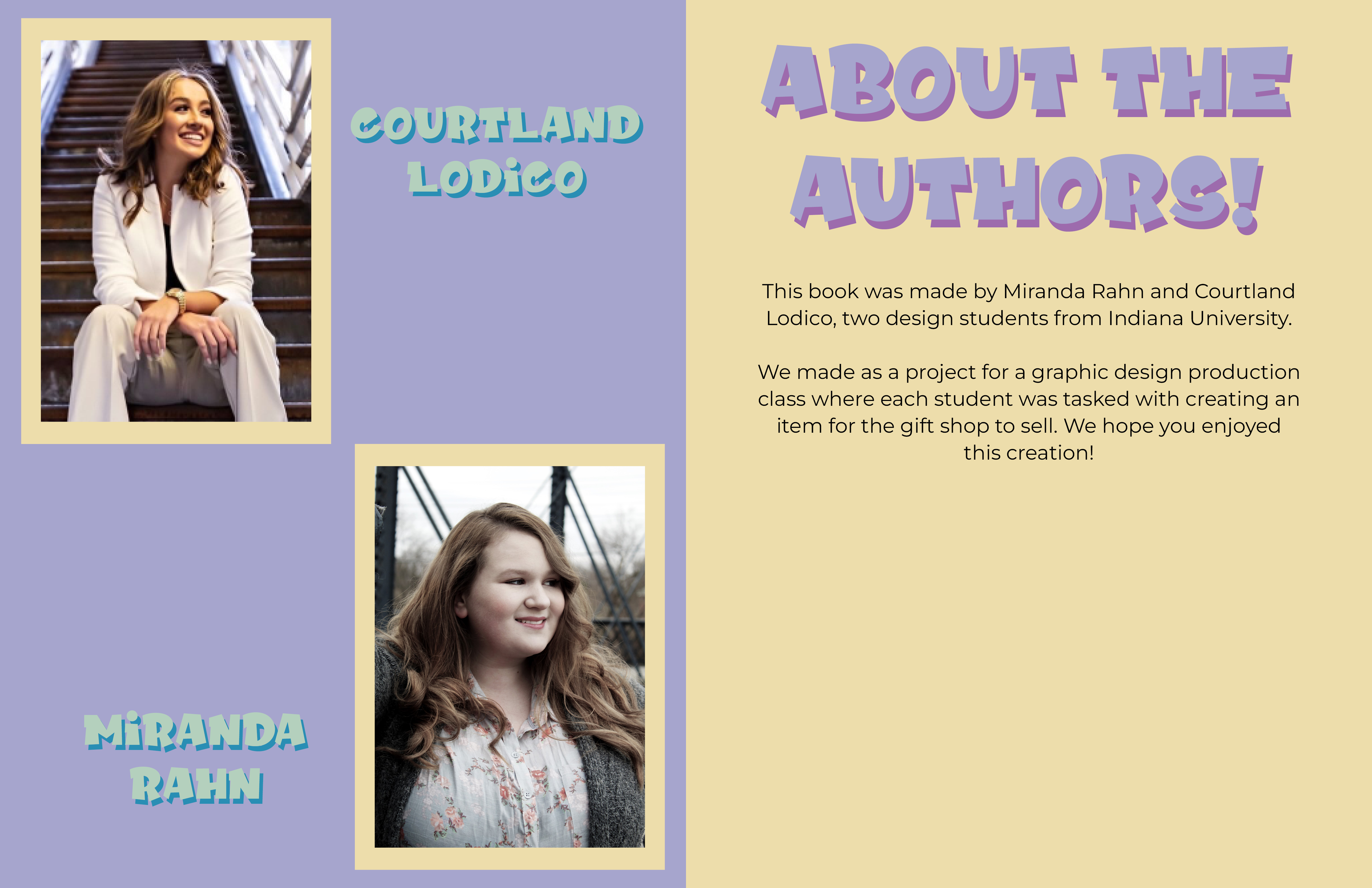
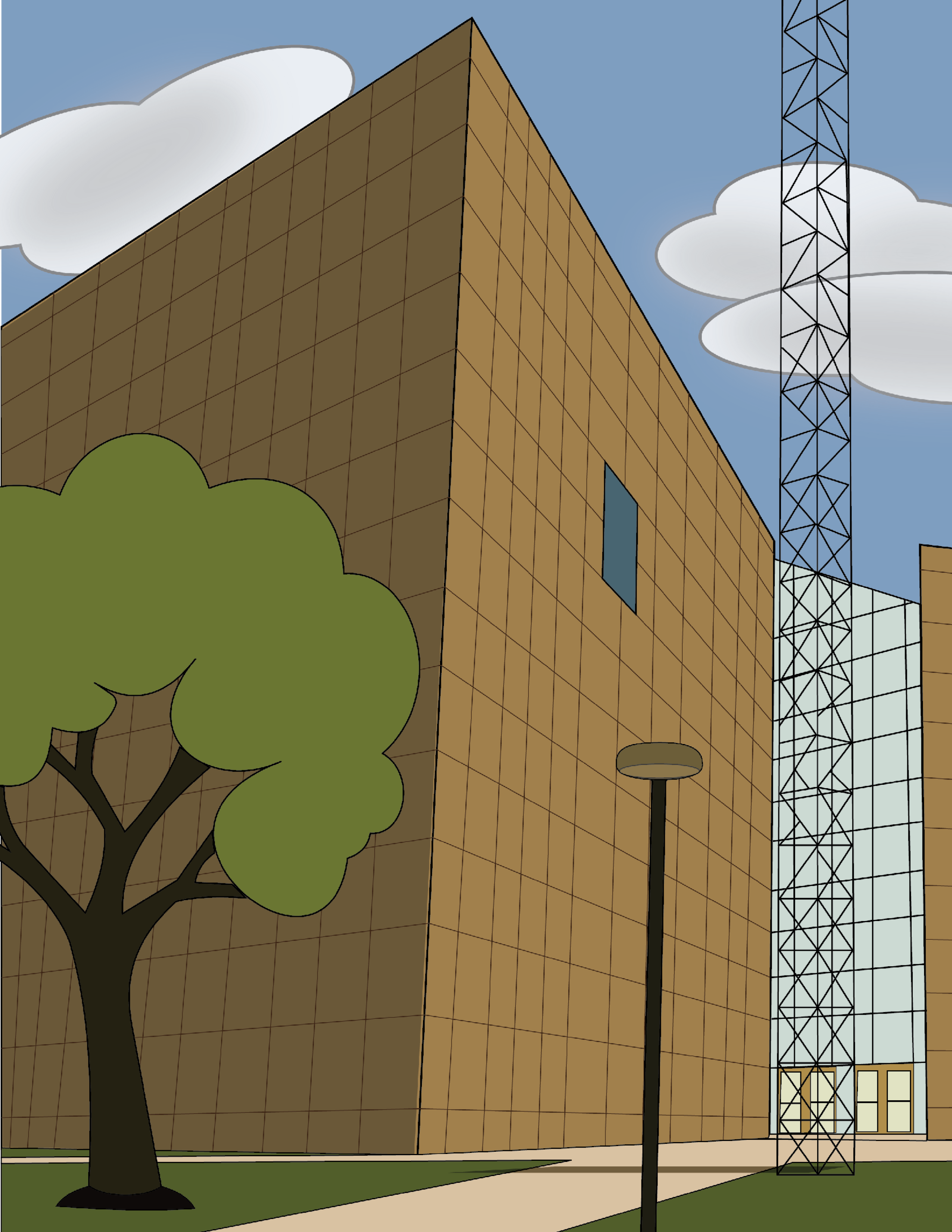
Eskenazi Art Adventure
This was made for my graphic design production class where we got the chance to work with the Eskenazi Museum of Art to make a merch item for them to sell in their gift shop. I collaborated with a classmate, Courtland Lodico, to create a kids activity book for them to do while they explore the museum with their families. Every graphic in this book was drawn by myself and my classmate in Adobe Illustrator, and then put together in Adobe InDesign.
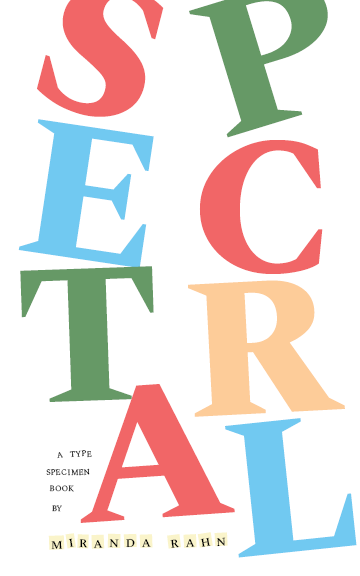
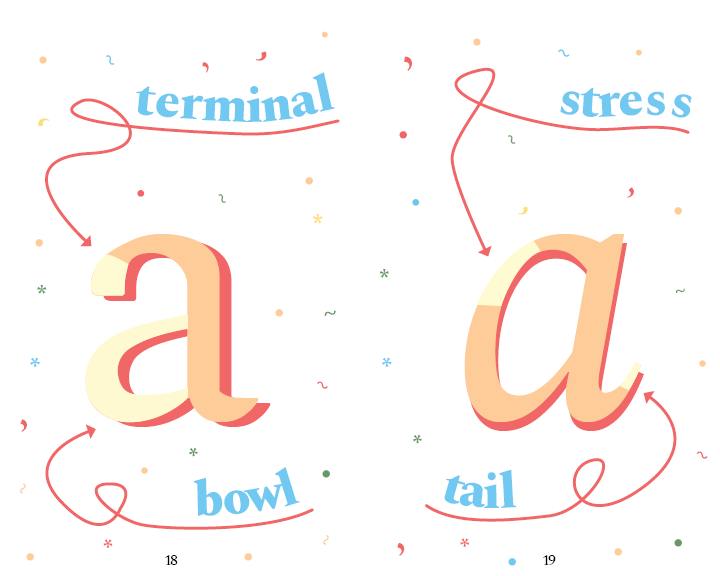
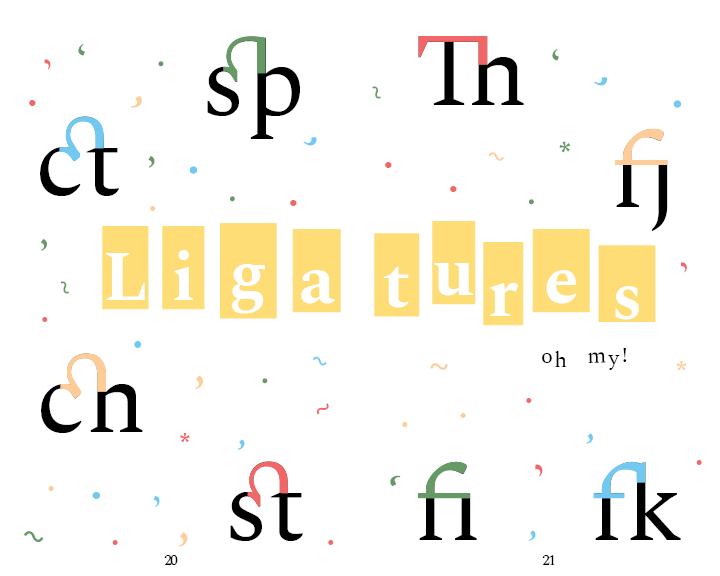
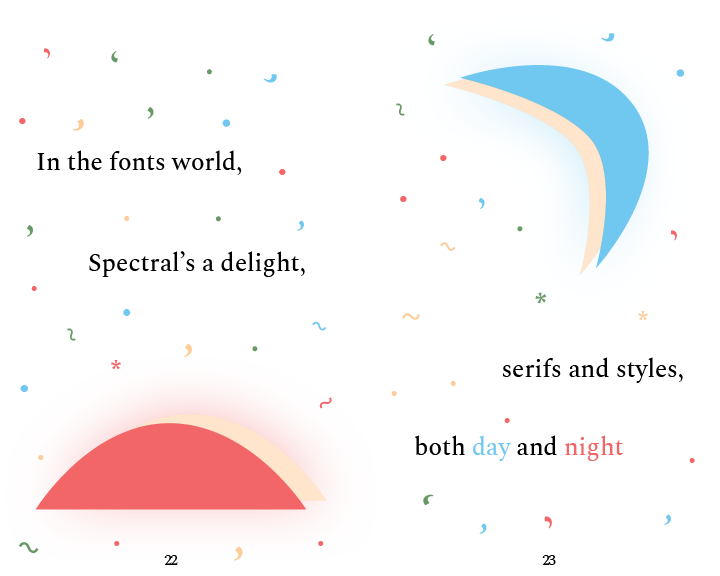
Type Specimen Book
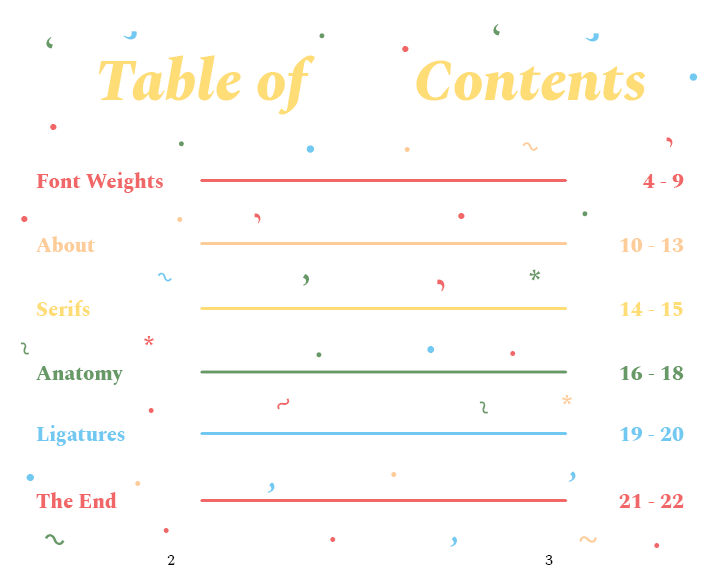
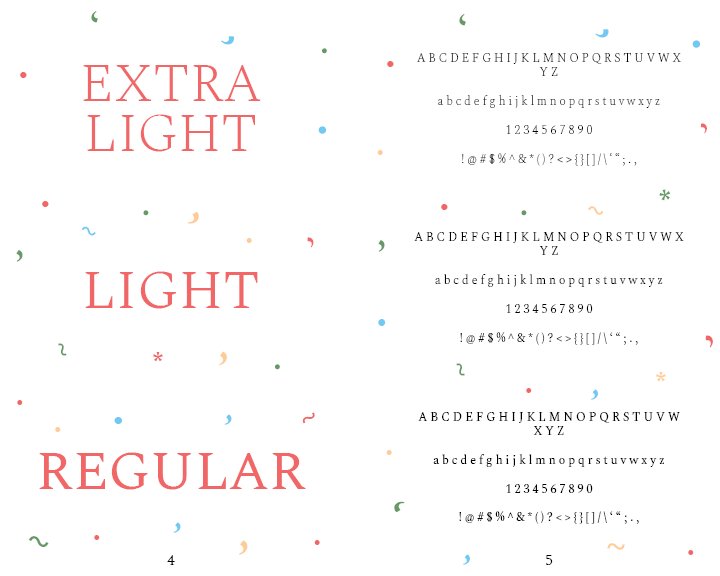
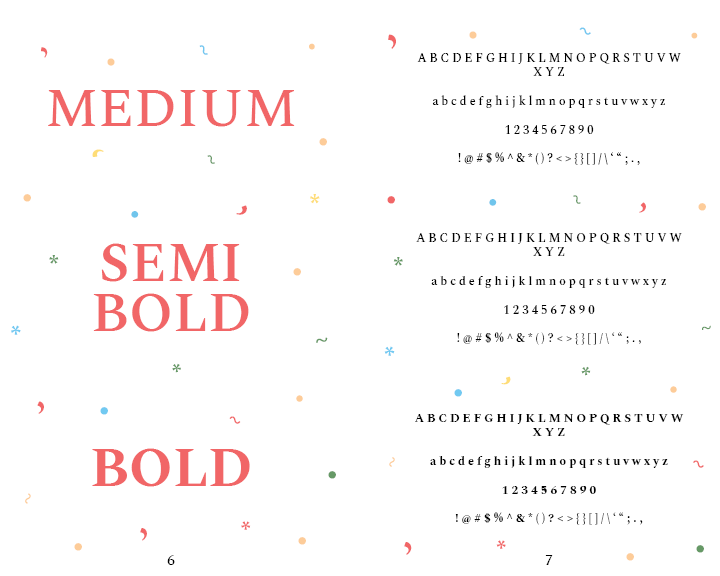
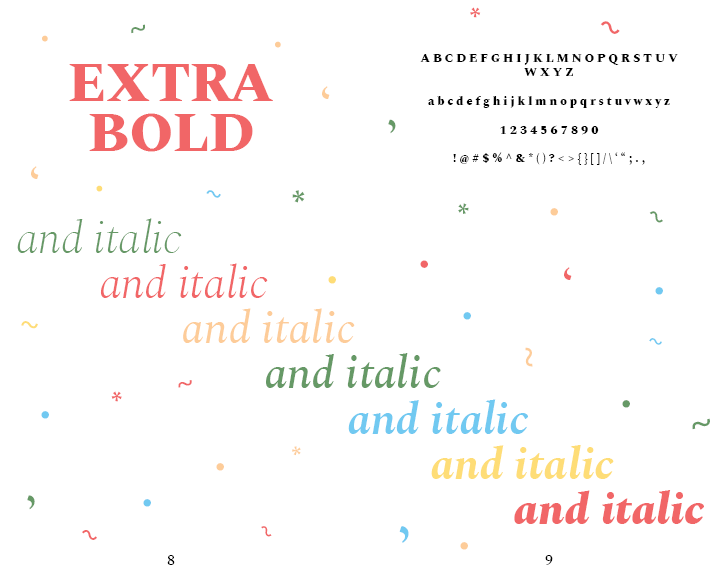
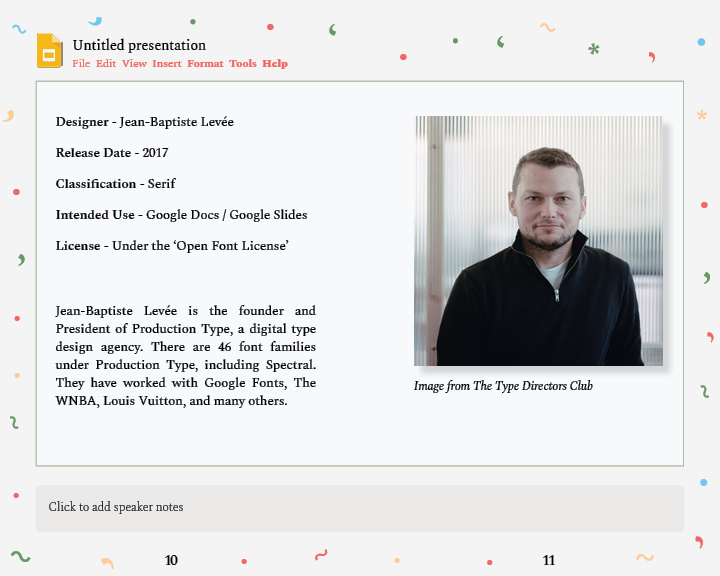
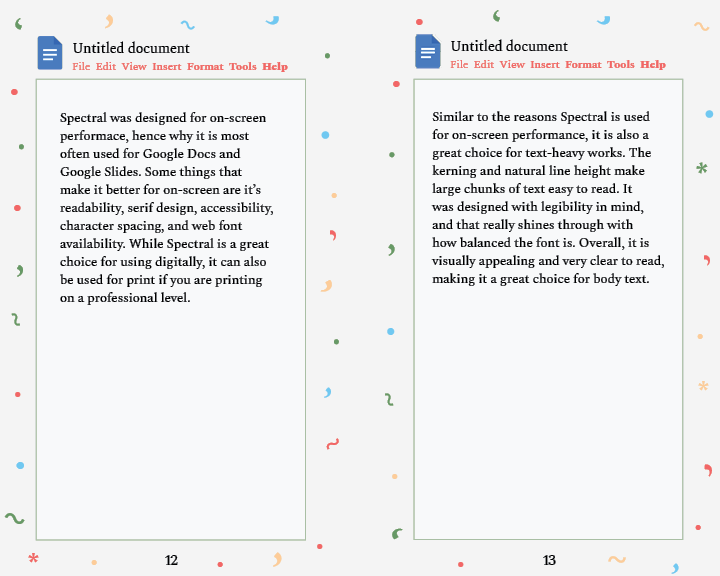
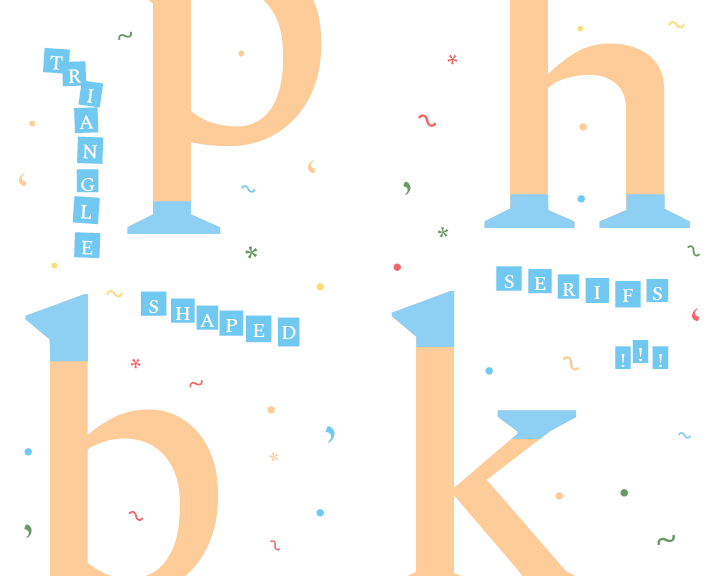
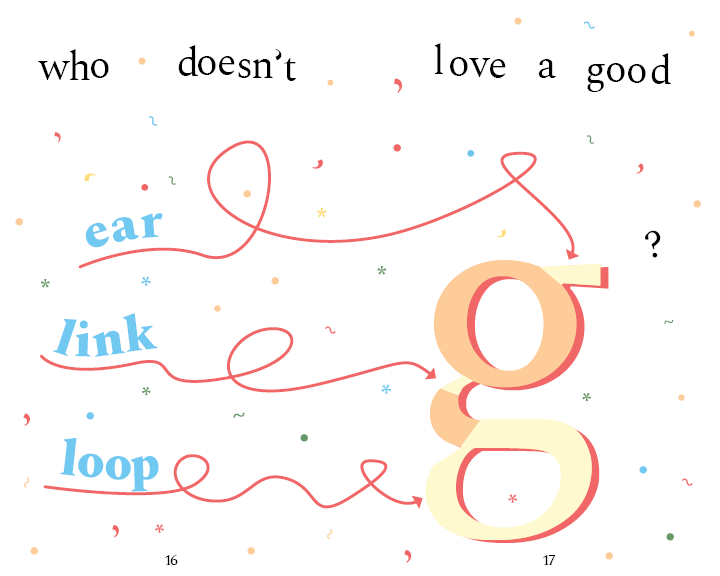
This type specimen book was made for my typograhpy class. We could pick any typeface to do it on, and I chose "Spectral", which is the typeface used on this entire website! The entire book was made in Adobe InDesign.
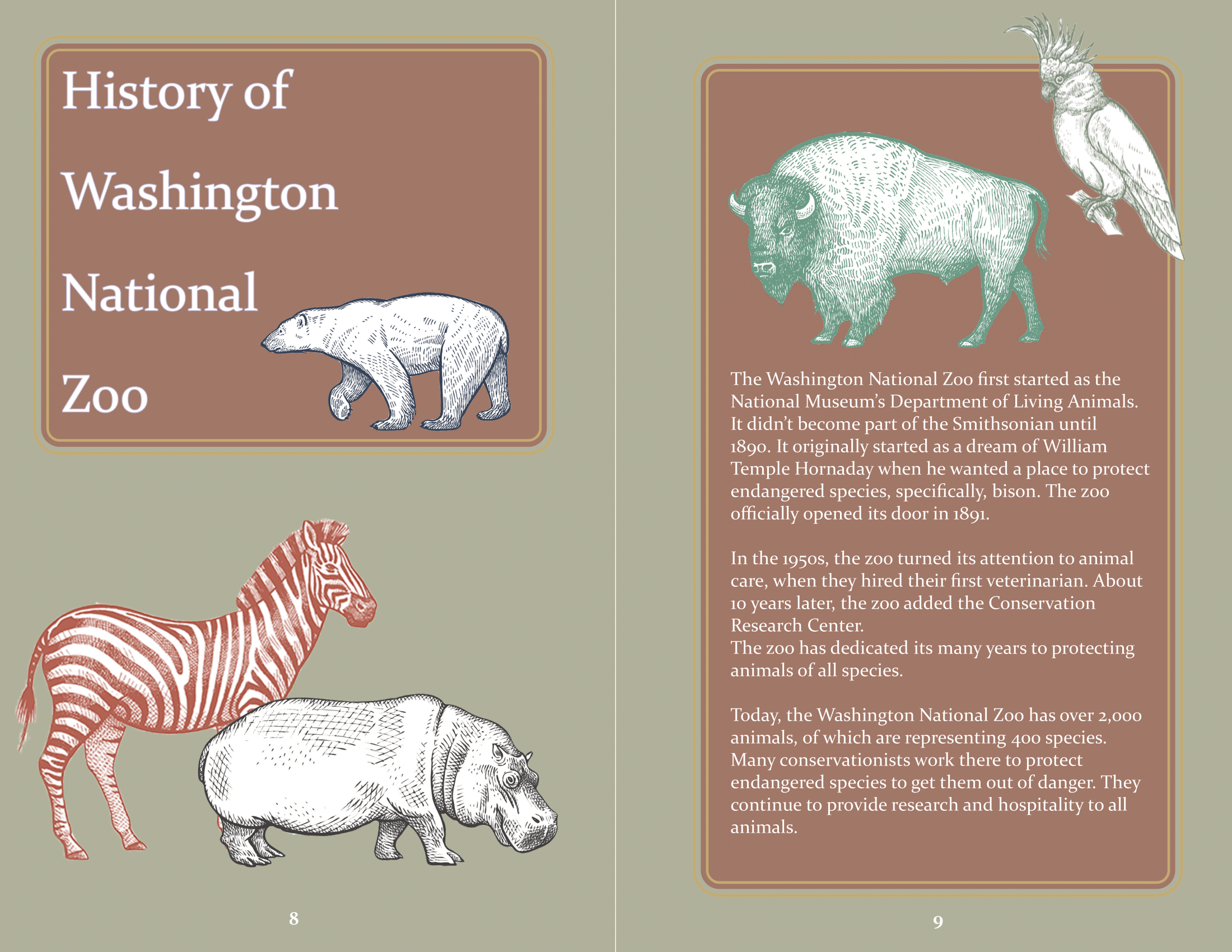
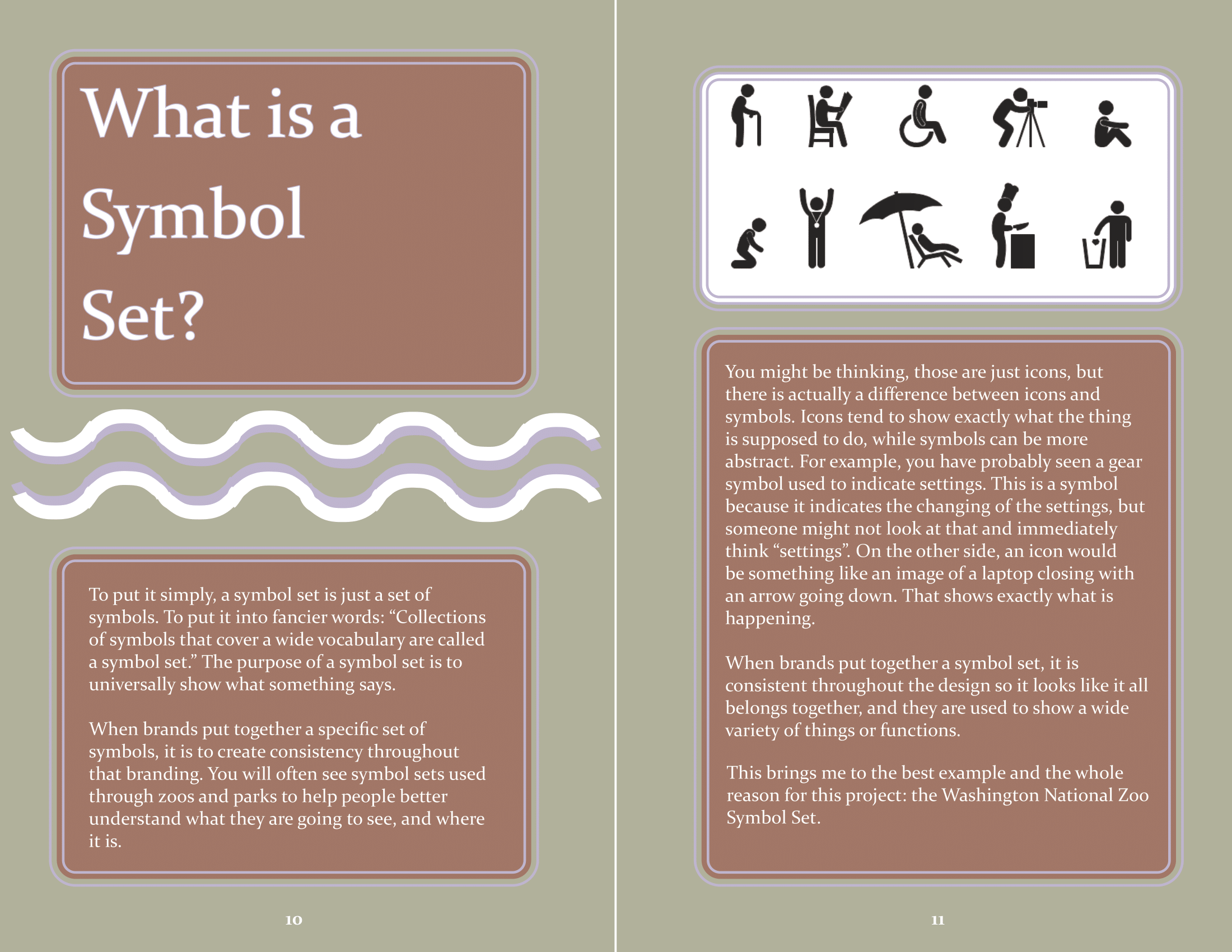
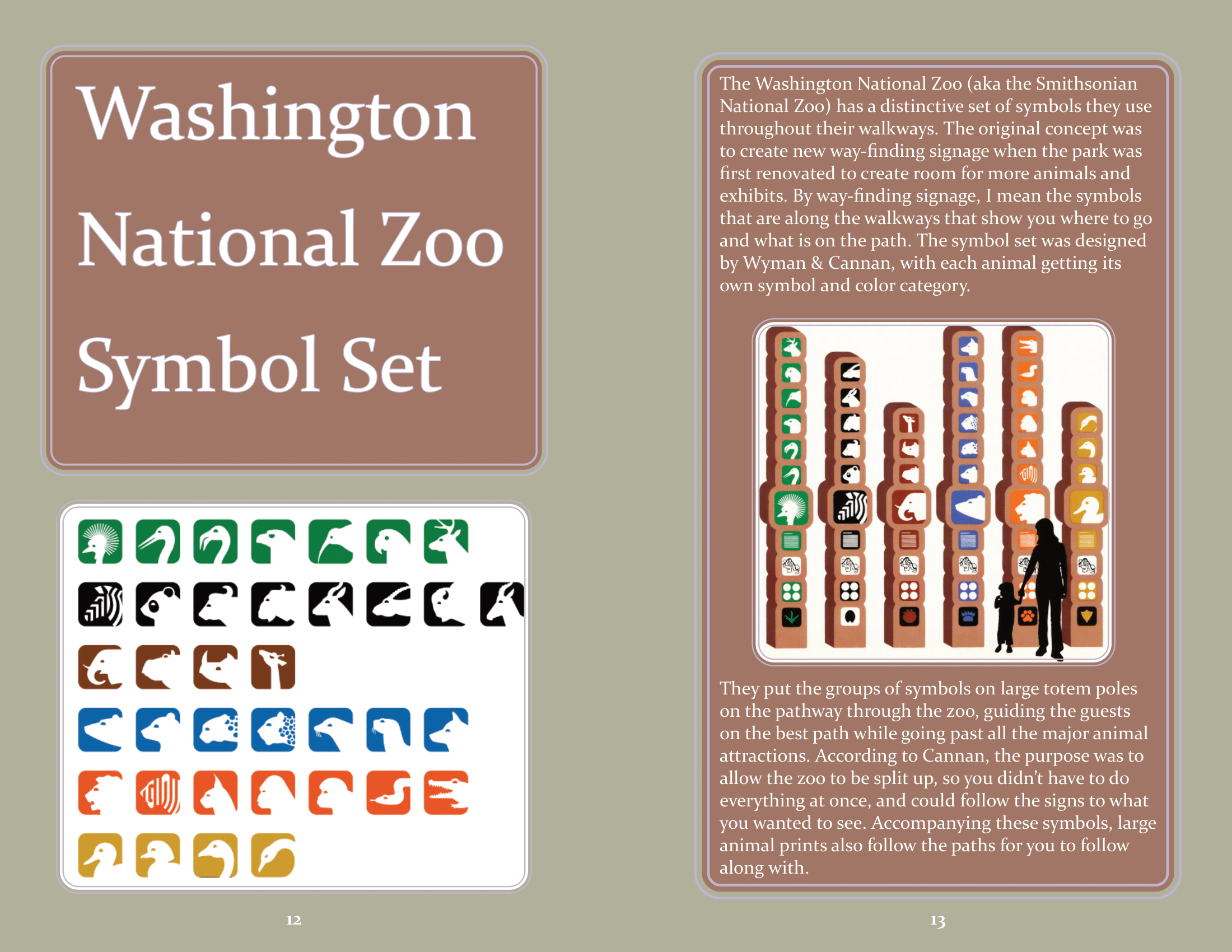
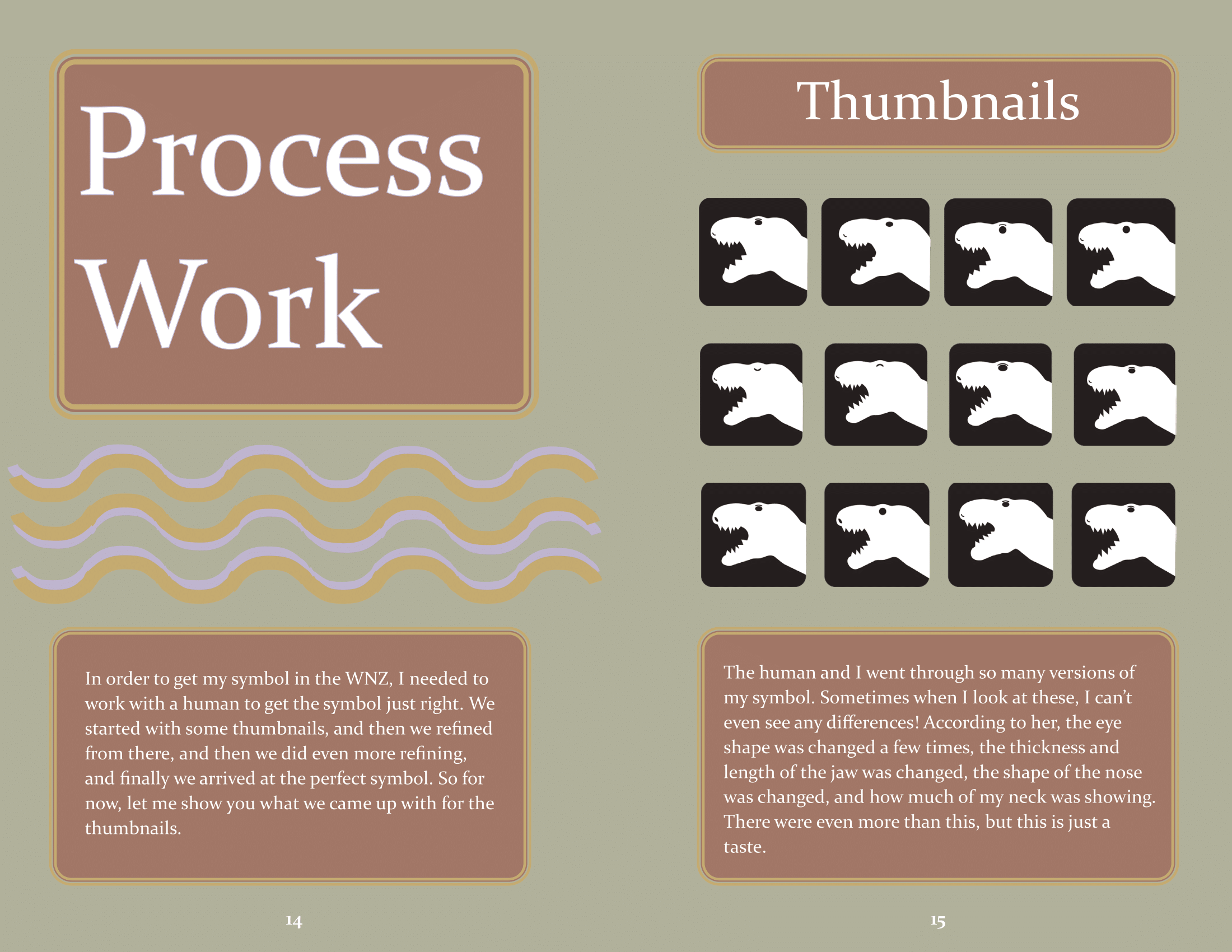
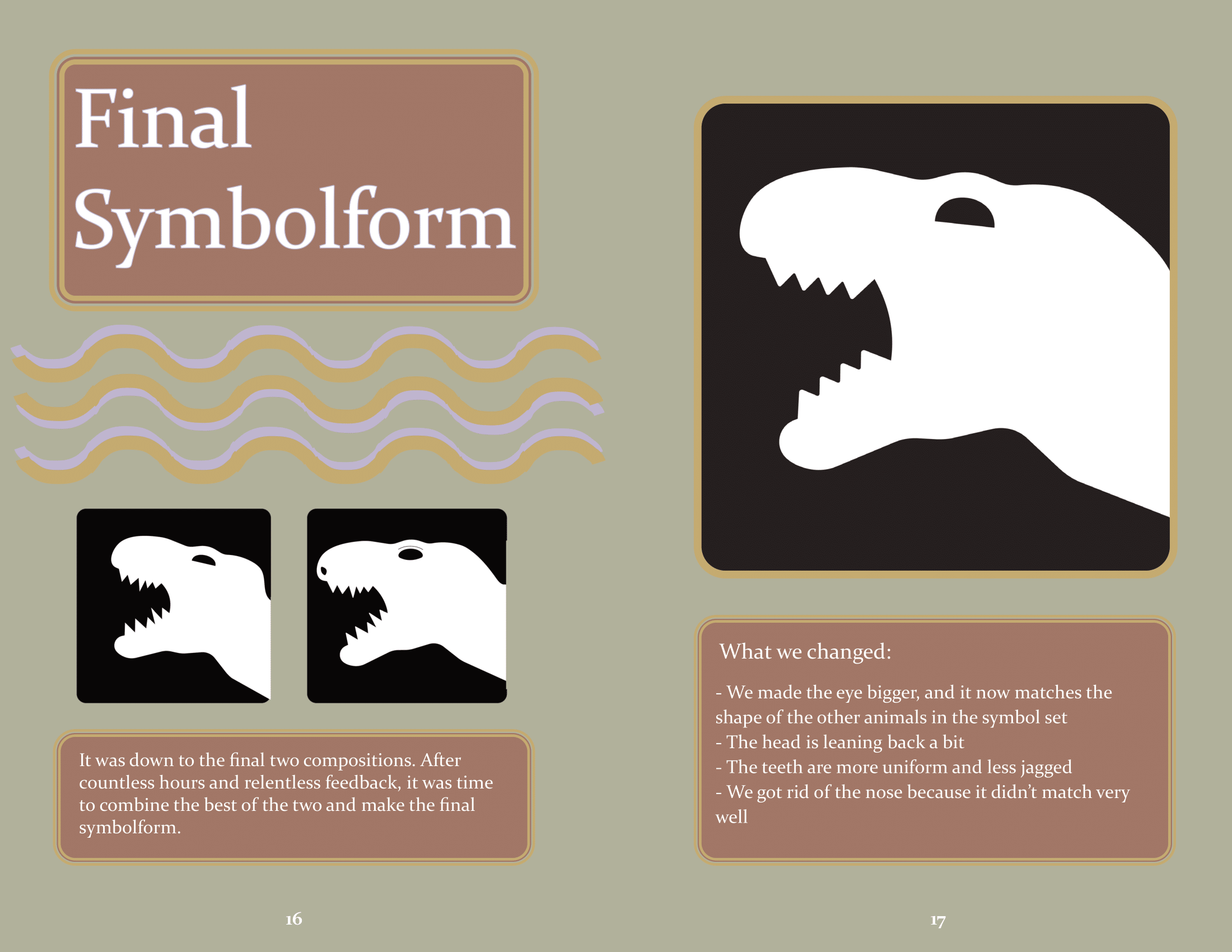
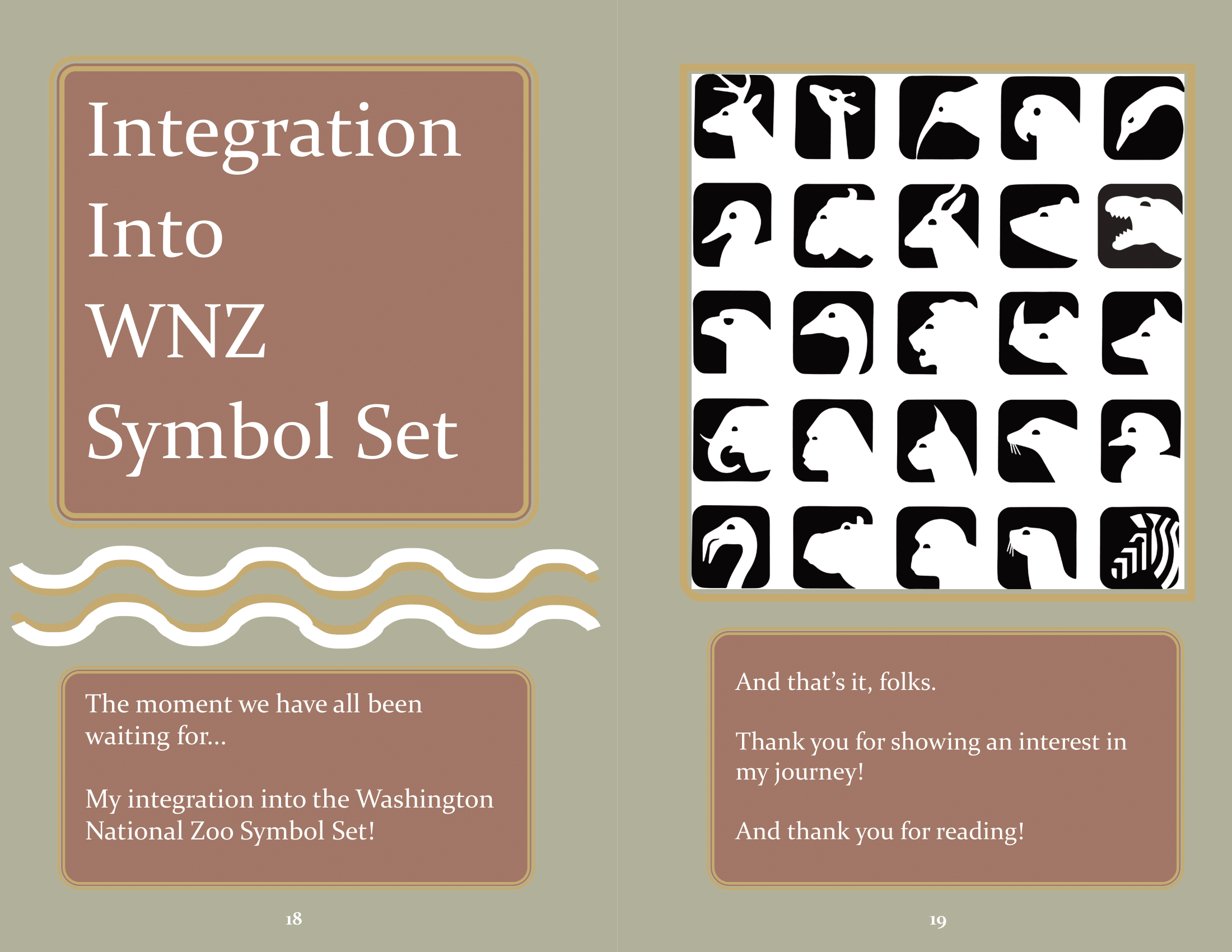
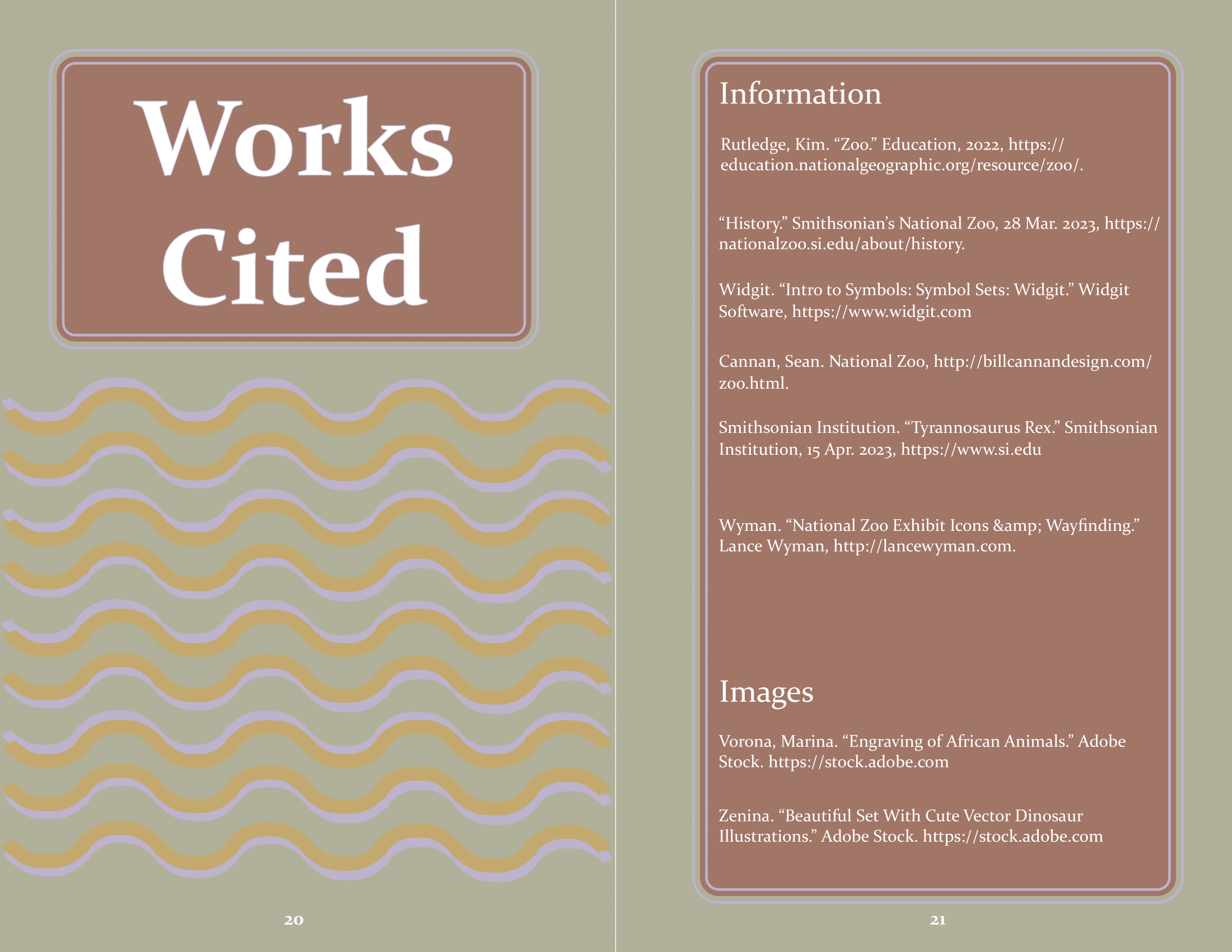
Dino Process Book
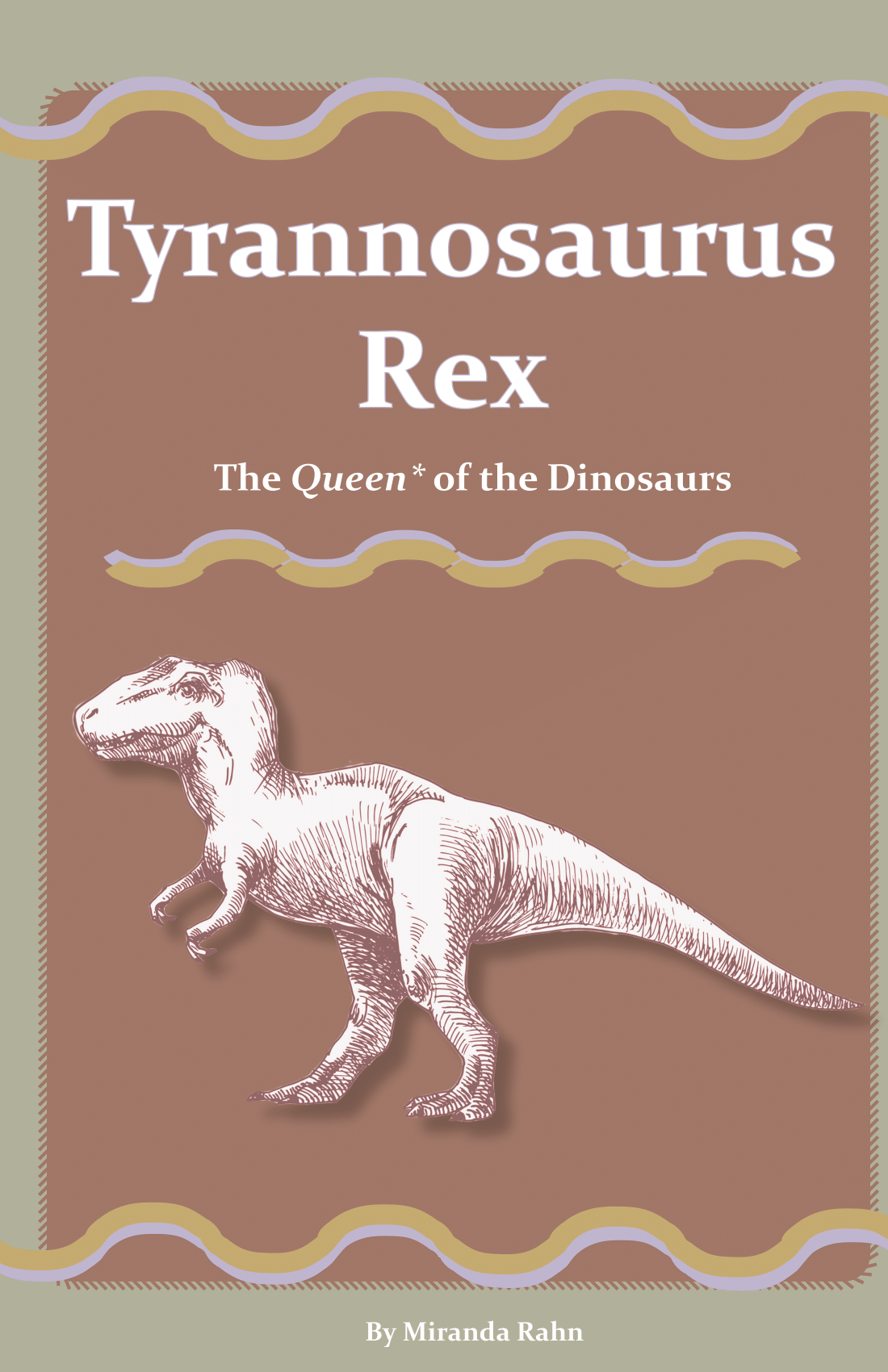
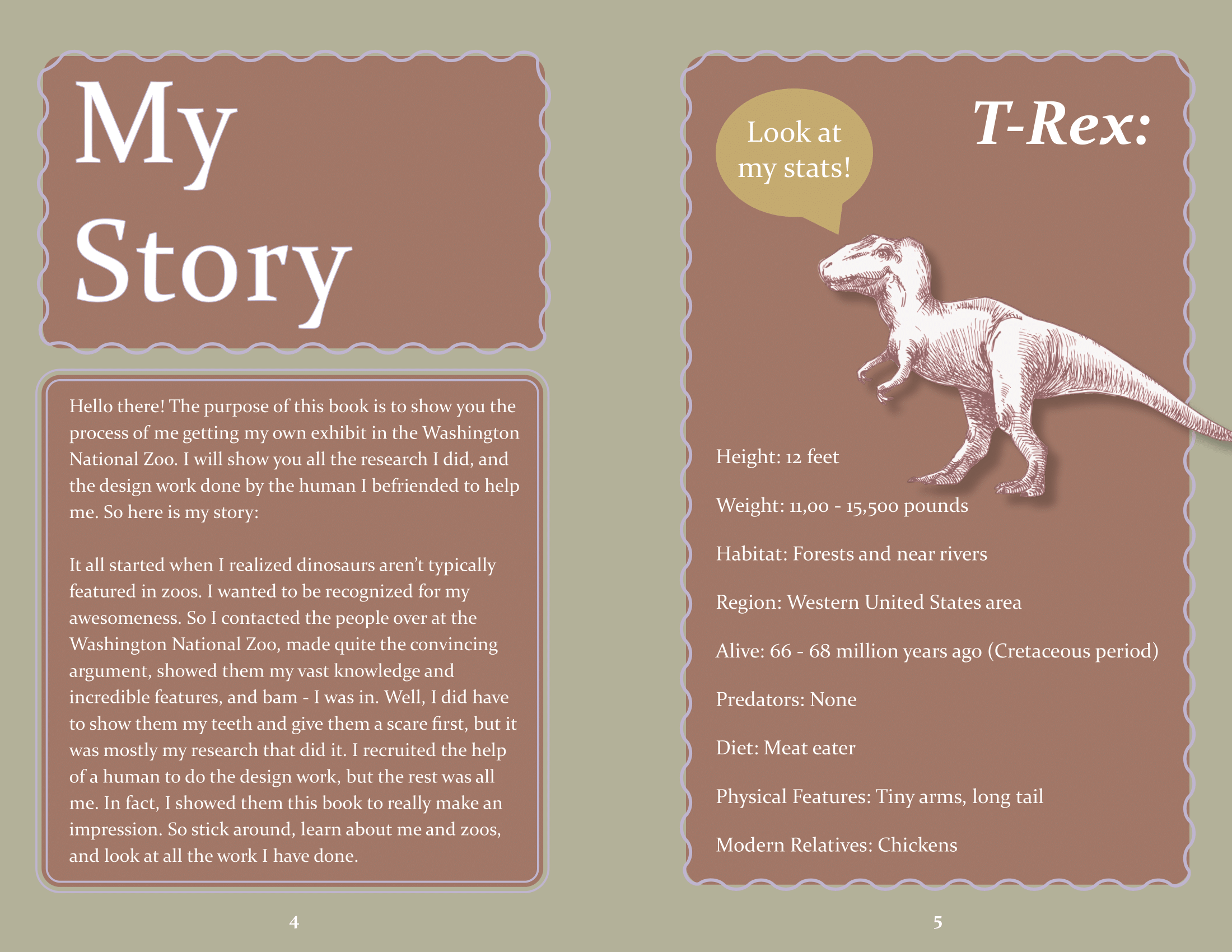
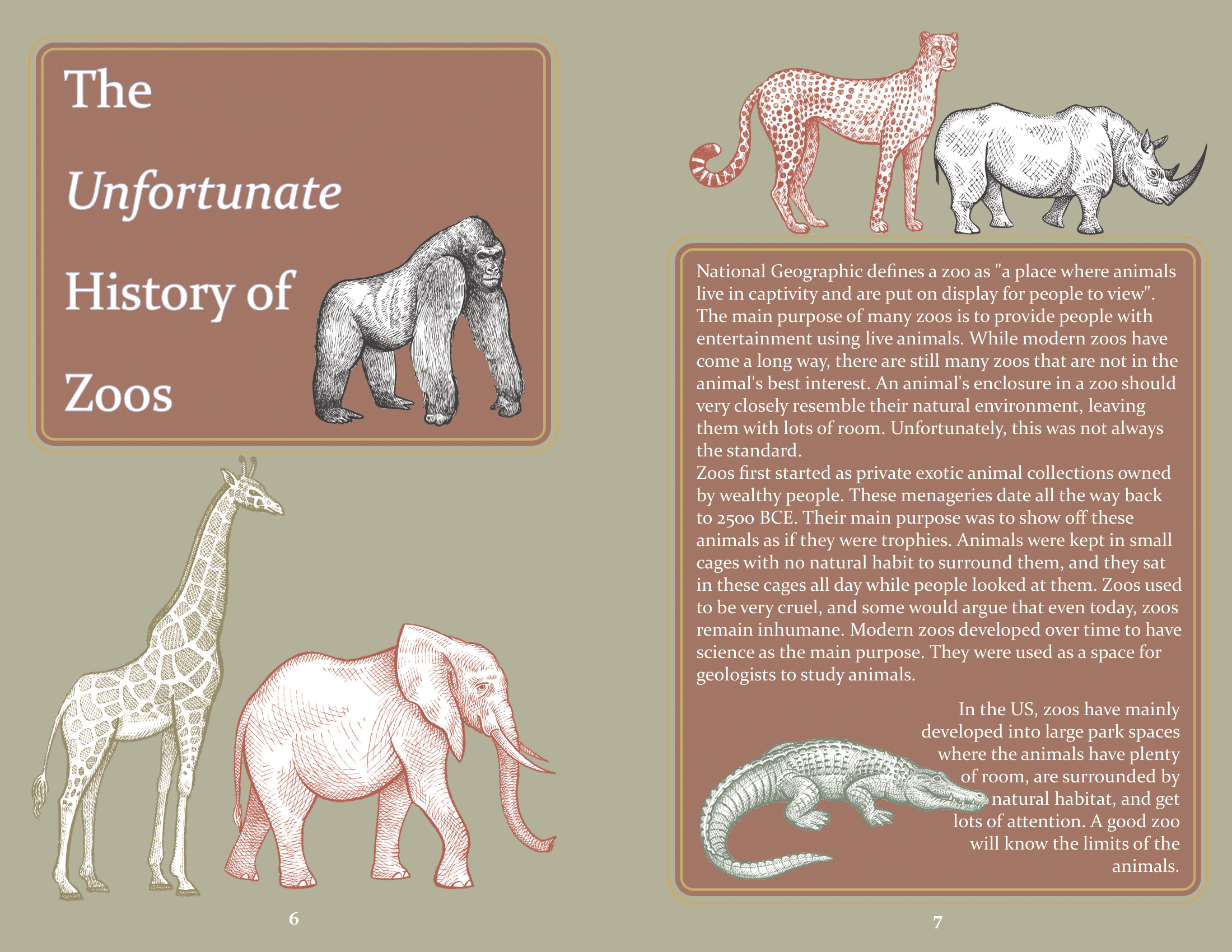
This book was made for the first graphic design class I ever took. It was a process documentation book showcasing the steps it took to get a dinosour icon into the Washington National Zoo icon set, from the perspective of a dinosour. The book was made in Adobe InDesign, and all the animal graphics were found on Adobe Stock. The dinosour symbolform was made by me in Adobe Illustrator.
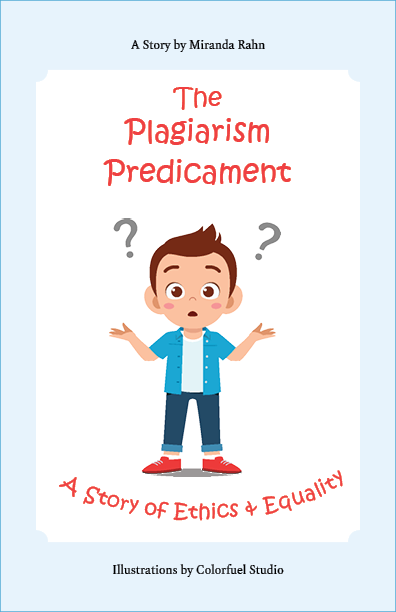
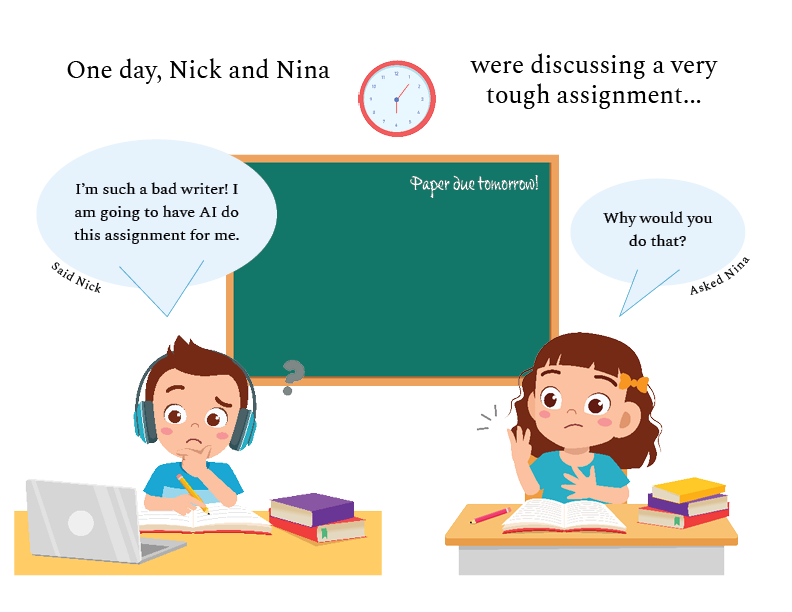
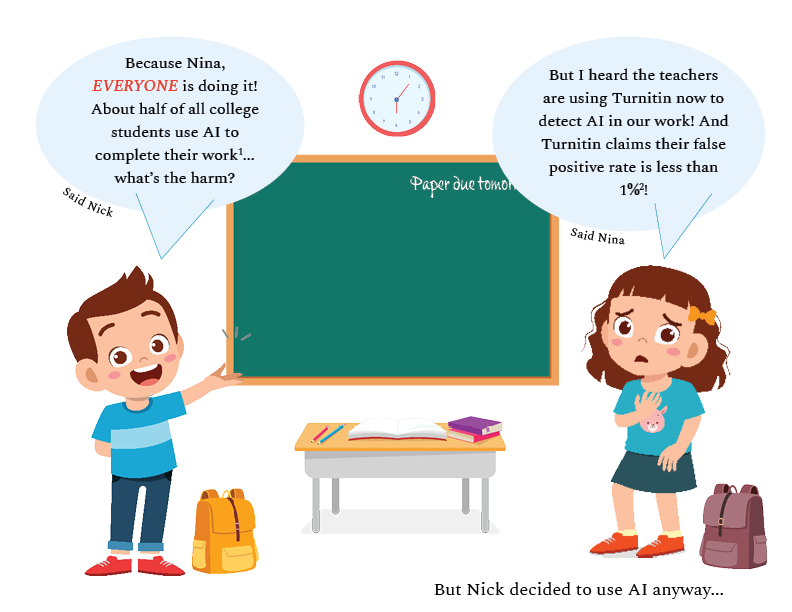
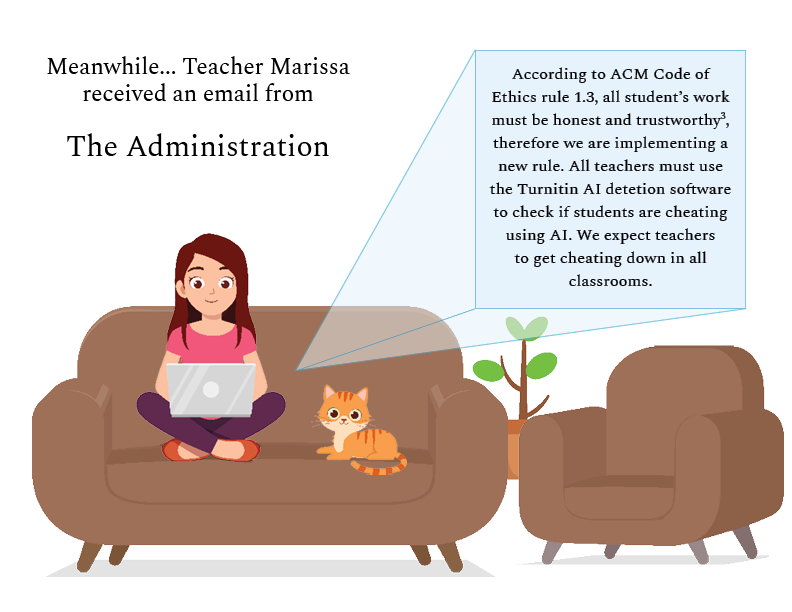
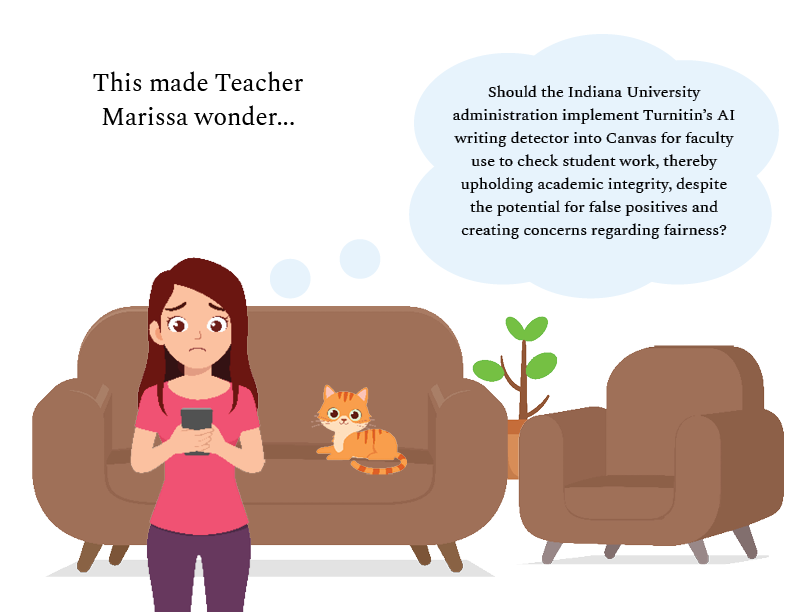
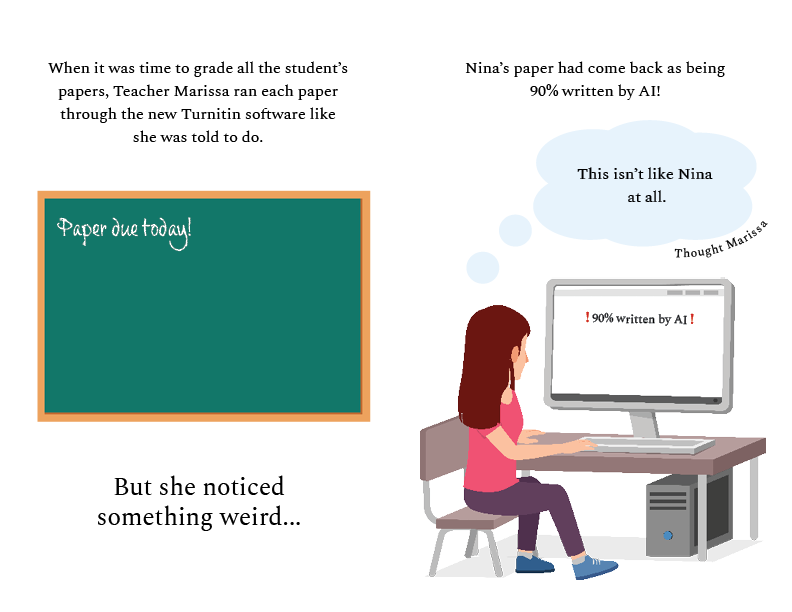
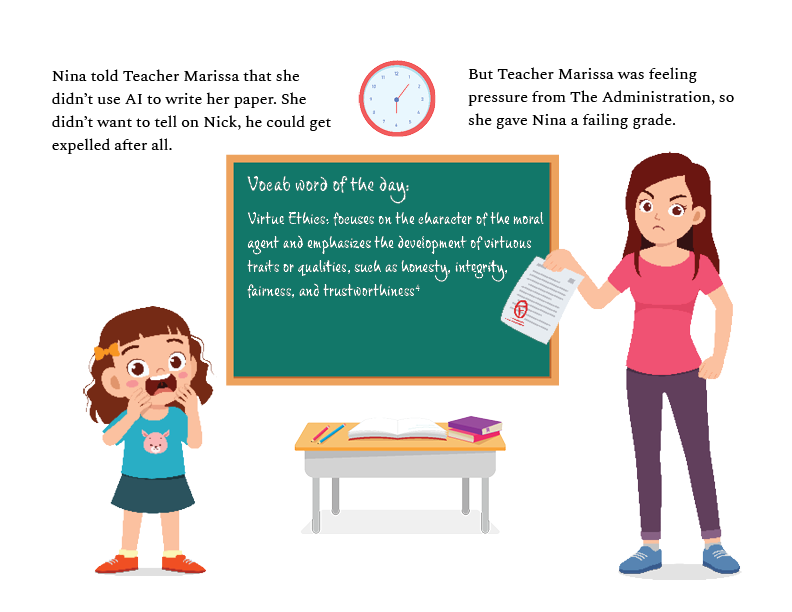
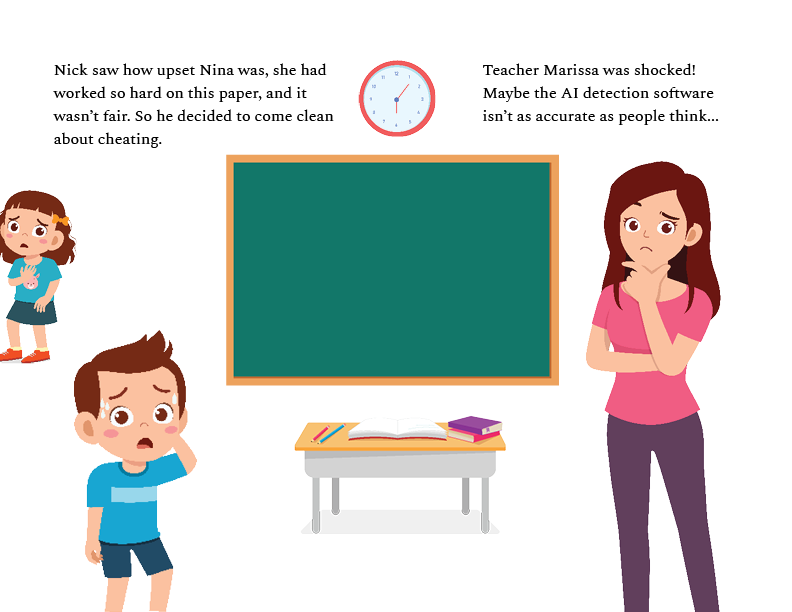
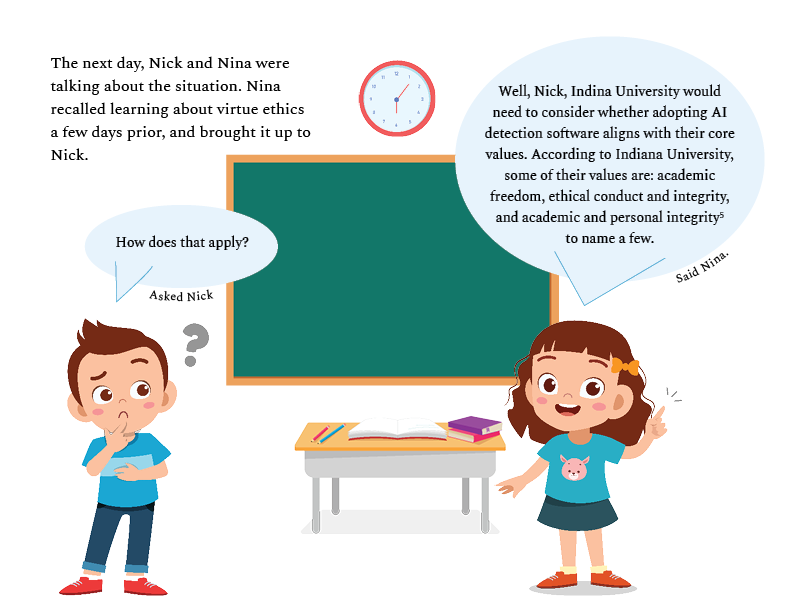
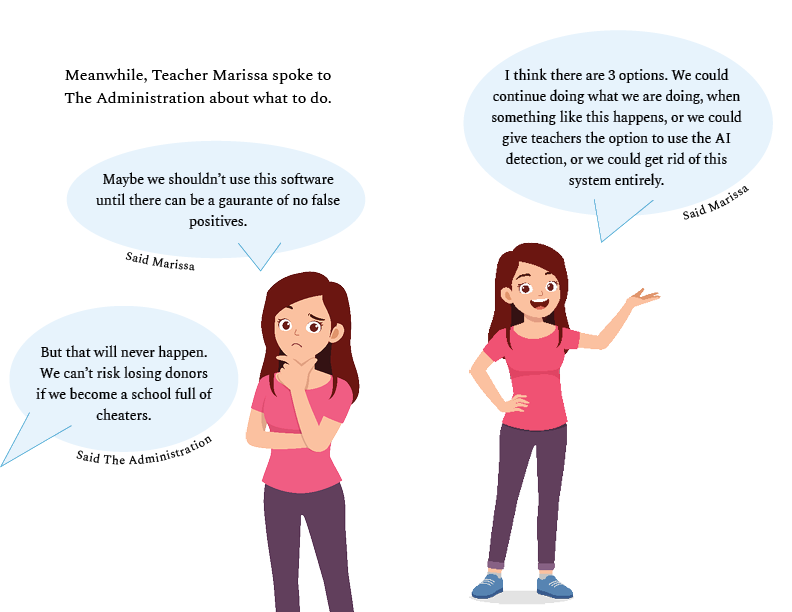
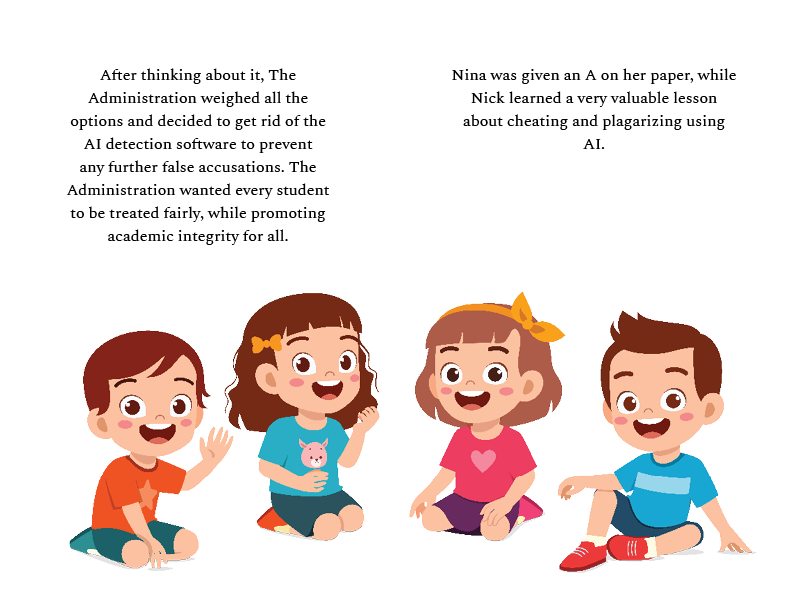
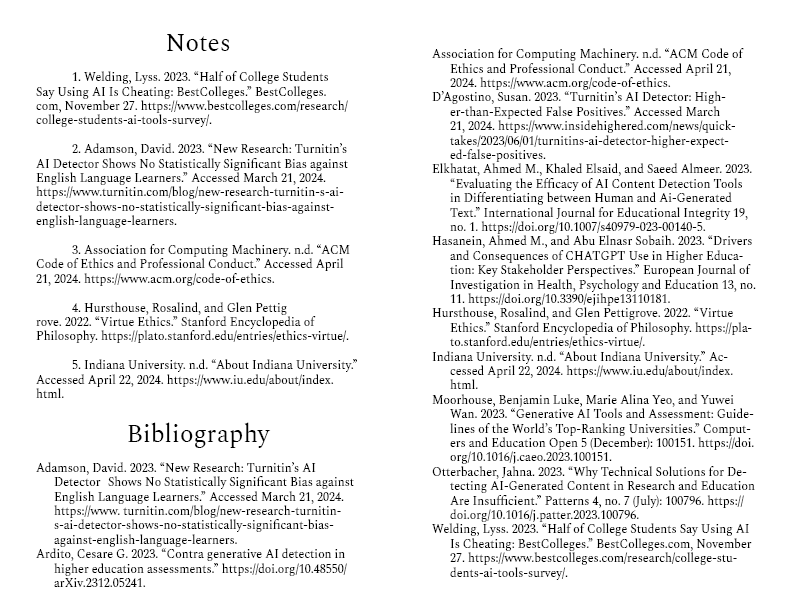

The Plagarism Perdicament
This book was made for my computer ethics class in place of a final paper. We were given the option to take a more creative route for the final, so I made a children's book that follows an ethical delemia. The book was made in Adobe InDesign and the graphics came from Adobe Stock.
Branding

EZ Park
For one of my graphic design classes, we were tasked with creating a fake app and creating it's logo and splash screen. My app is called "EZ Park" and it's a parking app that will tell you what the parking for a business is like when you put the address in. The logo was made in Adobe Illustrator and the splash screen was made using Figma.
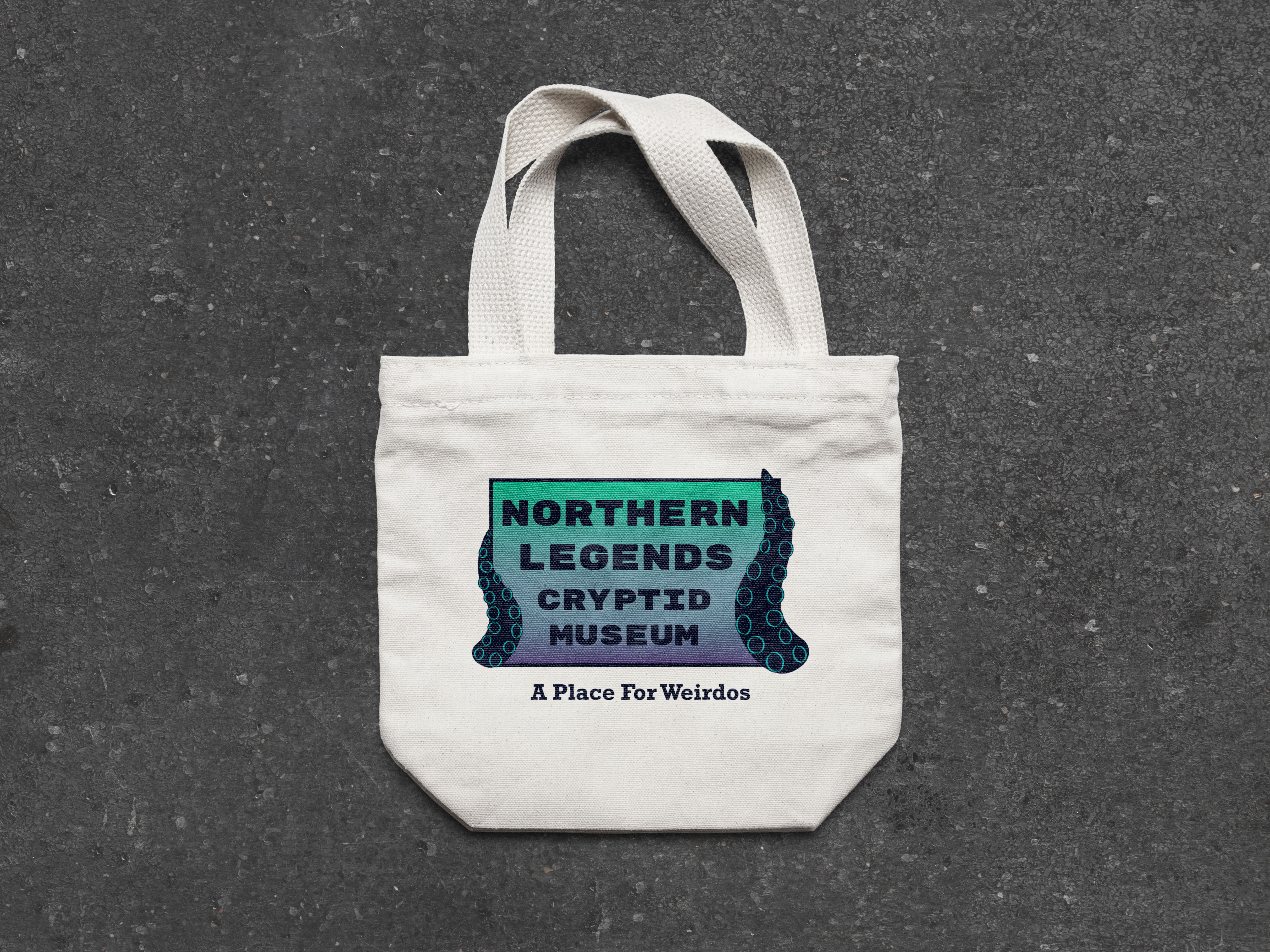
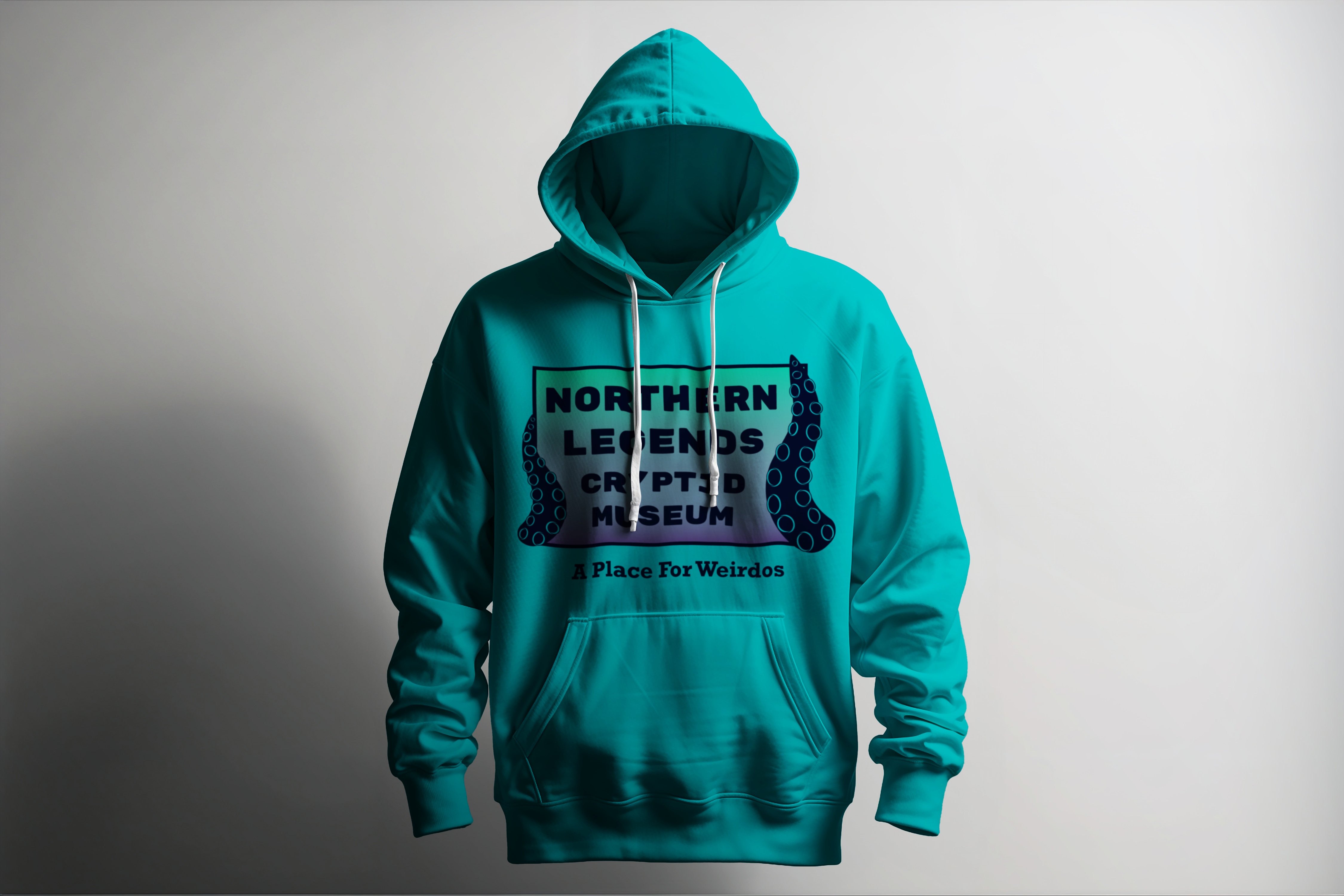
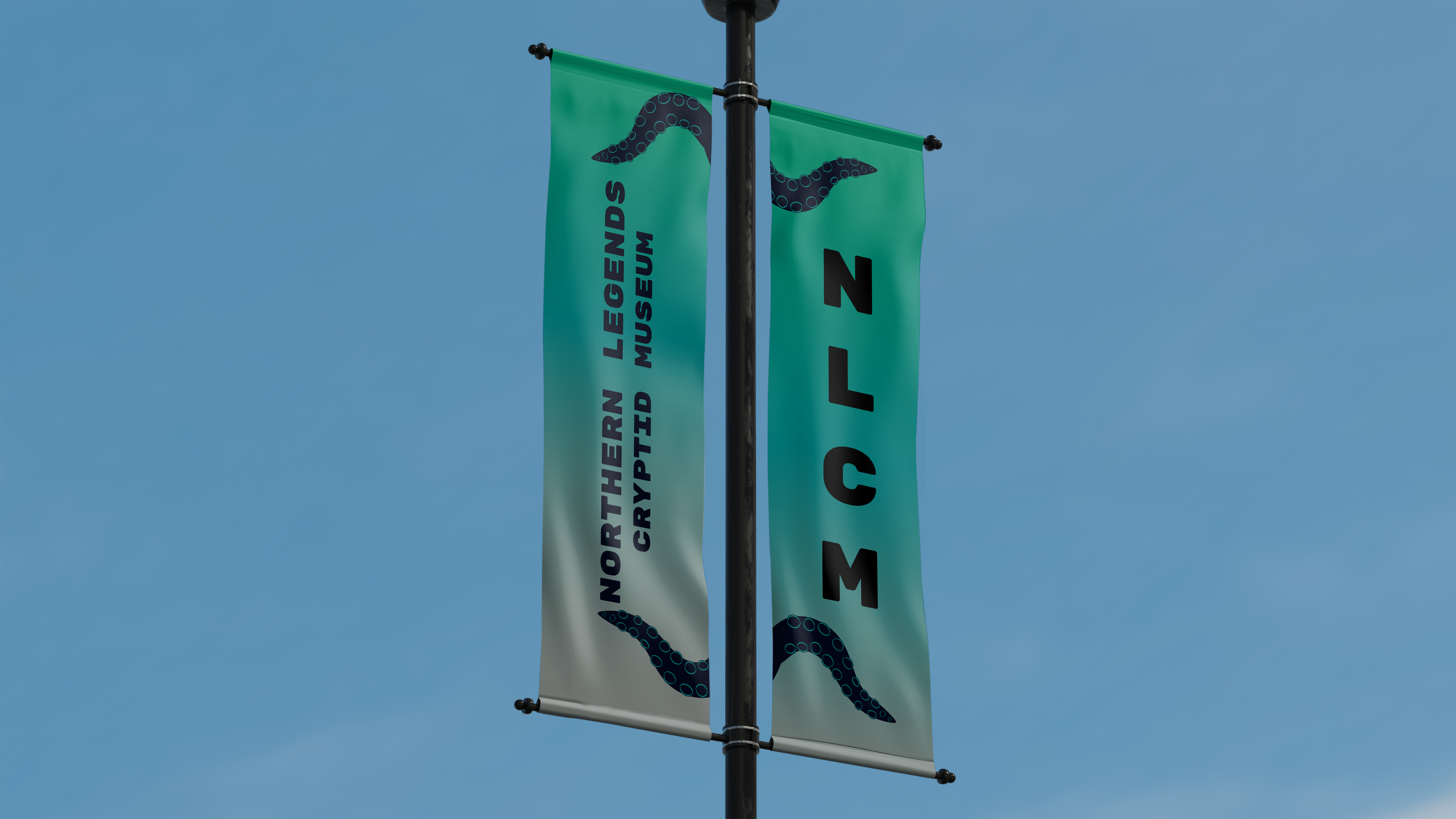
Northern Legends
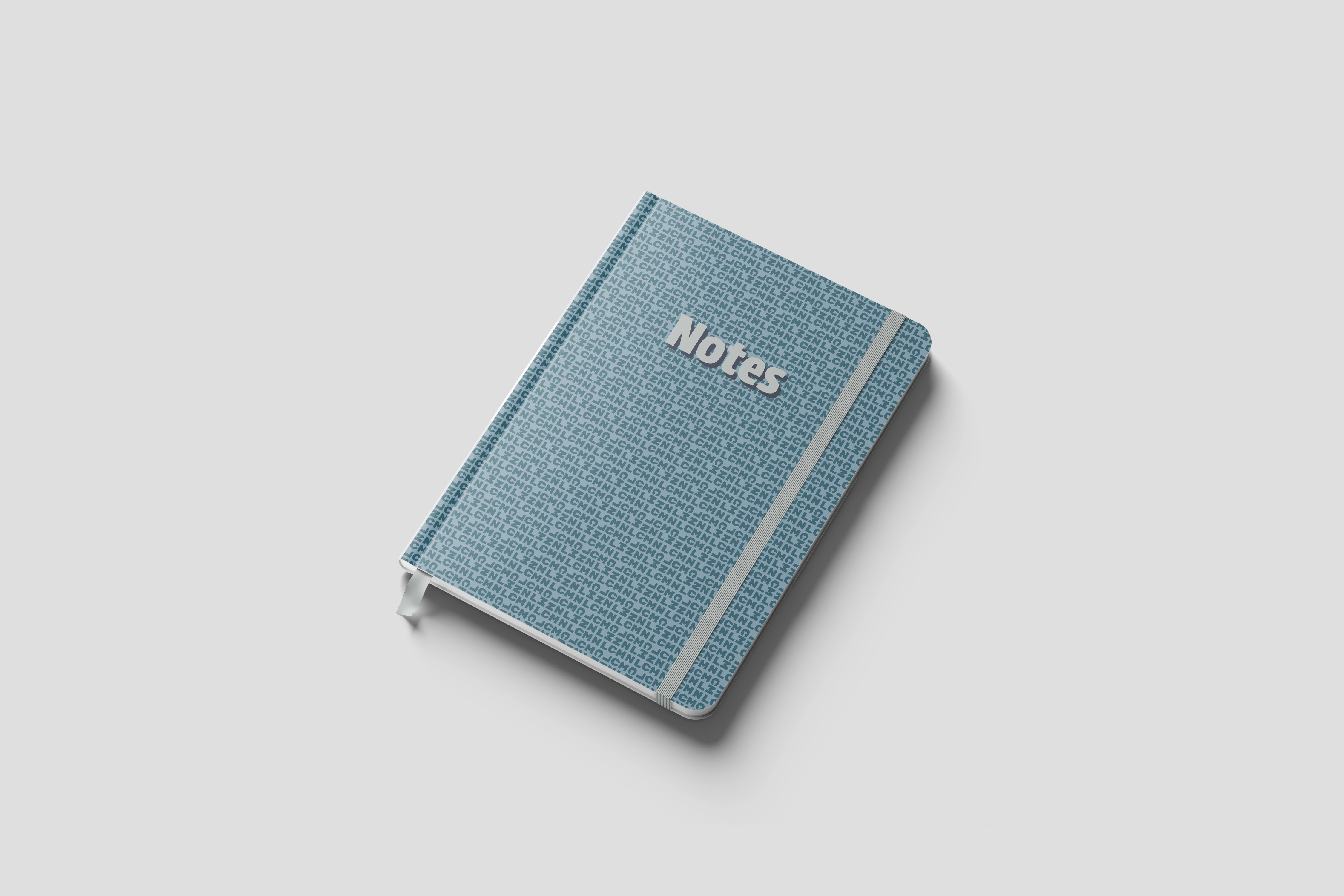
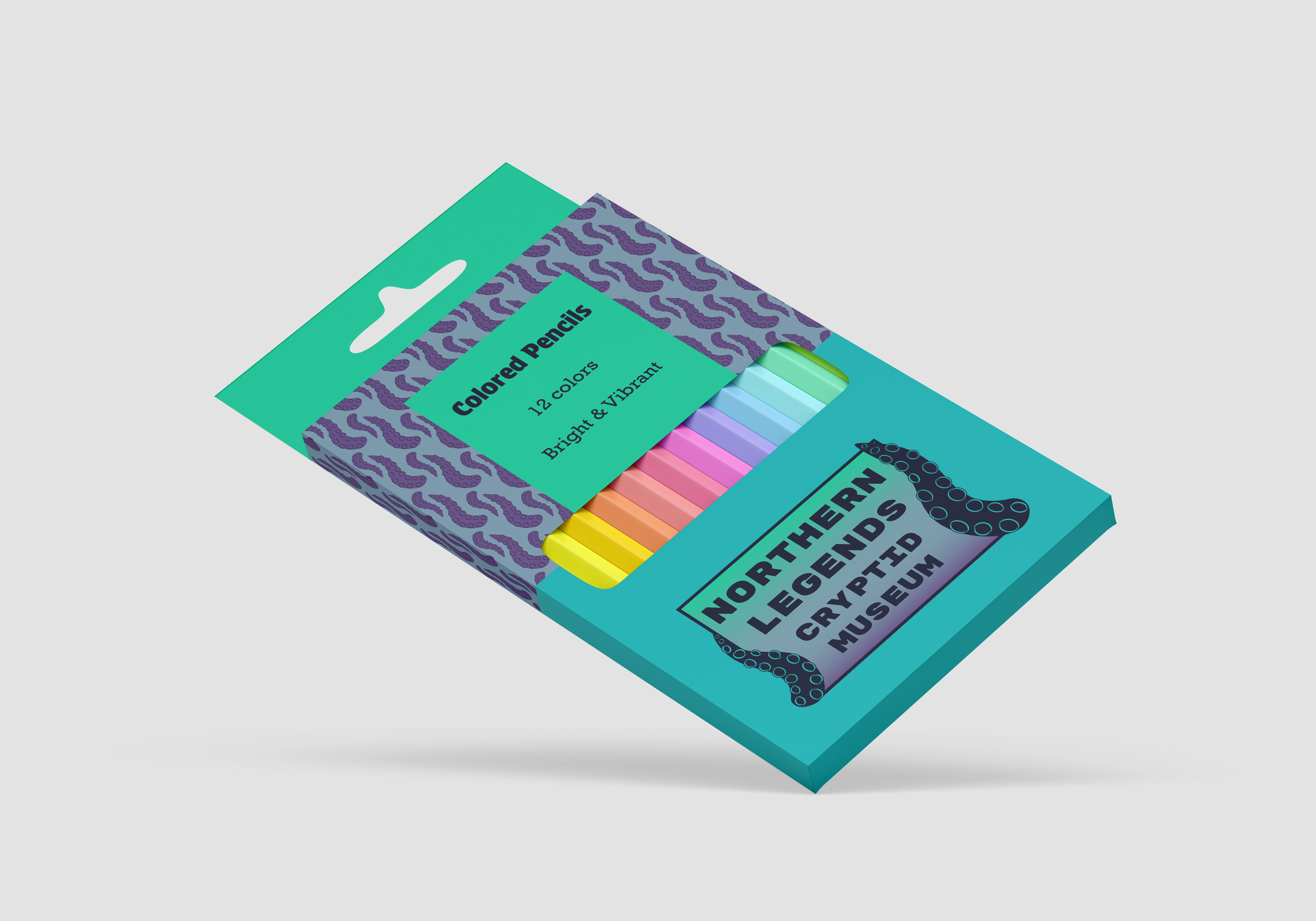
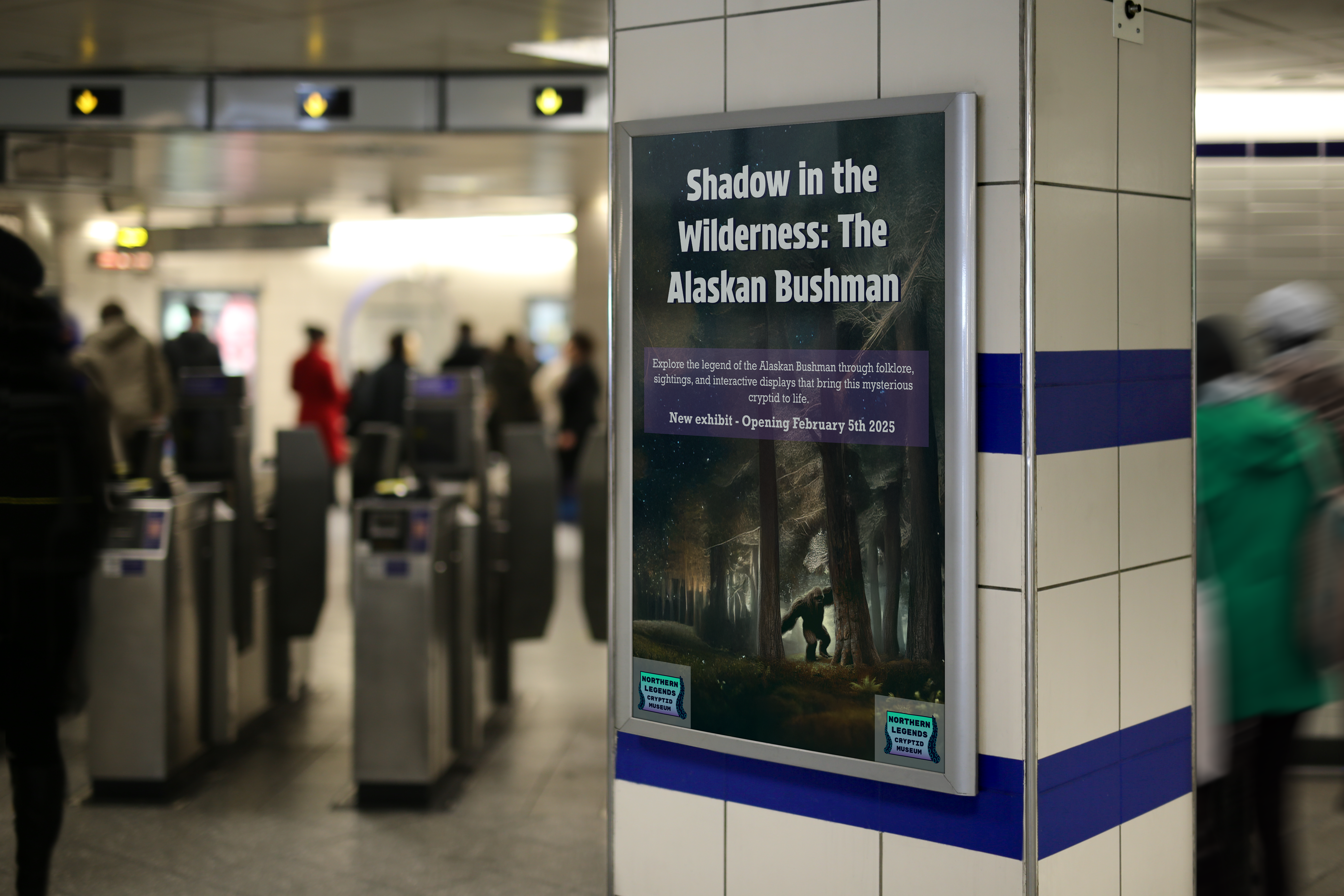
For one of my graphic design classes, we were tasked with going through the steps of a mock freelance project where we had to create an entire brand idenity for a business that we came up with. My fake business was a cryptid museum in Juneau, Alaska that specilizes in Alaskan legends. The name of the musuem is Northern Legends, and each image you see is a mockup of potential merch the museum could sell with the logo and brand patterns on it. The logo and patterns were made in Adobe Illustrator and the mockups were made with Adobe Photoshop.
Hardware
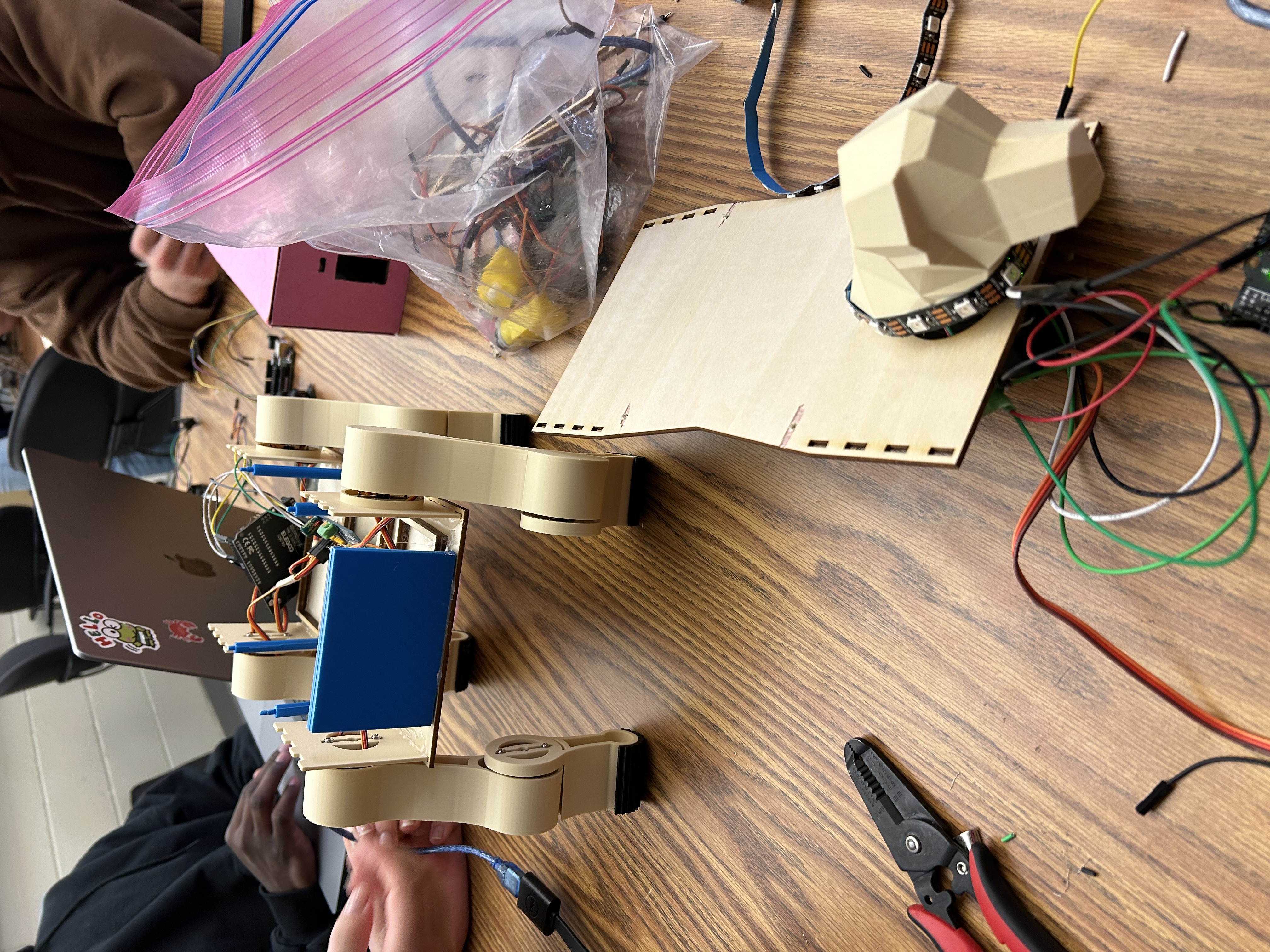
Robot Dog
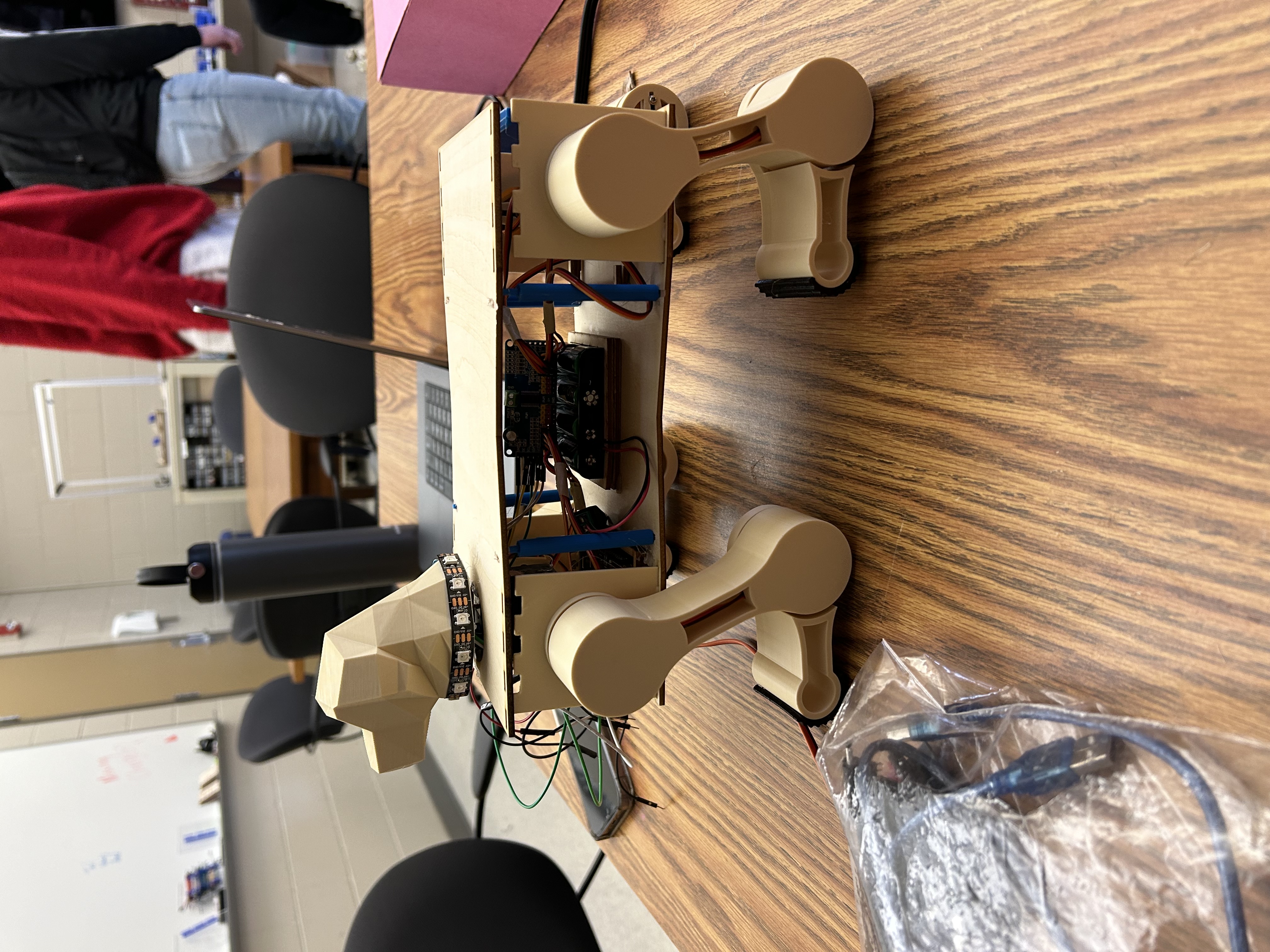
As part of my Prototyping with Arduino class, a team of myself and my peers created this robot dog made out of wood, 3D printed materials, Servo moters, and Arduino Unos. We wired the entire thing ourselves, constructed the materials, assembled it, and programmed it to shake hands and move it's head. As part of our assignment, we had to make a silly video from the perspective of the robot, which we named "Unit".
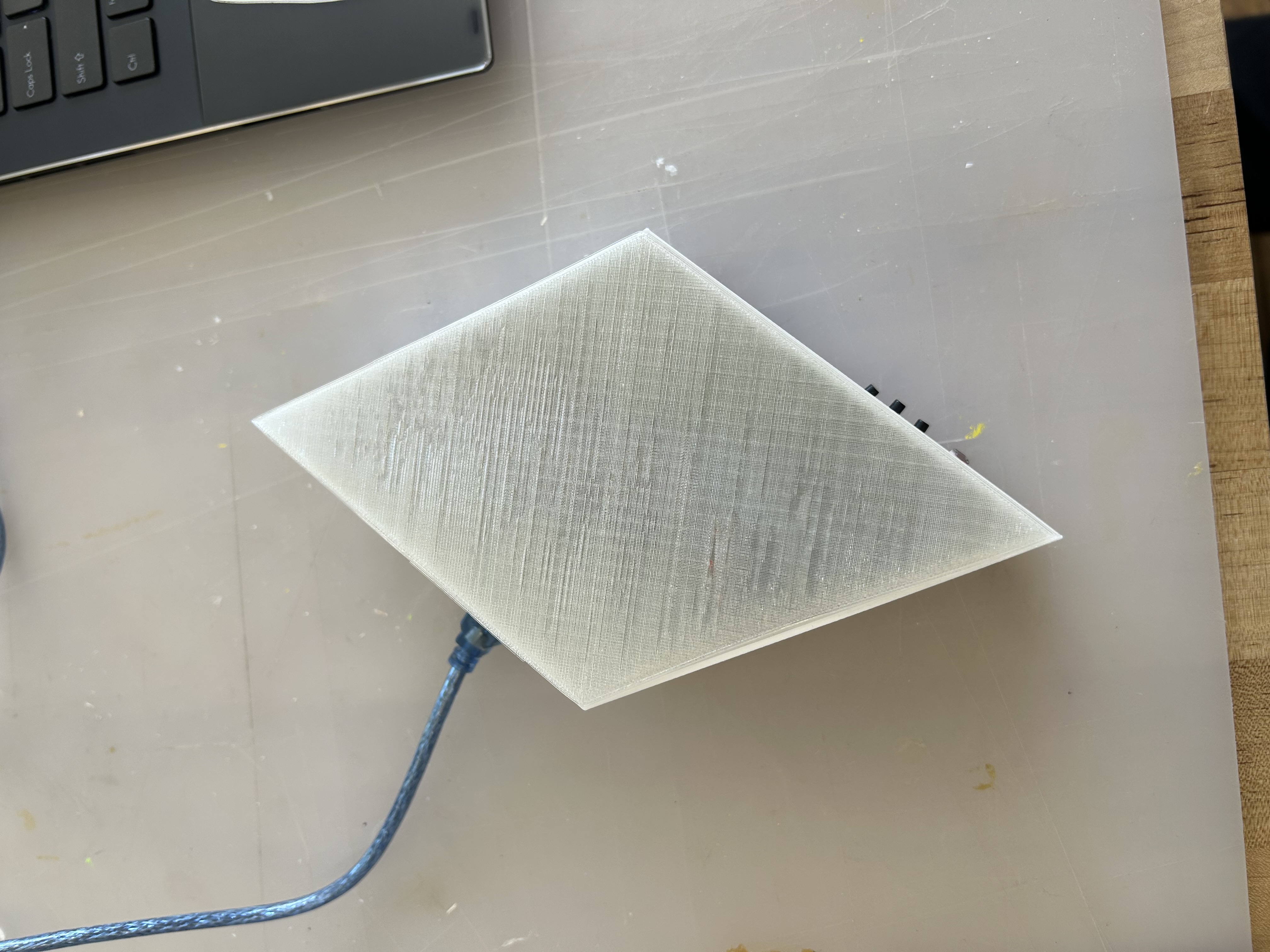
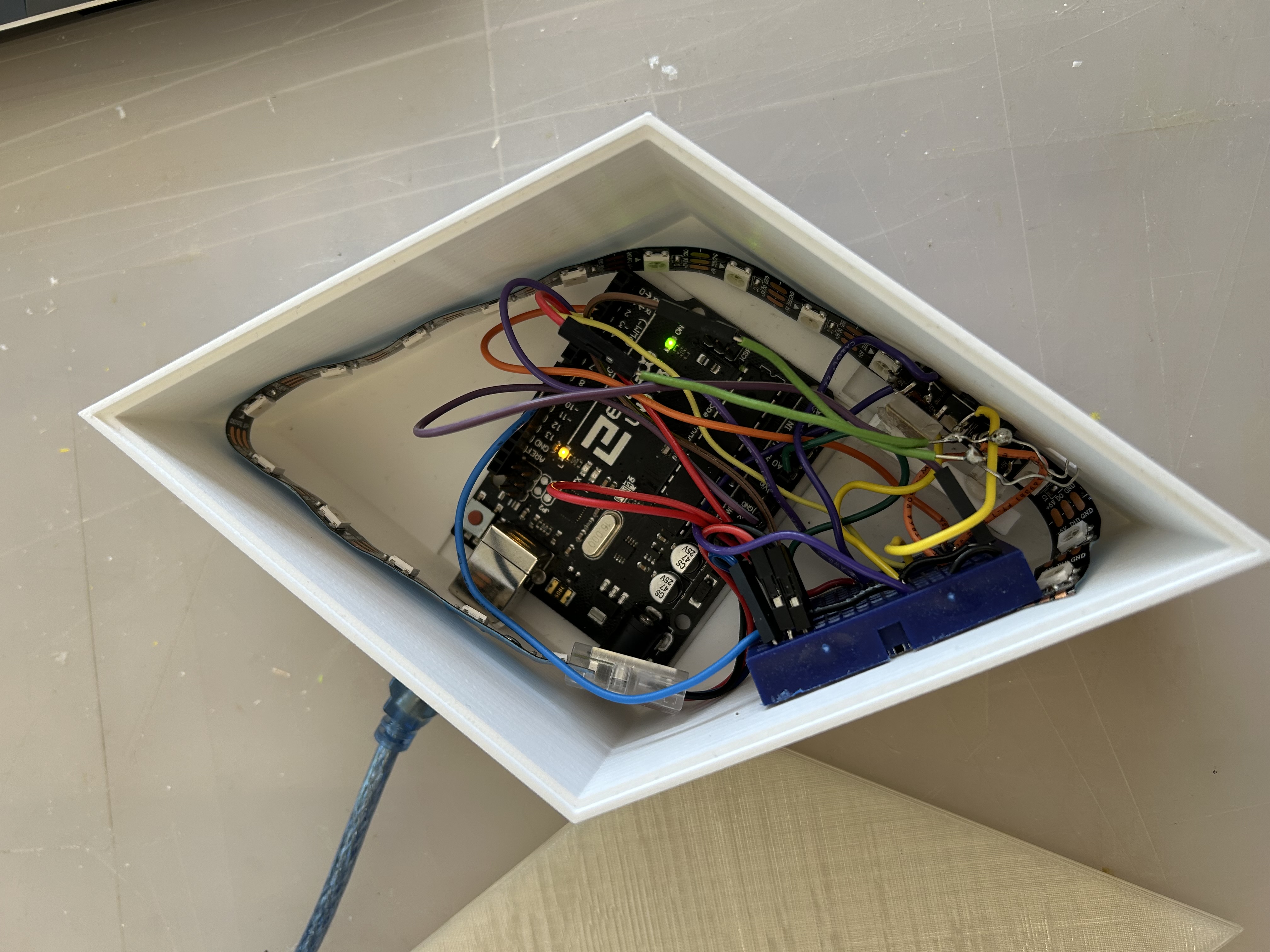
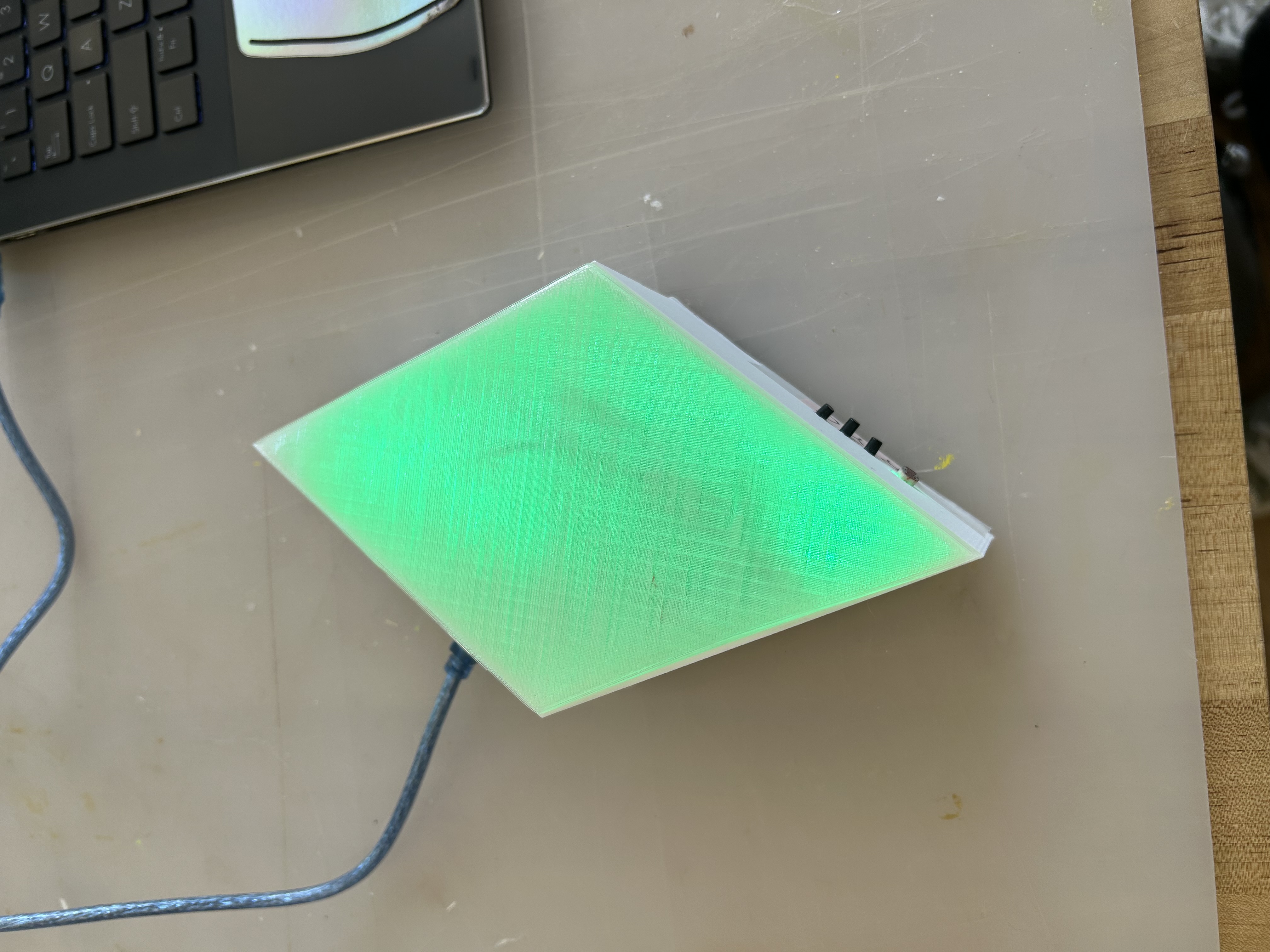
Sims Plumbob Light
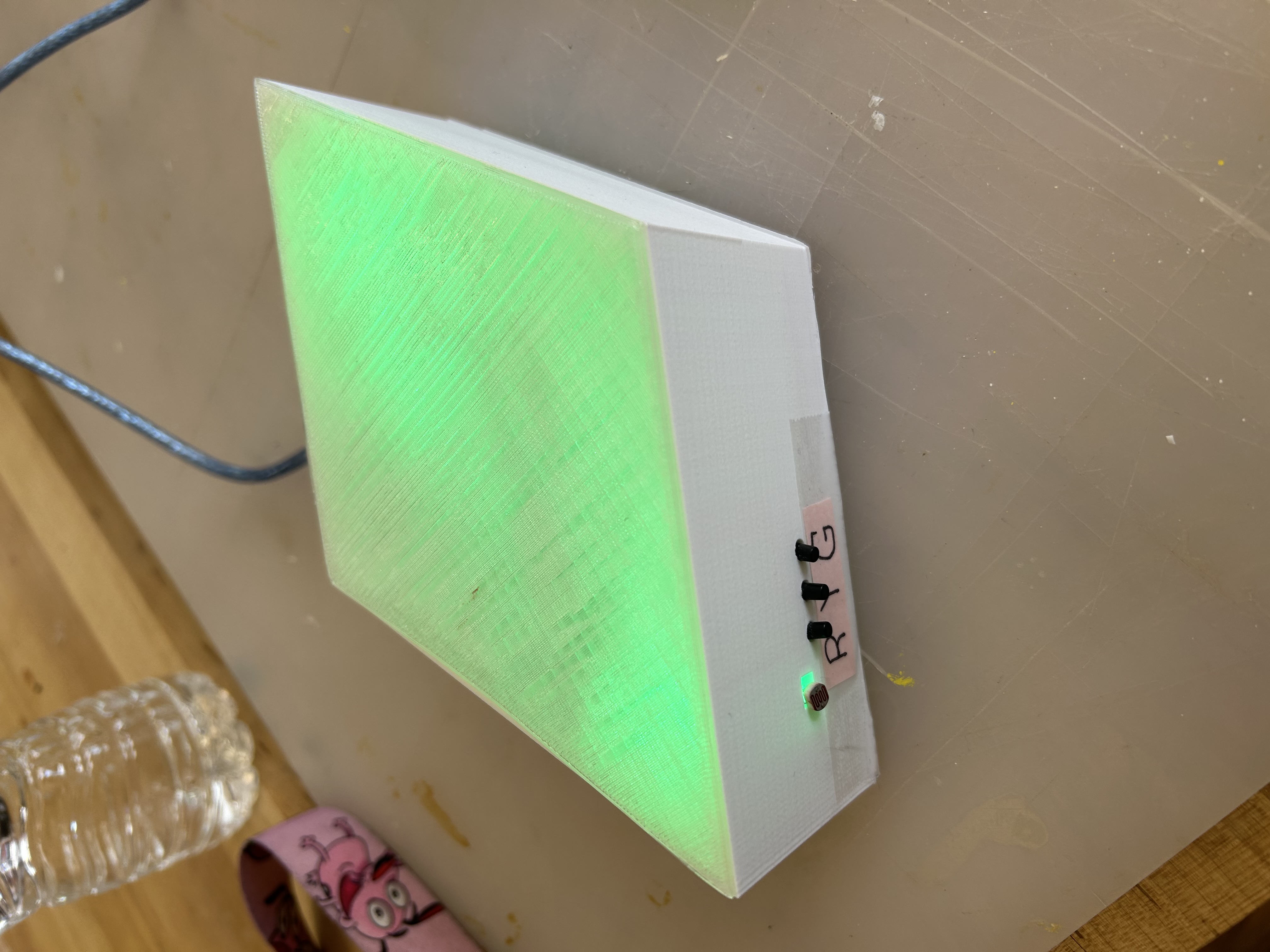
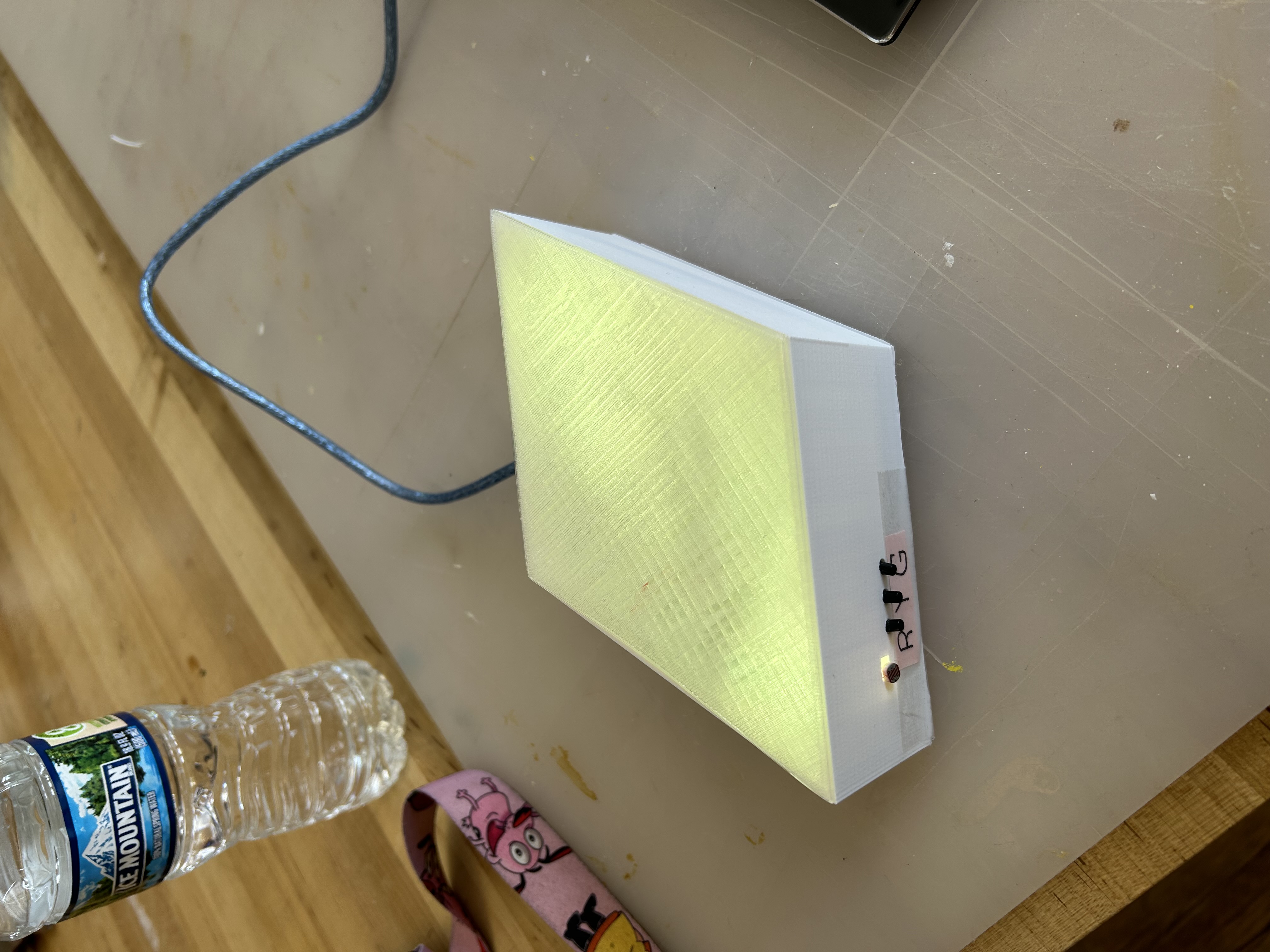
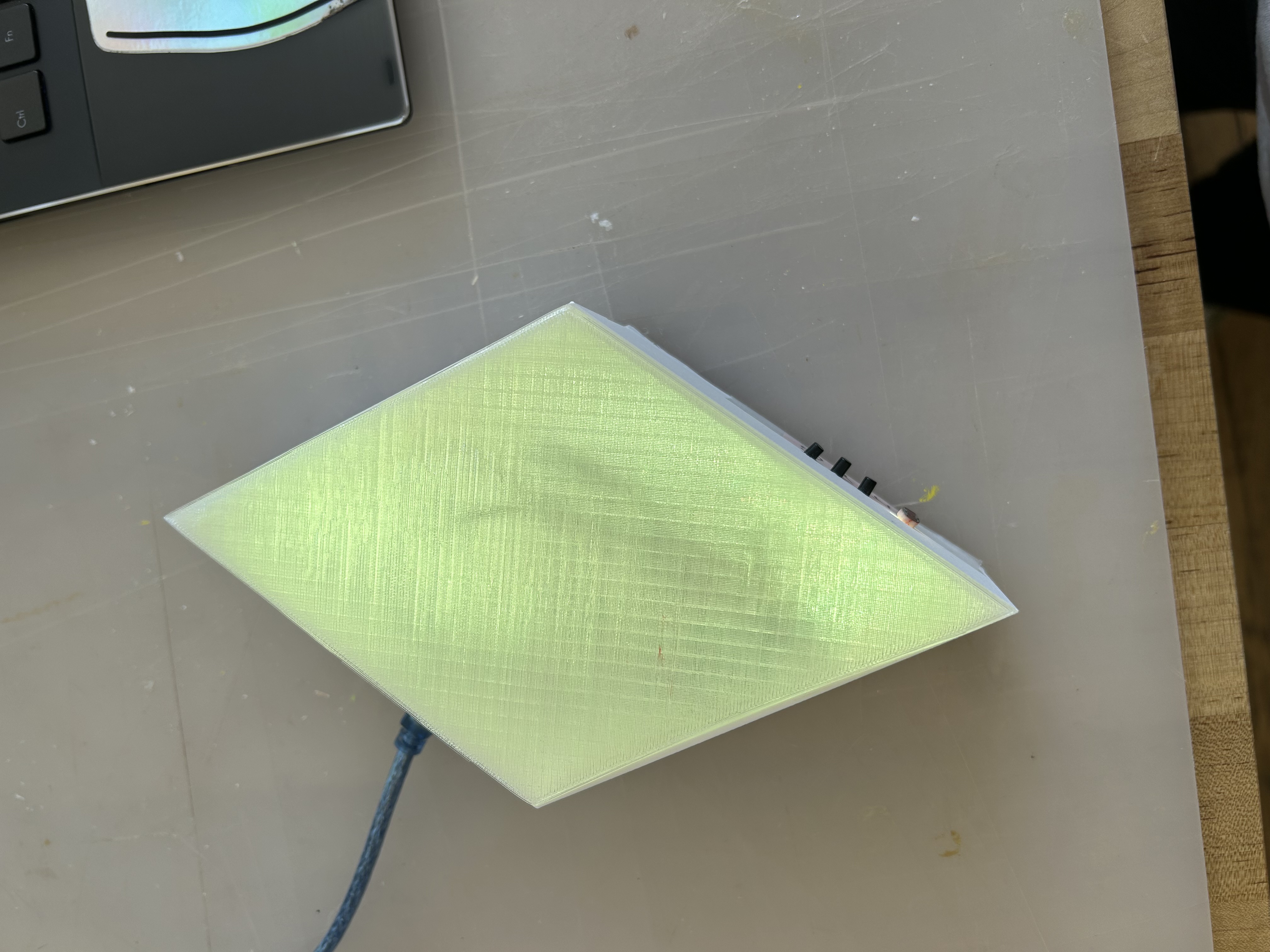
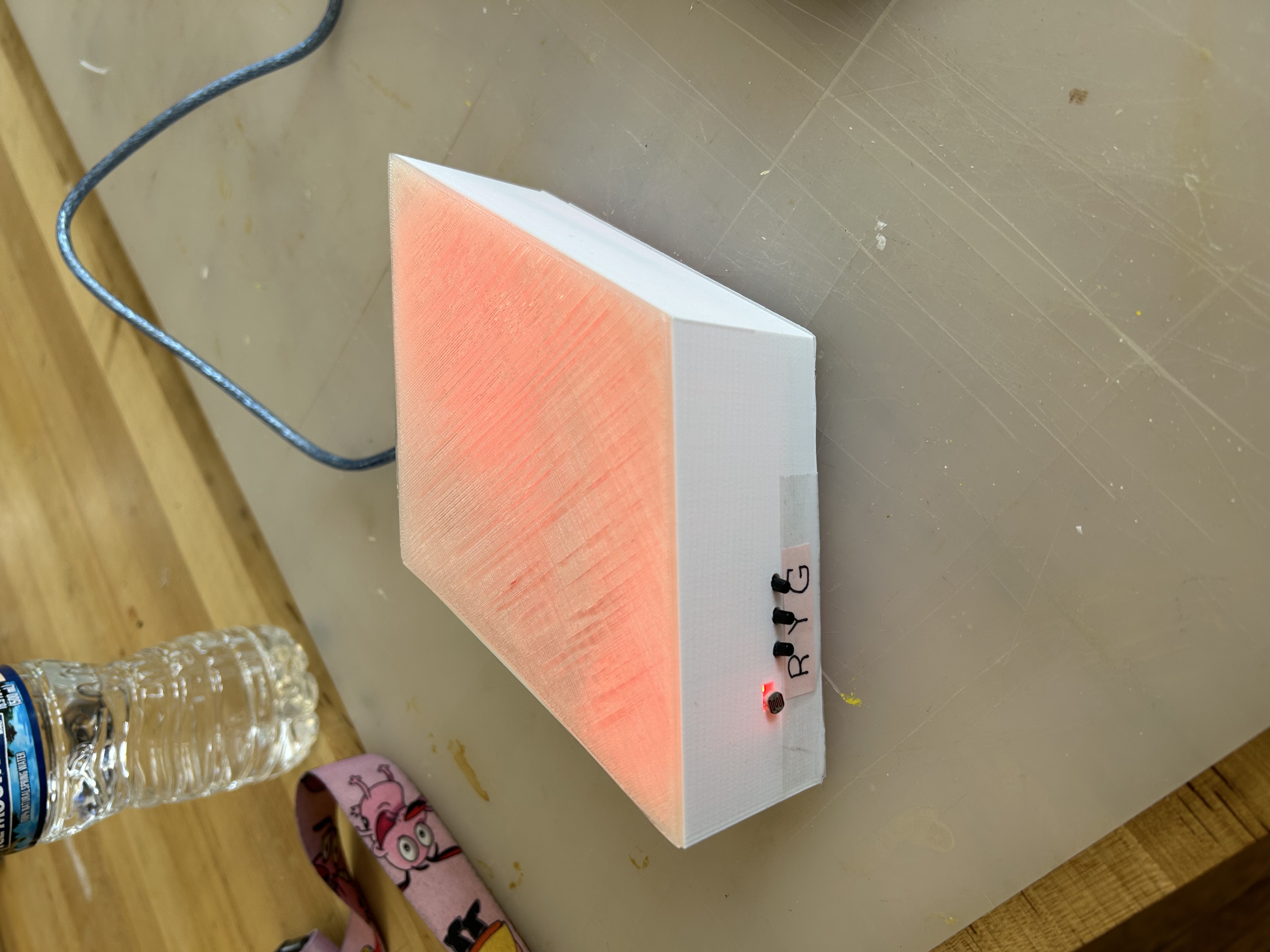
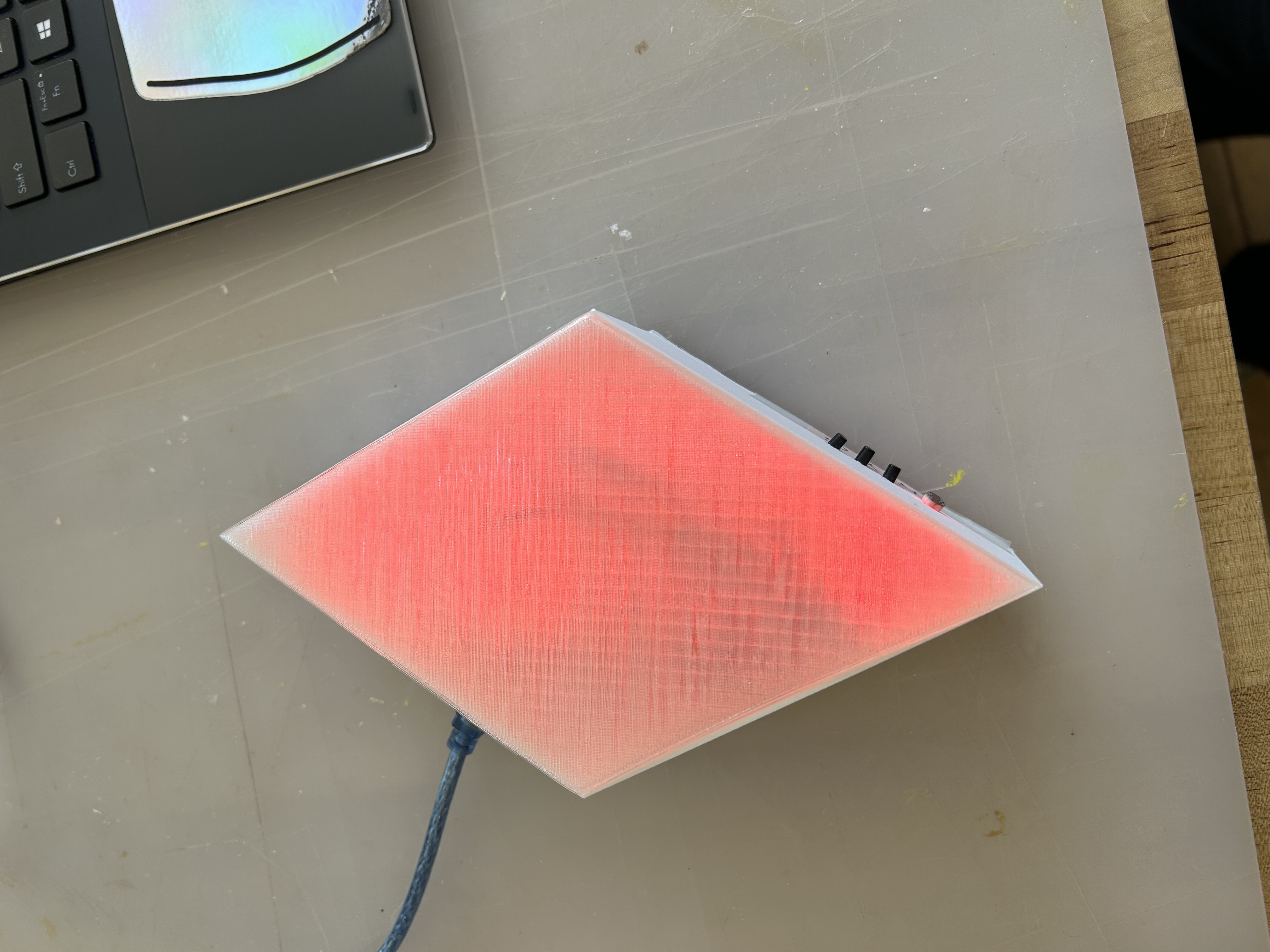
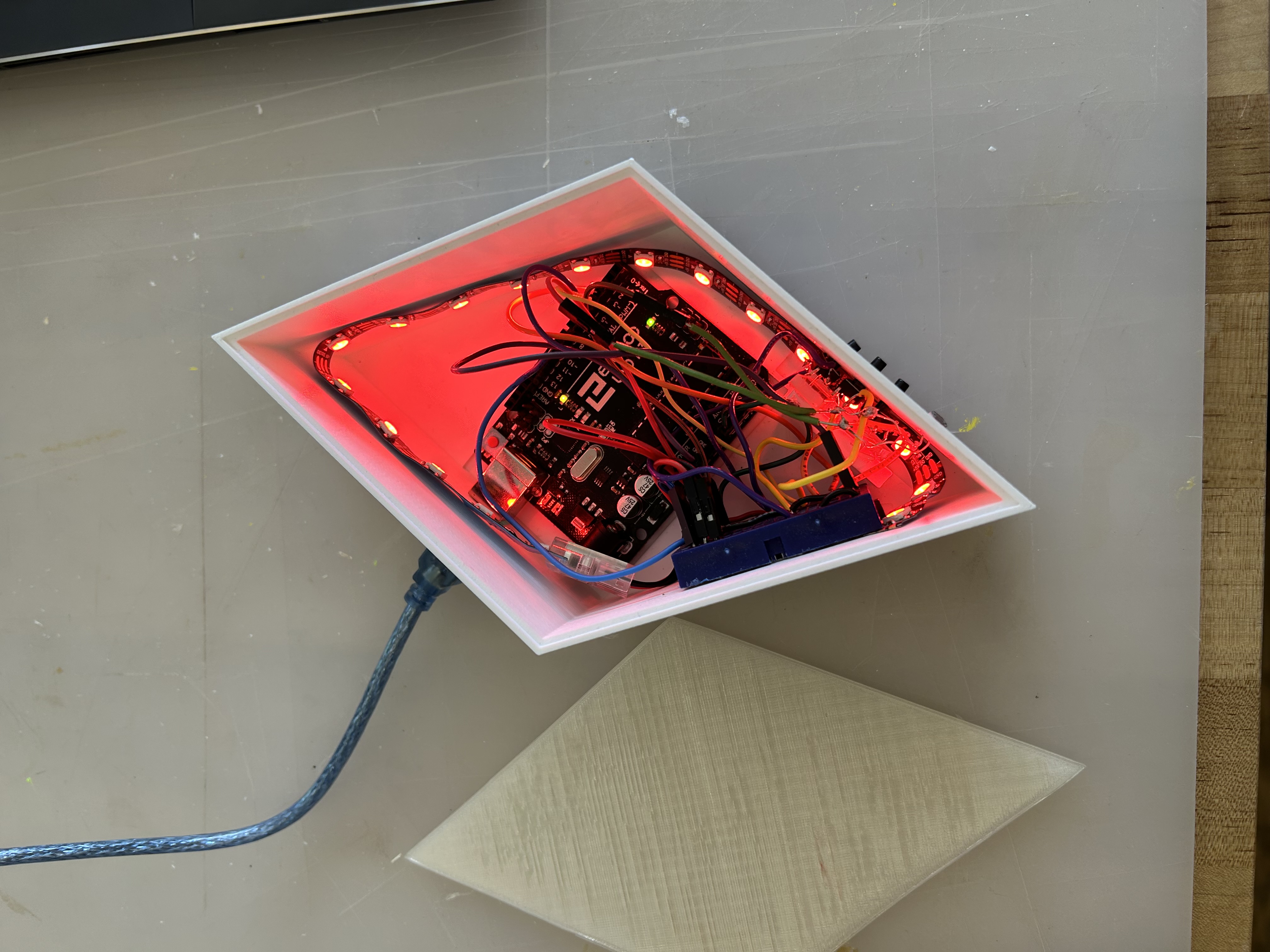
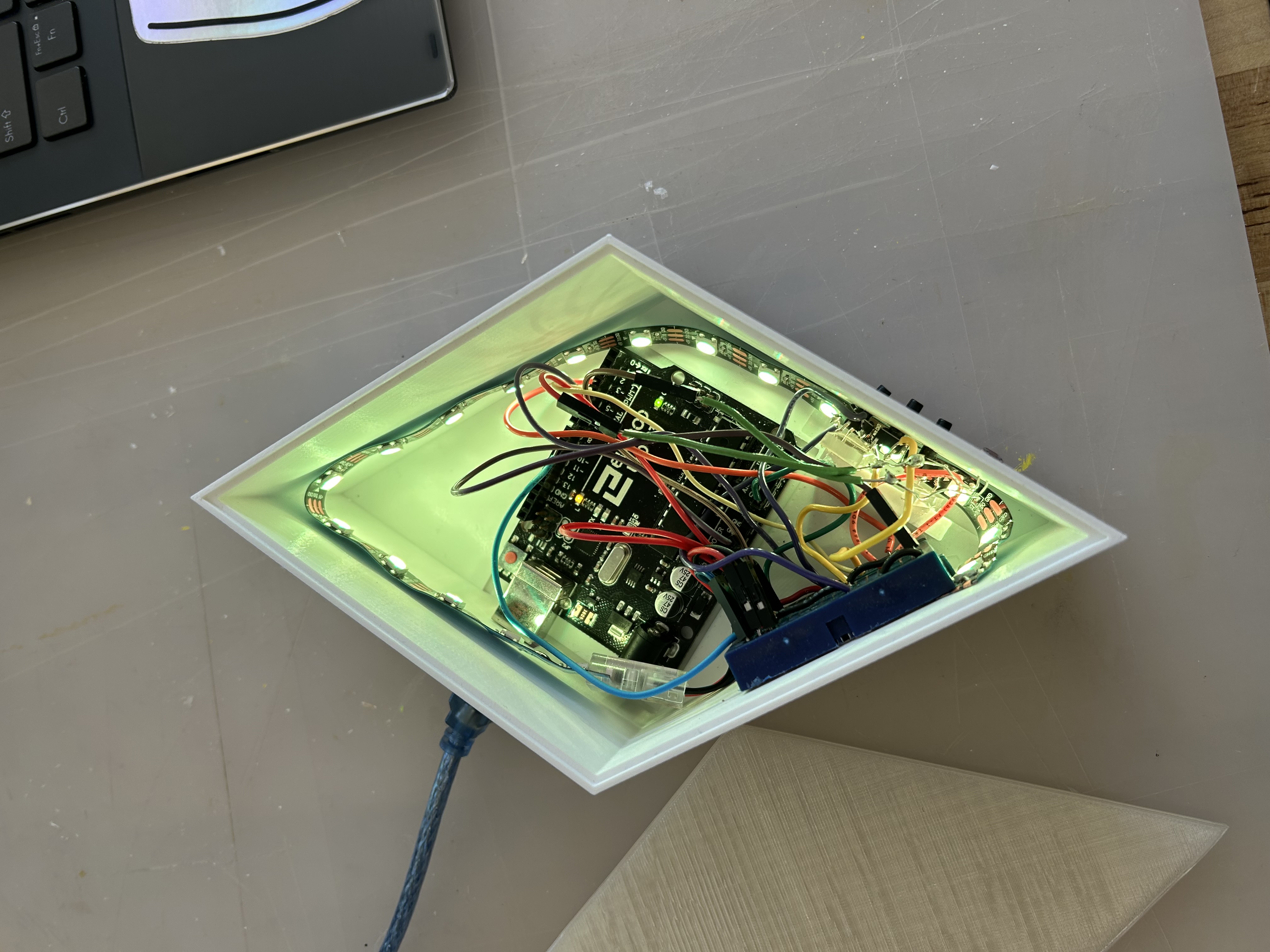
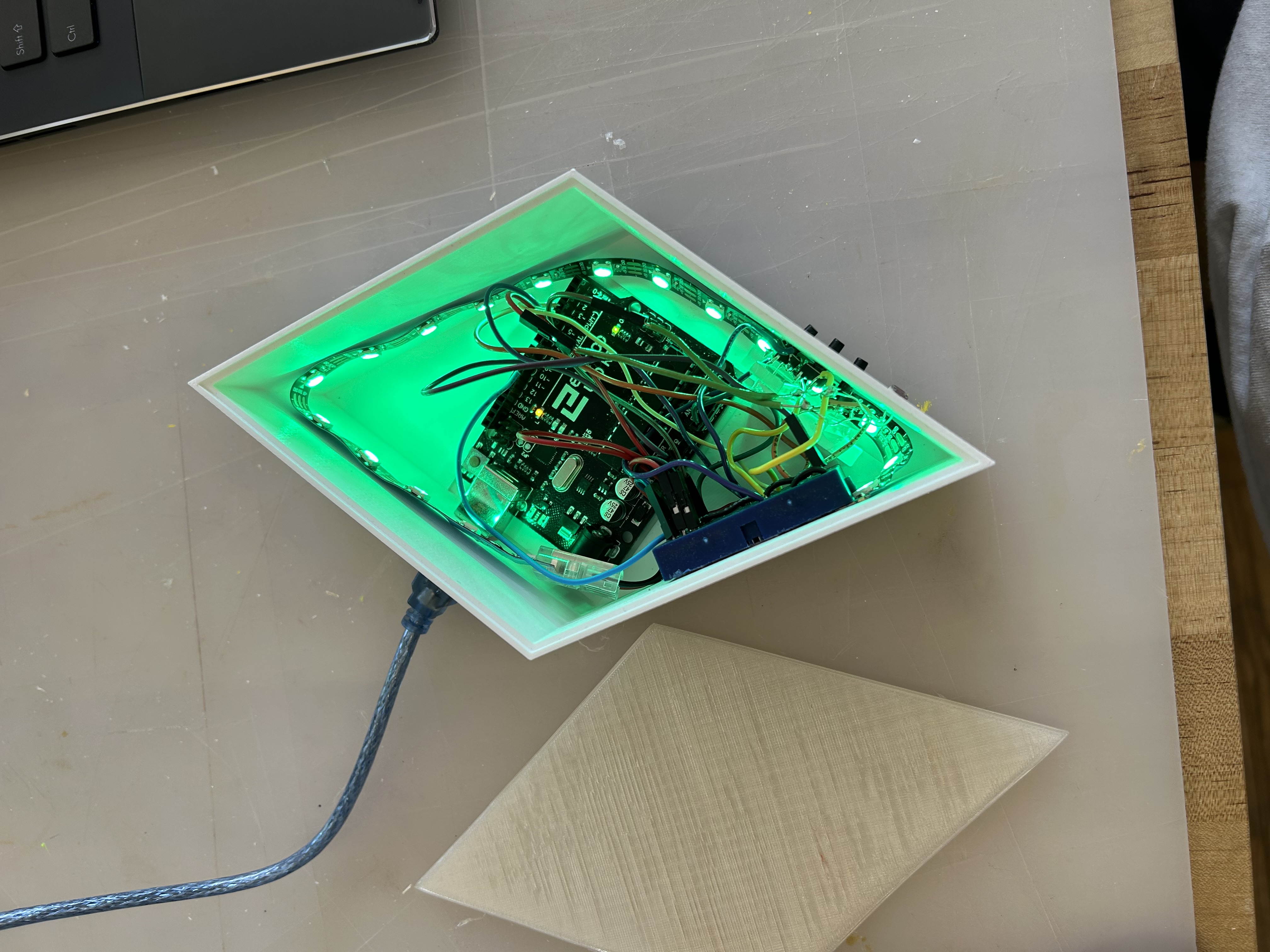
Also in my Prototyping with Arduino class, I made a light that was 3D printed in the shape of the diamond that goes above a Sim's head (also called a "plumbob") in the video game, The Sims. It has buttons on the side to control which color it turns, and all the wires are contained inside with a lid. It also functions as a night light, so the darker the enviorment, the brighter it gets. All the wiring was done by me using an Arduino Uno, a mini breadboard, a neopixel light strip, a light sensor, and buttons.
3D Graphics
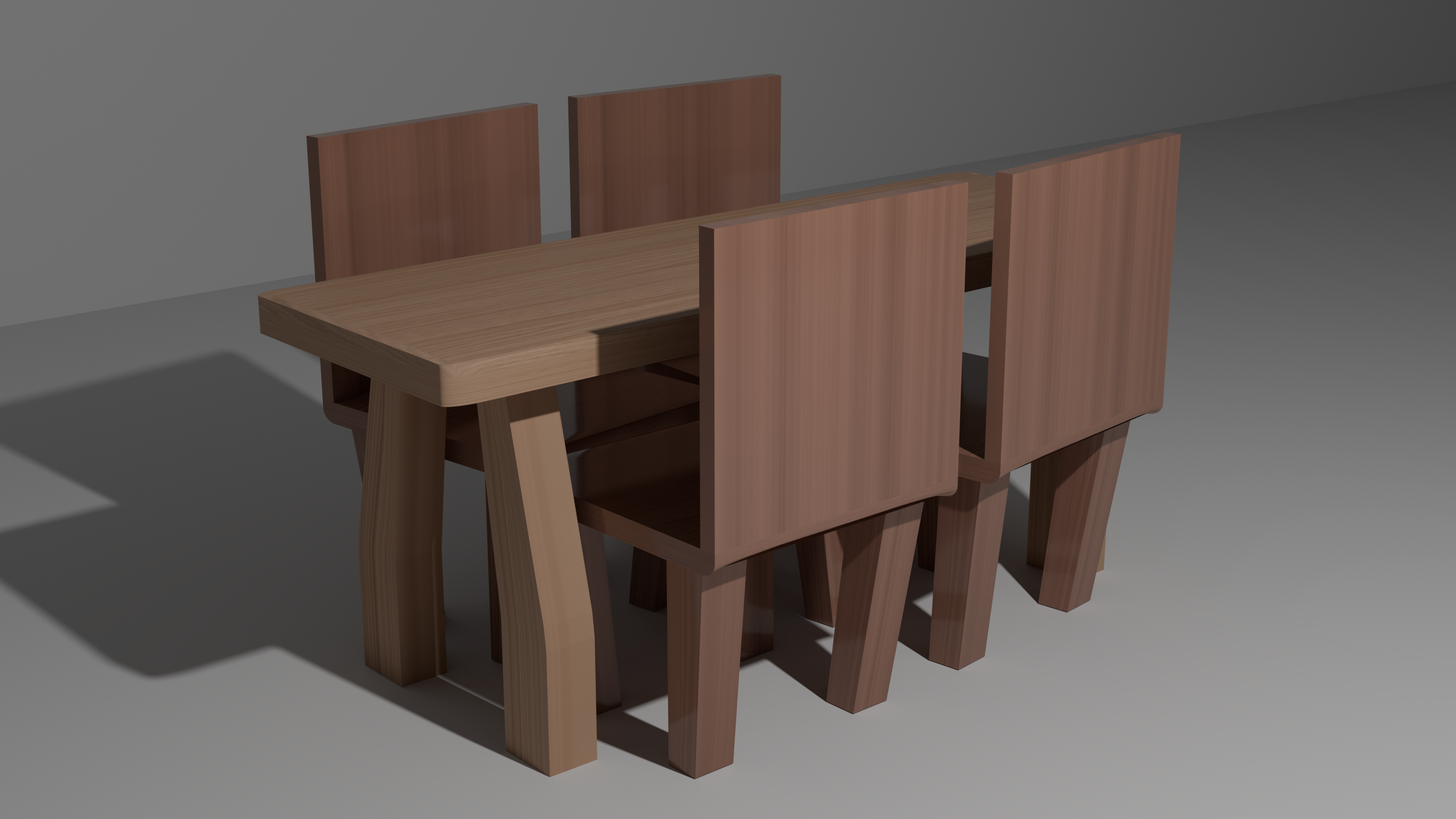
3D Graphics
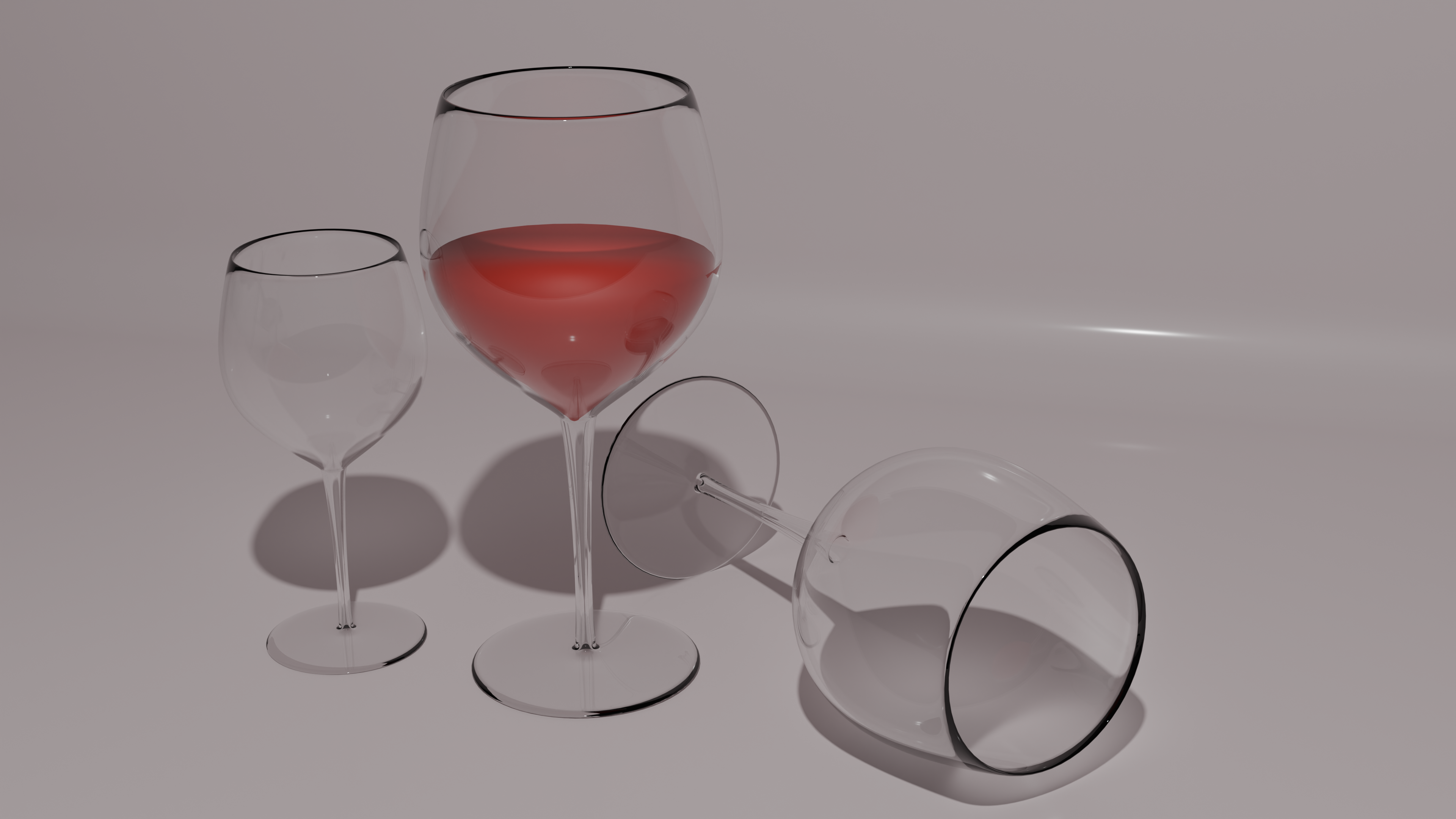
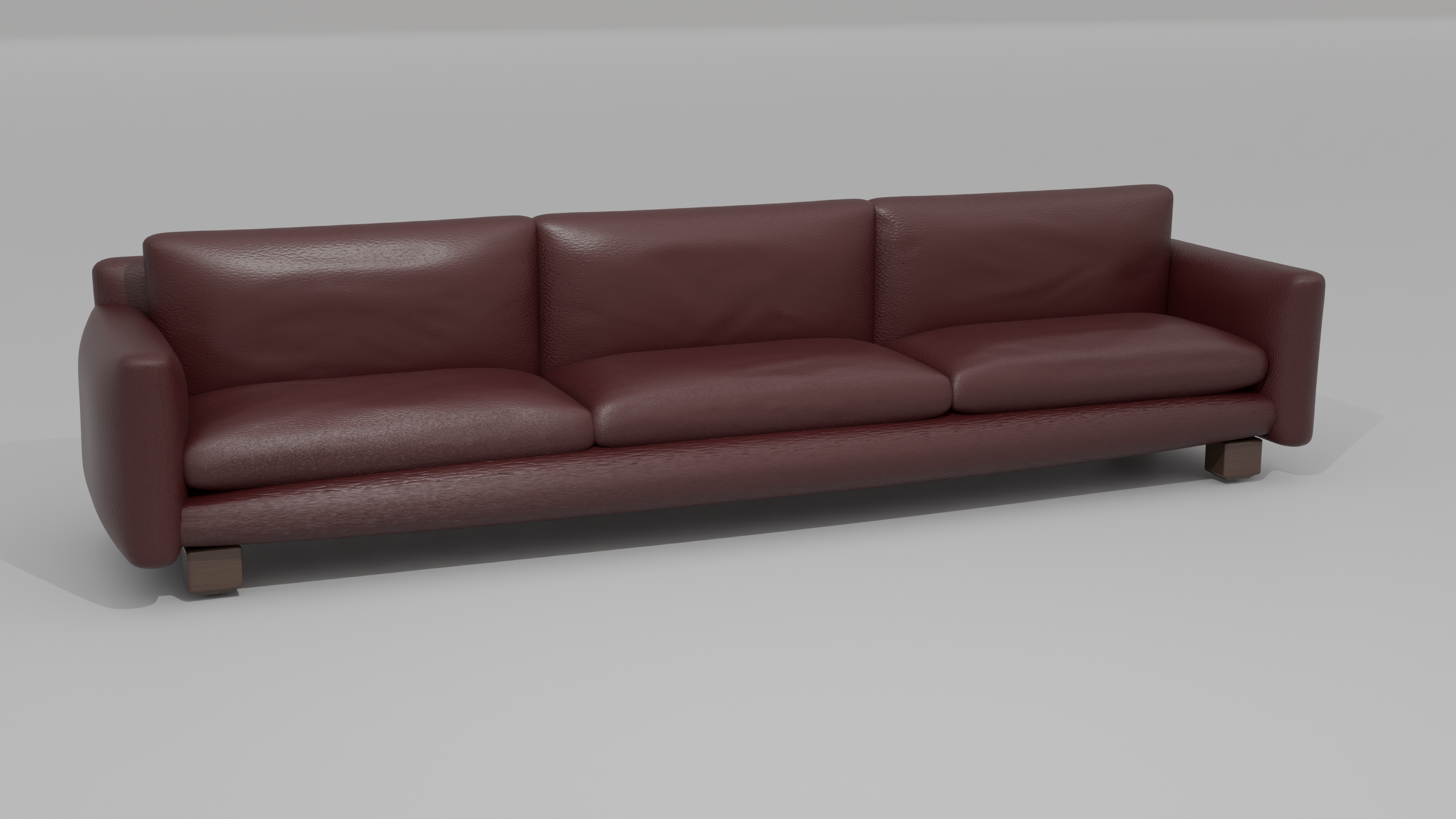
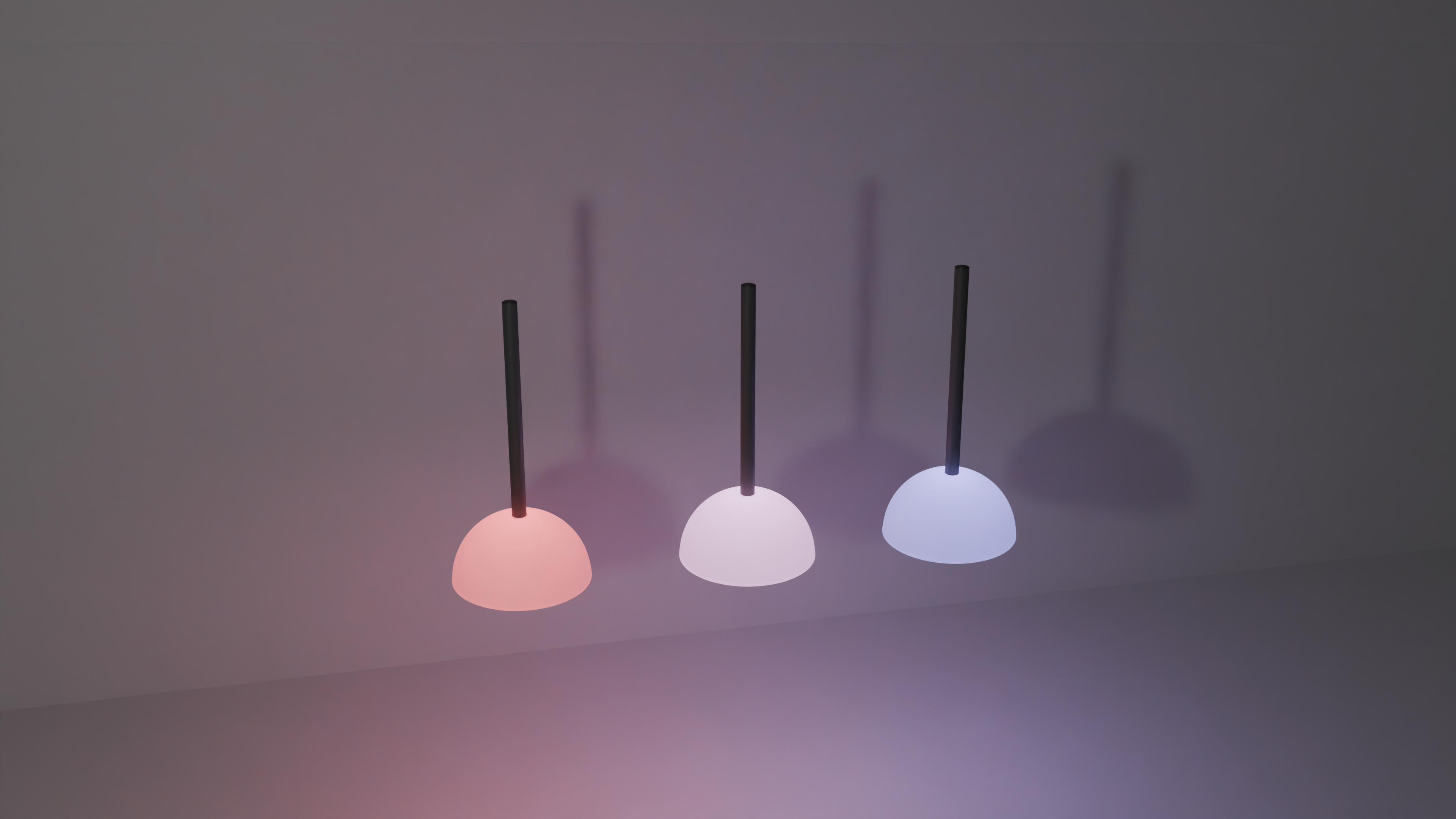
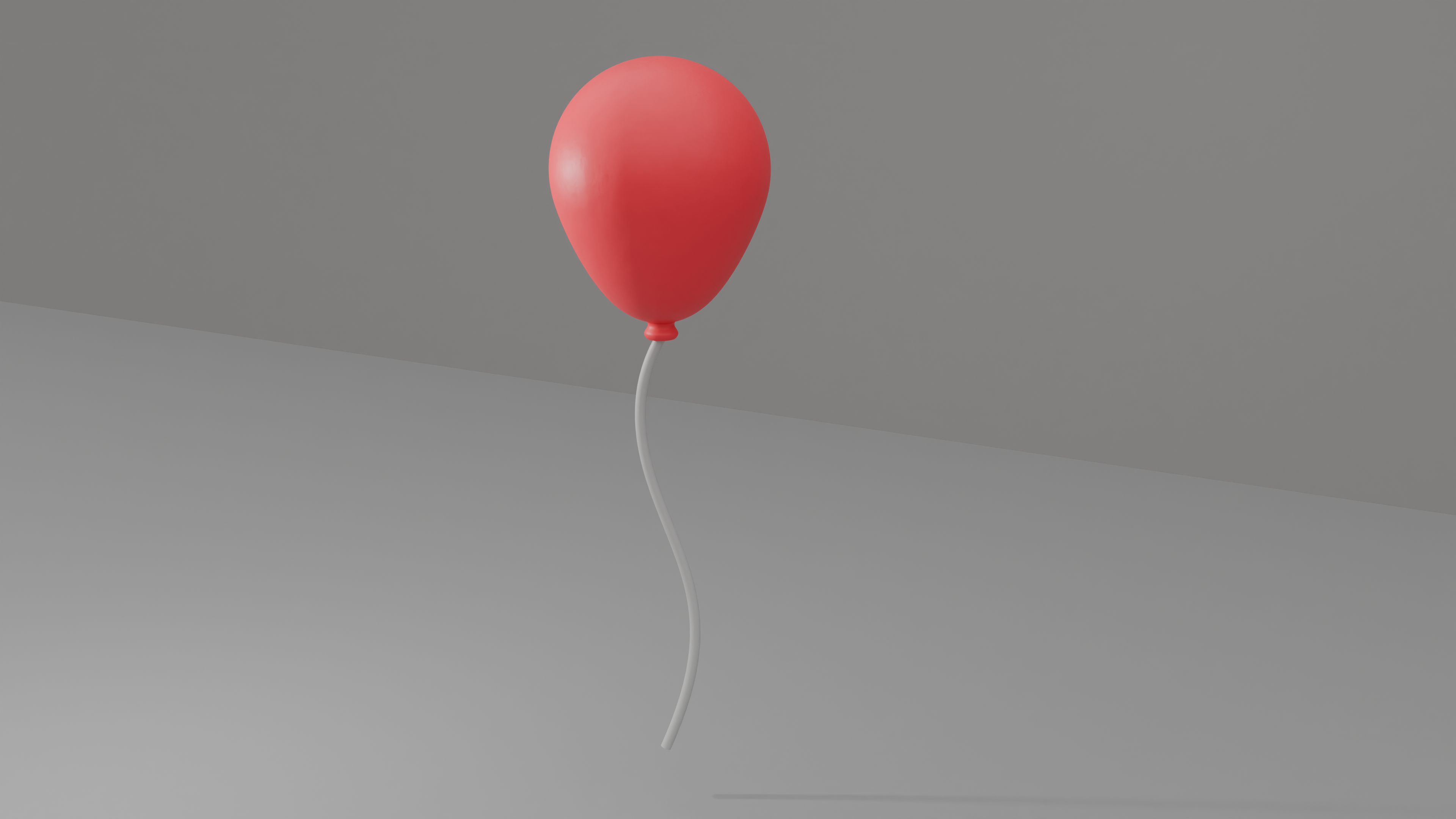
These are a few examples of some of the 3D objects I made in Blender for my 3D computer graphics class.
Untitled Party Scene
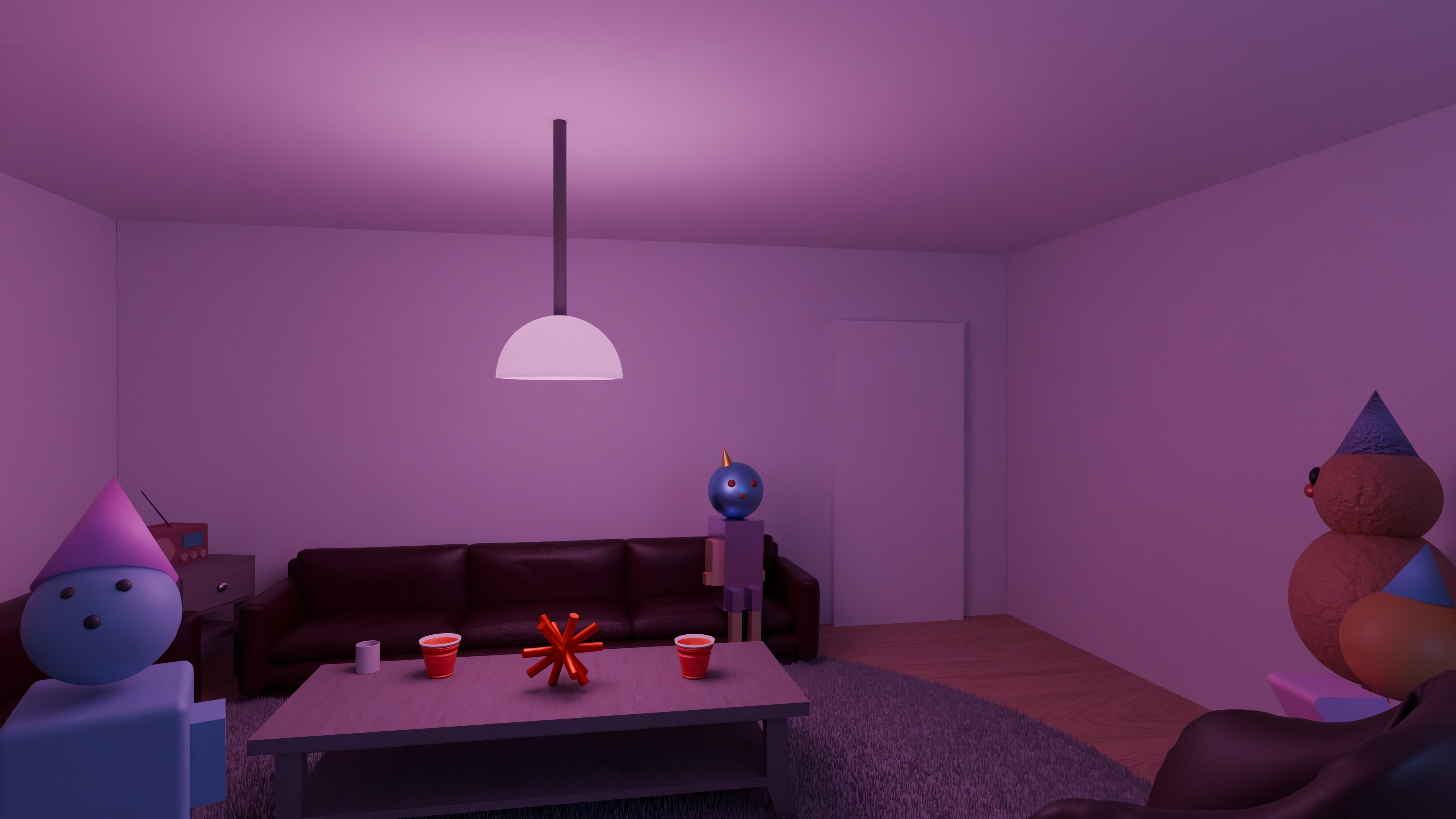
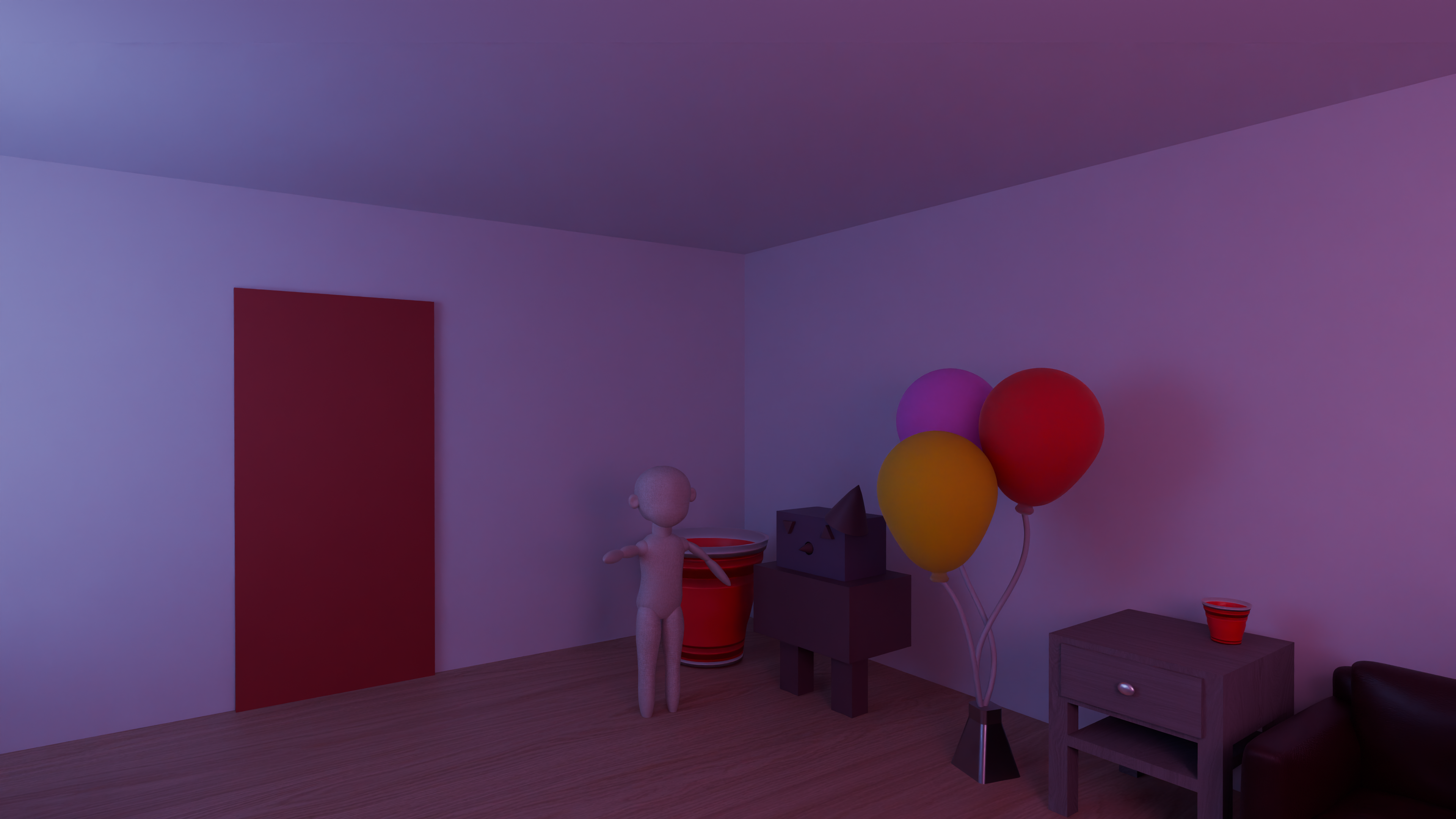
For my 3D Computer Graphics class, I made a 360 panoramic video that walks through a party with abstract characters. As the player walks through the room and enters a second, more erie room, the tone shifts and becomes distorted. Everything in the video was modeled and made by me in Blender, and then animated to move slightly as the camera moves through the room. I then took 900 panoramic screen shots and put them together in Adobe Premier to create a 360 video.
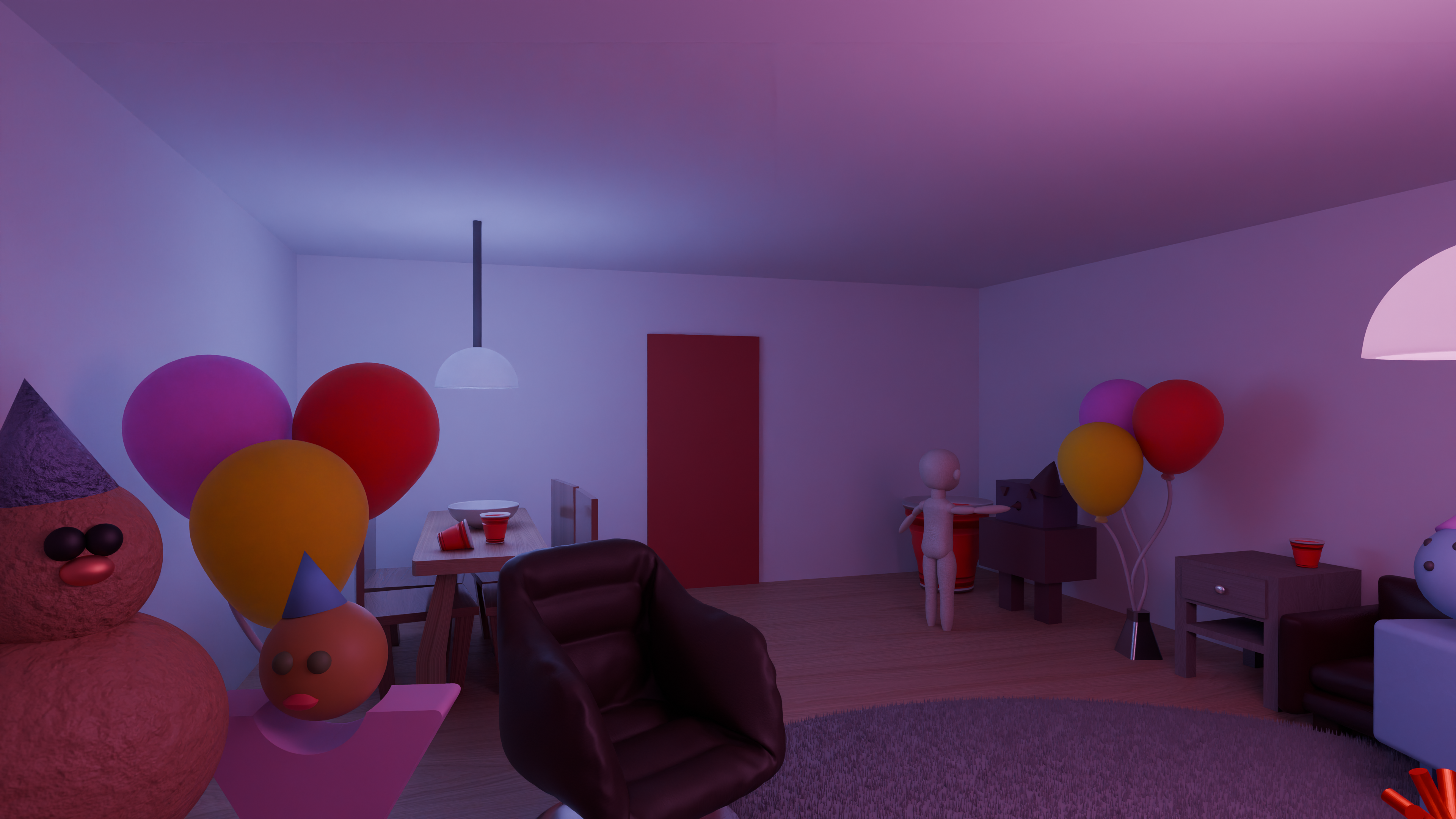
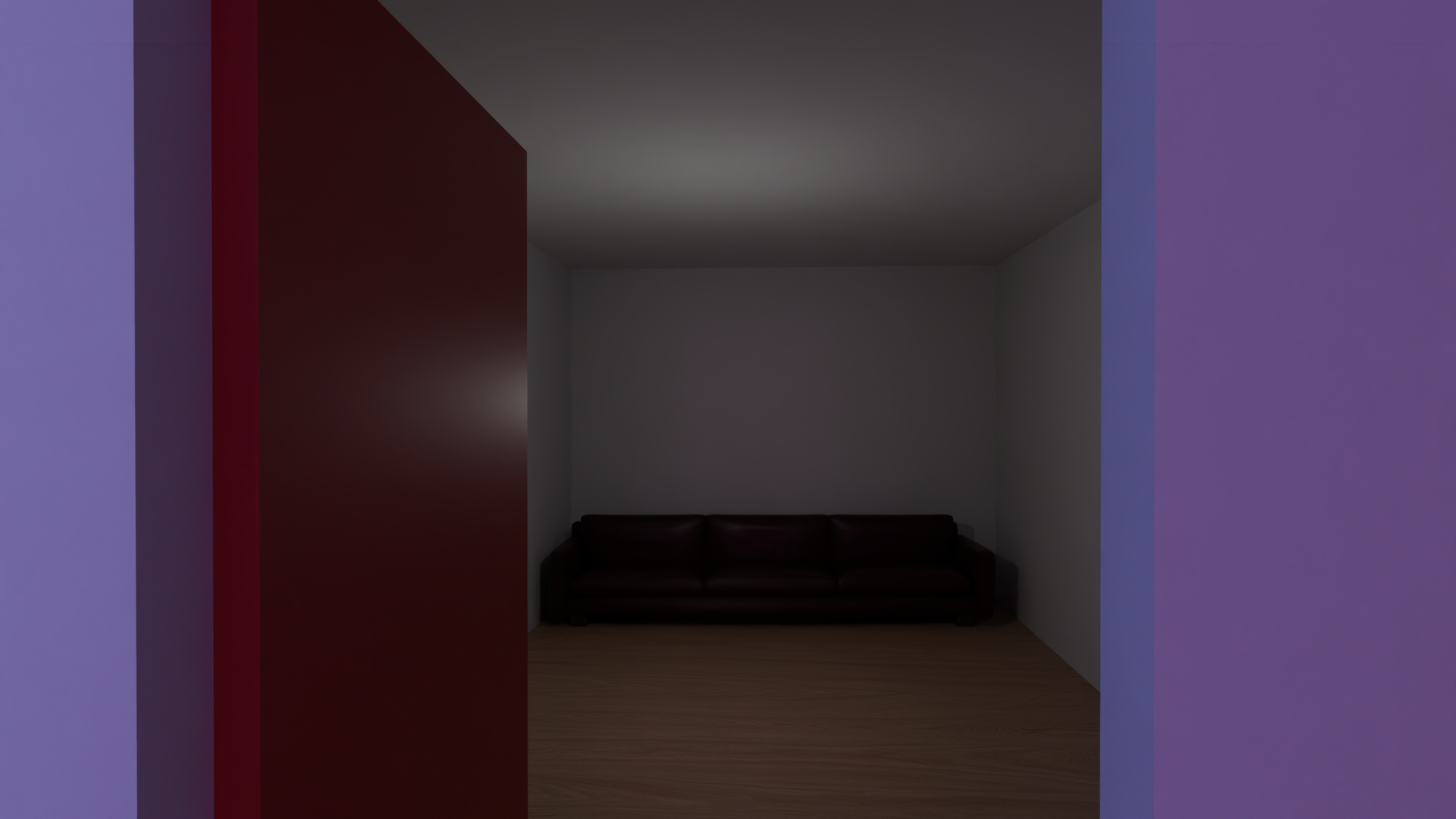
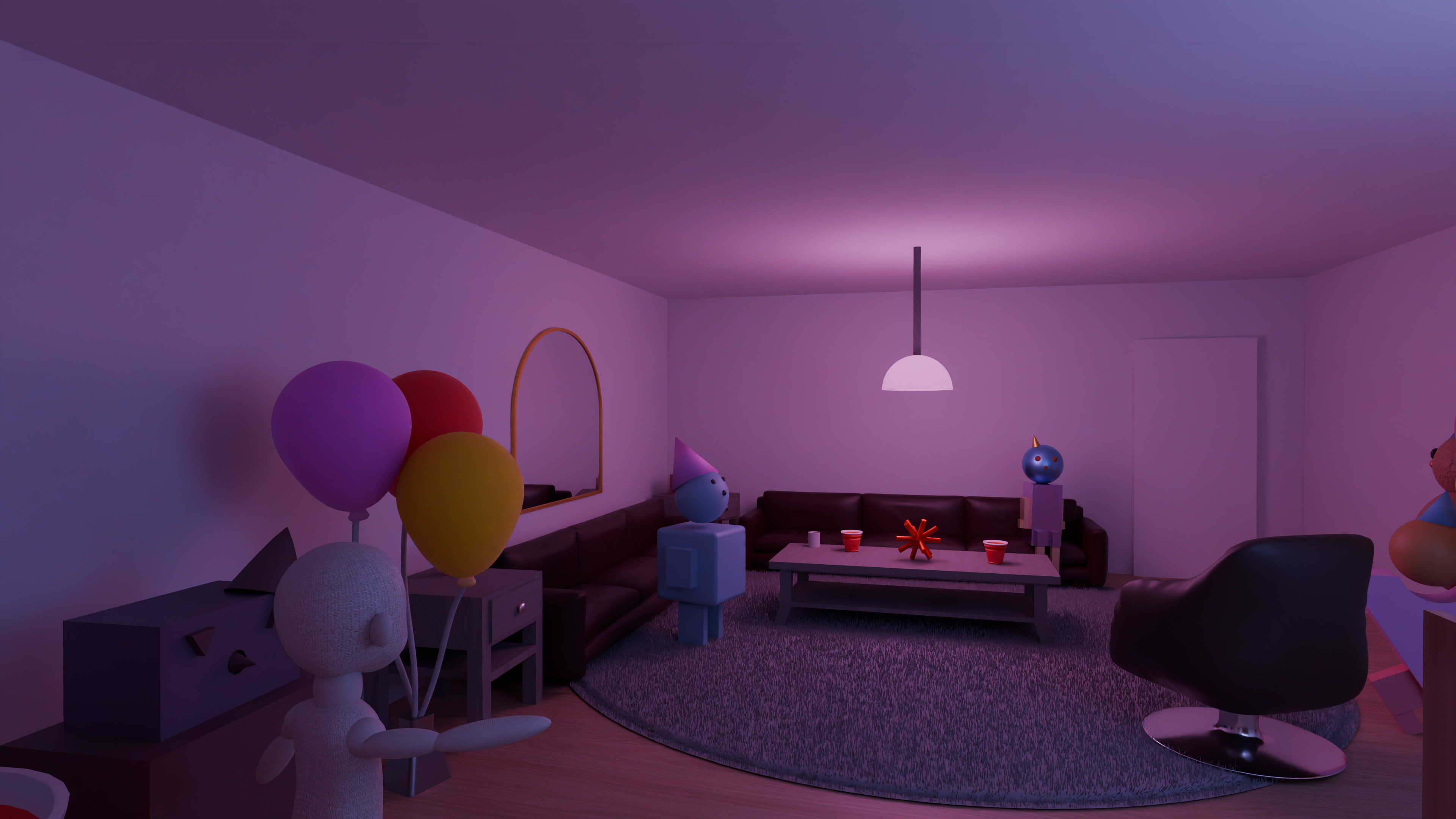
Scene Renders
These are a renders of my party scene video so you can take a closer look at each of the objects.
Photography